Smoky Gangster-Style Walk in a Black Suit
AI Photo Prompt
Want more trending photo prompts? Discover them in the Prompt King Android app on Google Play.
About this prompt
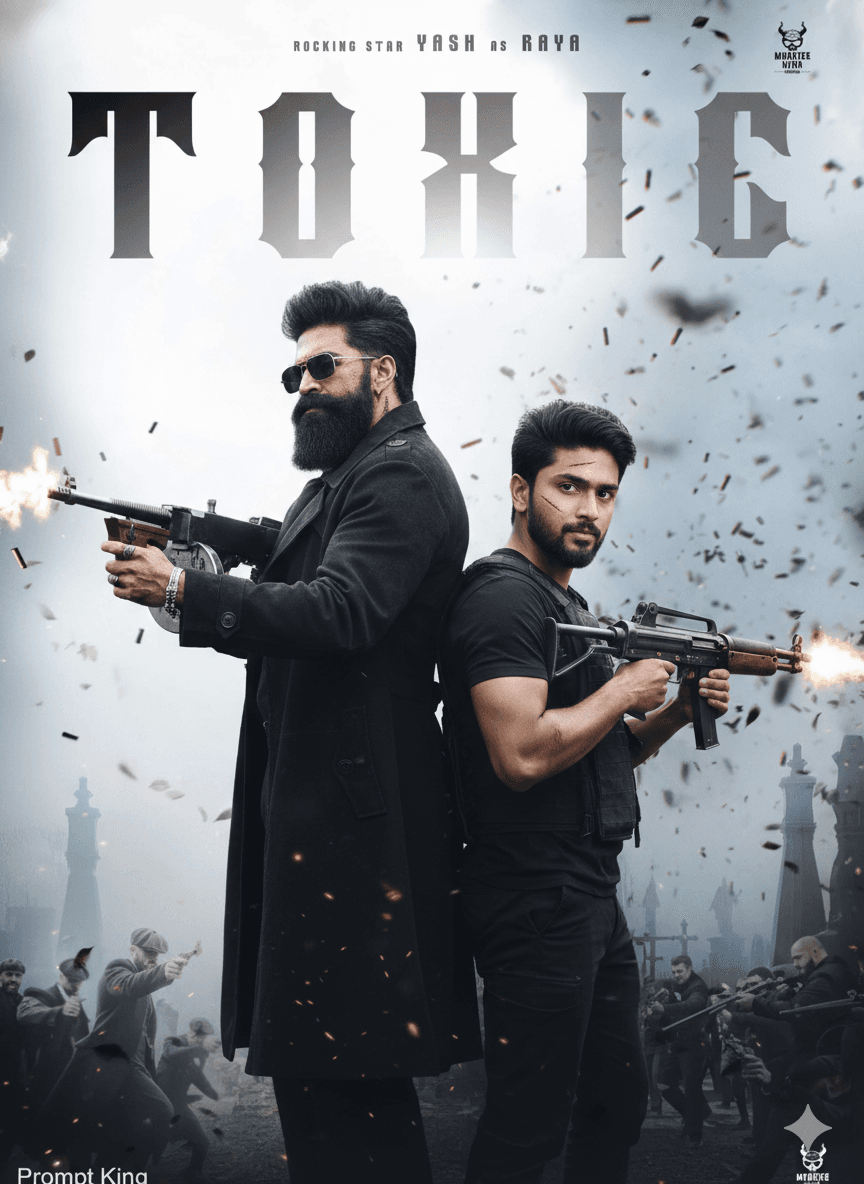
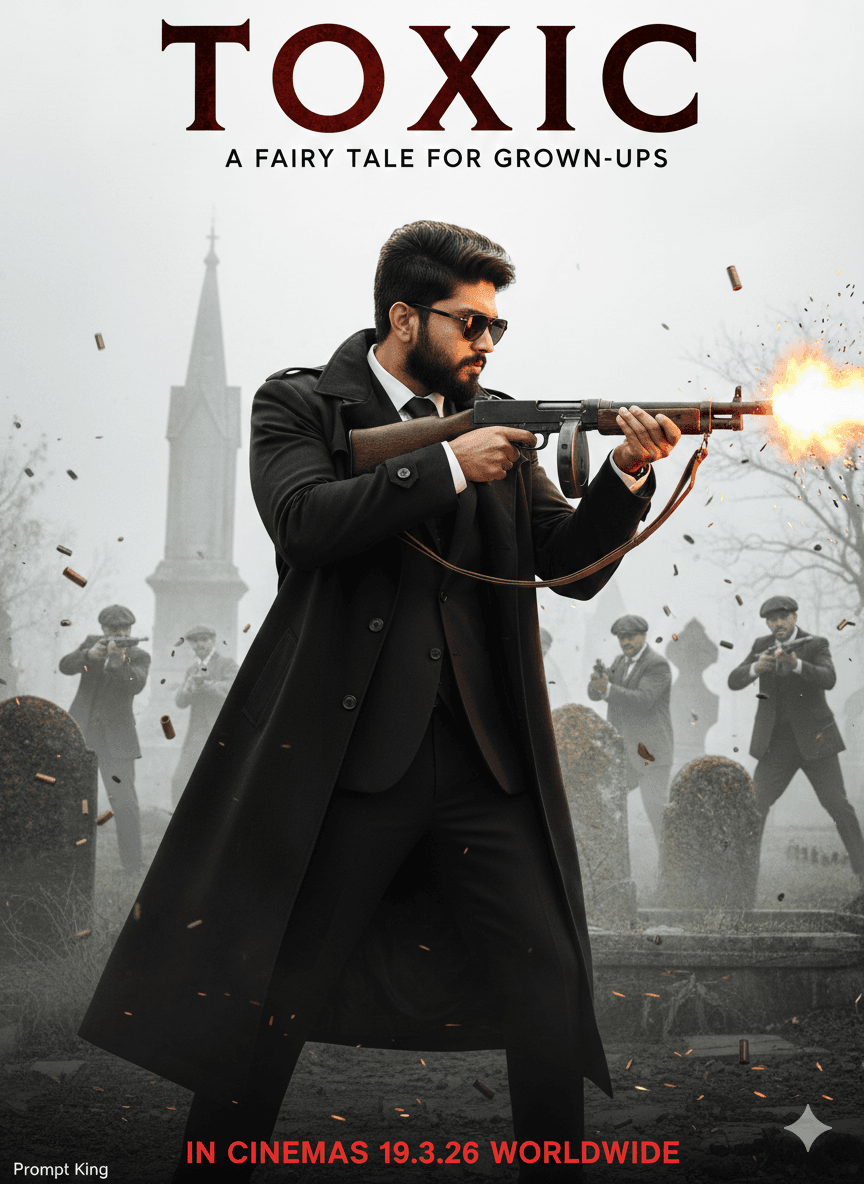
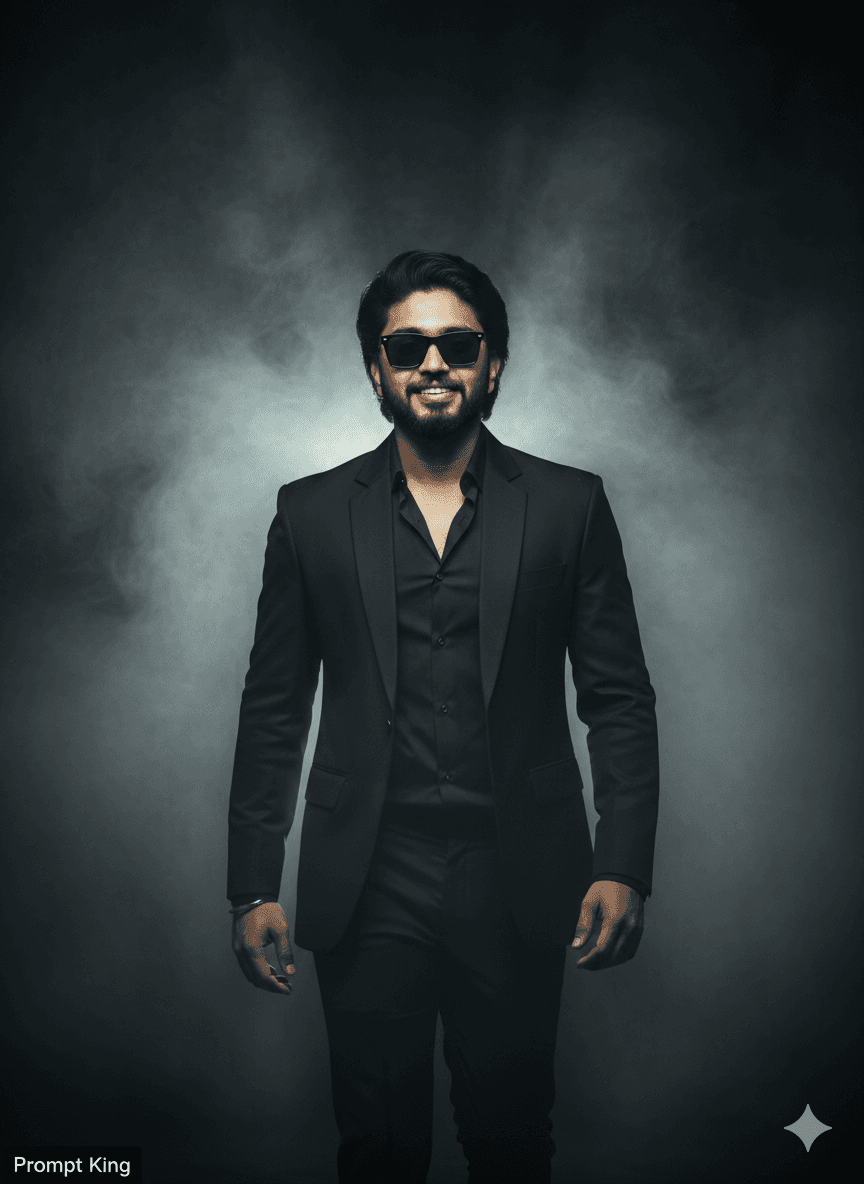
This prompt creates a cinematic full-body portrait of a young man walking towards the camera through thick, smoky air in a dark, moody setting. He has a light, neatly trimmed beard suited to his age, long swept-back hair, black sunglasses and a sharp jawline, and walks with a confident stride. He wears a black tailored suit with an open-collar shirt, giving a stylish gangster-film look. Dramatic rim lighting from behind outlines his figure, while volumetric fog, high-contrast shadows and desaturated colour grading create the feel of an action movie poster. The framing is centred, with shallow depth of field, film grain and realistic proportions, and the prompt asks for a close match to the uploaded face. The original prompt is titled after a specific upcoming film and copies the style of its promotional look, so it is best adapted into an original poster with your own title text. In that form it suits men who like bold, dark portraits for profile pictures, birthday edits or a personal movie-poster style image.
Lighting, colour and composition
Strong backlight cuts through dense fog, outlining the suit and hair with a bright edge. Colours are heavily desaturated, close to black, charcoal and grey. A centred, symmetrical composition shows the full body walking forward, with smoke filling the frame around him.
Ways to make it your own
- Add your own title and tagline at the bottom to make it an original poster.
- Switch the black suit to a dark grey or maroon for a slightly different tone.
- Use a 2:3 vertical ratio to get a classic movie poster shape.
Best for
Poster photo ideas and creative portrait inspiration.
Suggested framing
Use the aspect ratio or framing described in the prompt, then adapt it for your intended platform.
Customization ideas
Adjust the clothing, background, lighting, colors and composition to match your own idea.
How to use
Copy the prompt, adapt it to your idea, and paste it into your preferred compatible AI tool. Follow that tool’s instructions for reference photos.
A few helpful answers.
What type of image does this prompt create?
In a compatible AI tool, this prompt is intended as a starting point for this prompt creates a cinematic full-body portrait of a young man walking towards the camera through thick, smoky air in a dark, moody setting. He has a light, neatly trimmed beard suited to his age, long swept-back hair, black sunglasses and a sharp jawline, and walks with a confident stride. He wears a black tailored suit with an open-collar shirt, giving a stylish gangster-film look. Dramatic rim lighting from behind outlines his figure, while volumetric fog, high-contrast shadows and desaturated colour grading create the feel of an action movie poster. The framing is centred, with shallow depth of field, film grain and realistic proportions, and the prompt asks for a close match to the uploaded face. The original prompt is titled after a specific upcoming film and copies the style of its promotional look, so it is best adapted into an original poster with your own title text. In that form it suits men who like bold, dark portraits for profile pictures, birthday edits or a personal movie-poster style image. Results depend on the tool, settings and references you use.
Can I customize the clothing or background?
Yes. Replace the clothing, setting or colors in the prompt with your own choices. Keep descriptions consistent and adjust one detail at a time.
What aspect ratio works best?
Start with Use the aspect ratio or framing described in the prompt, then adapt it for your intended platform.. A 4:5 ratio works well for a portrait feed post. Adjust the crop for your intended platform and your tool’s available settings.
Does Prompt King generate the image?
No. Prompt King helps users discover and copy prompts that can be used with compatible AI tools.
Can I use this for social media ideas?
Yes. Use it as creative inspiration and customize the result for your audience. Use photos you have permission to upload, and check your chosen tool’s terms before publishing.