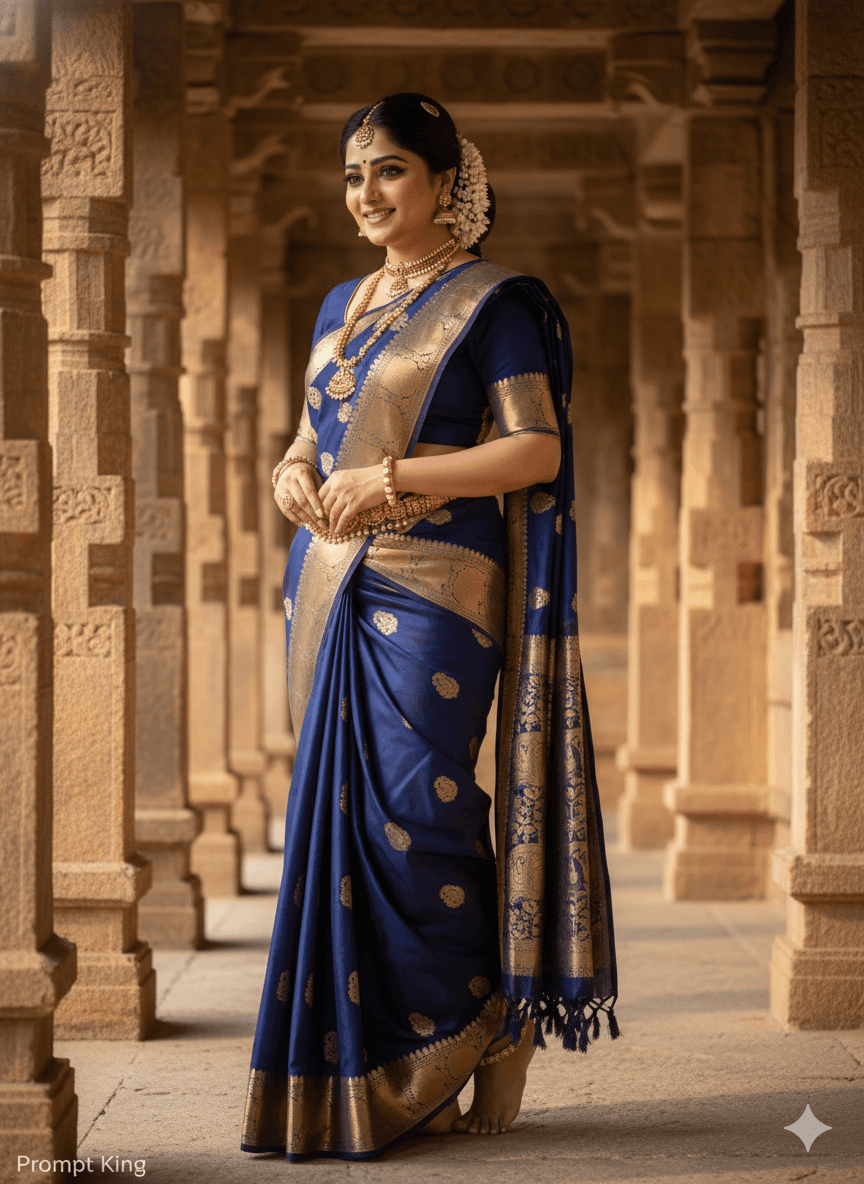
Navy Saree With Temple Jewellery in a Stone Pavilion
AI Photo Prompt
Want more trending photo prompts? Discover them in the Prompt King Android app on Google Play.
About this prompt
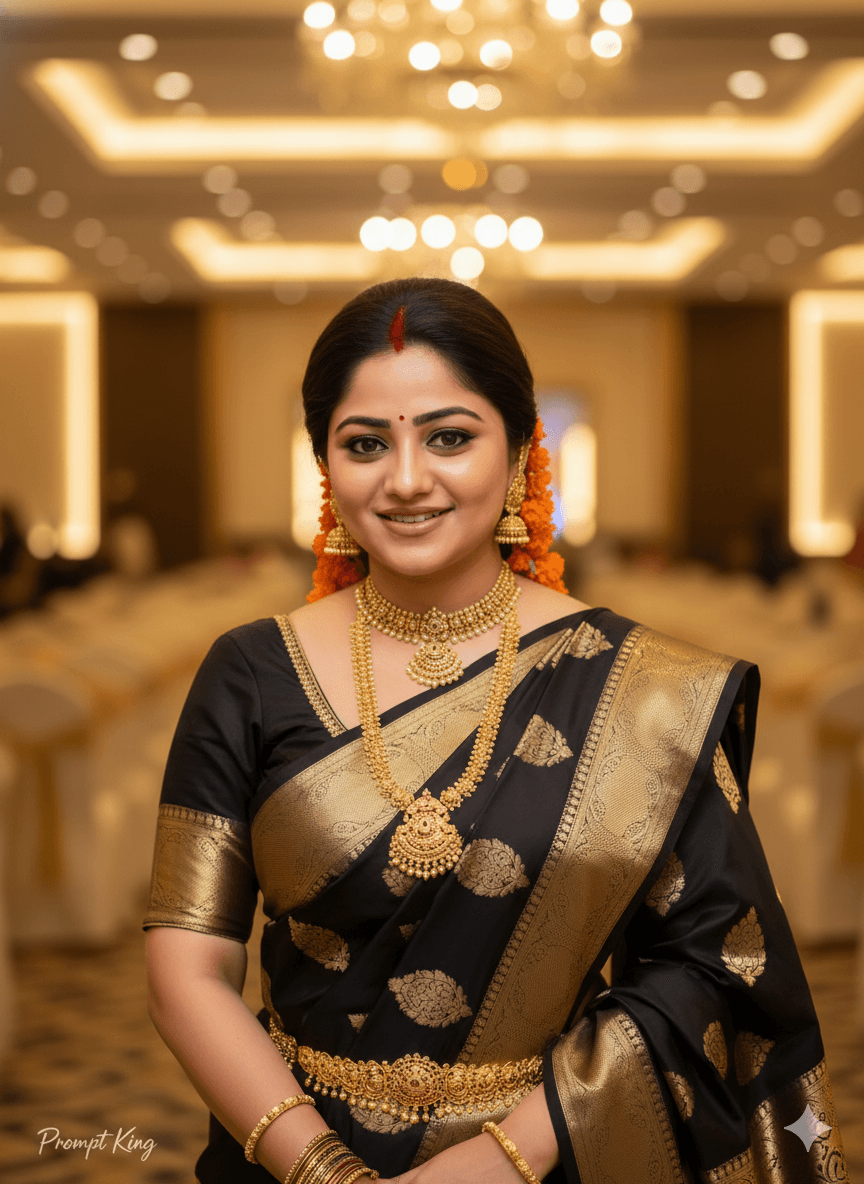
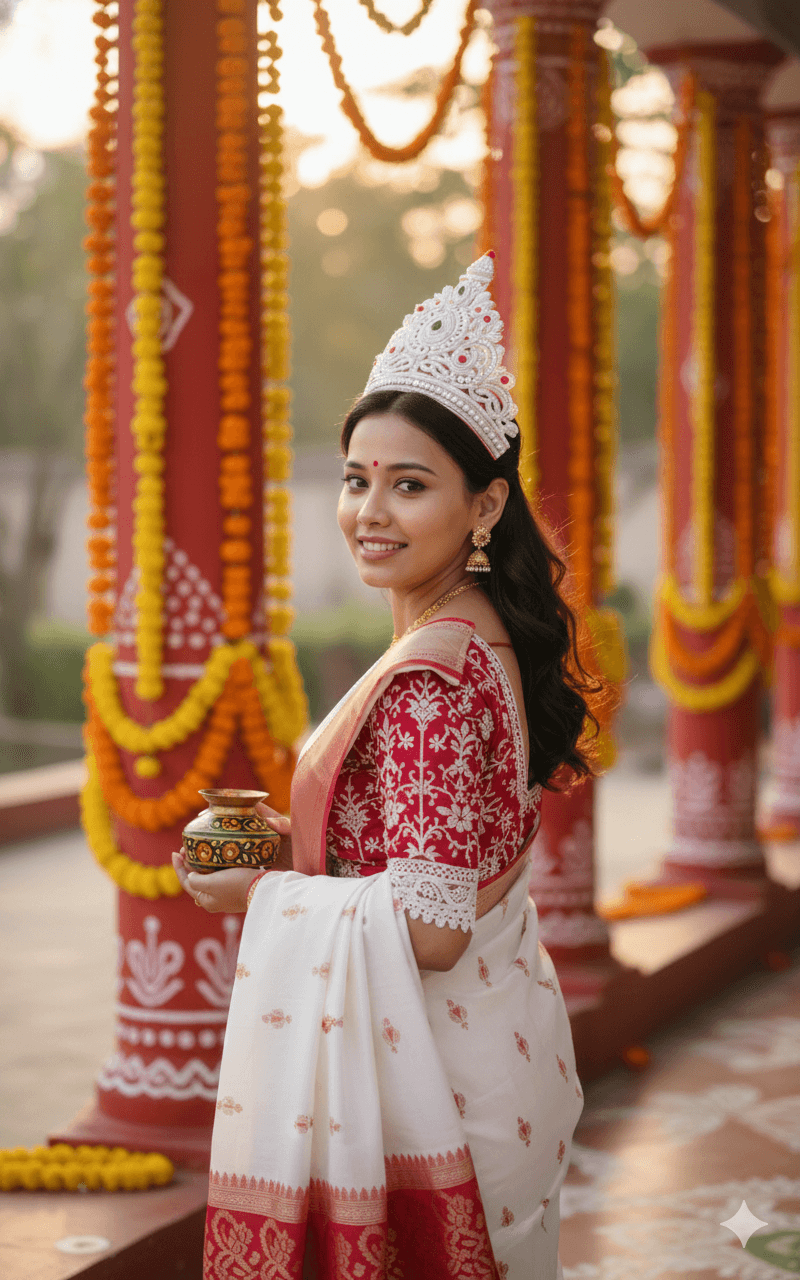
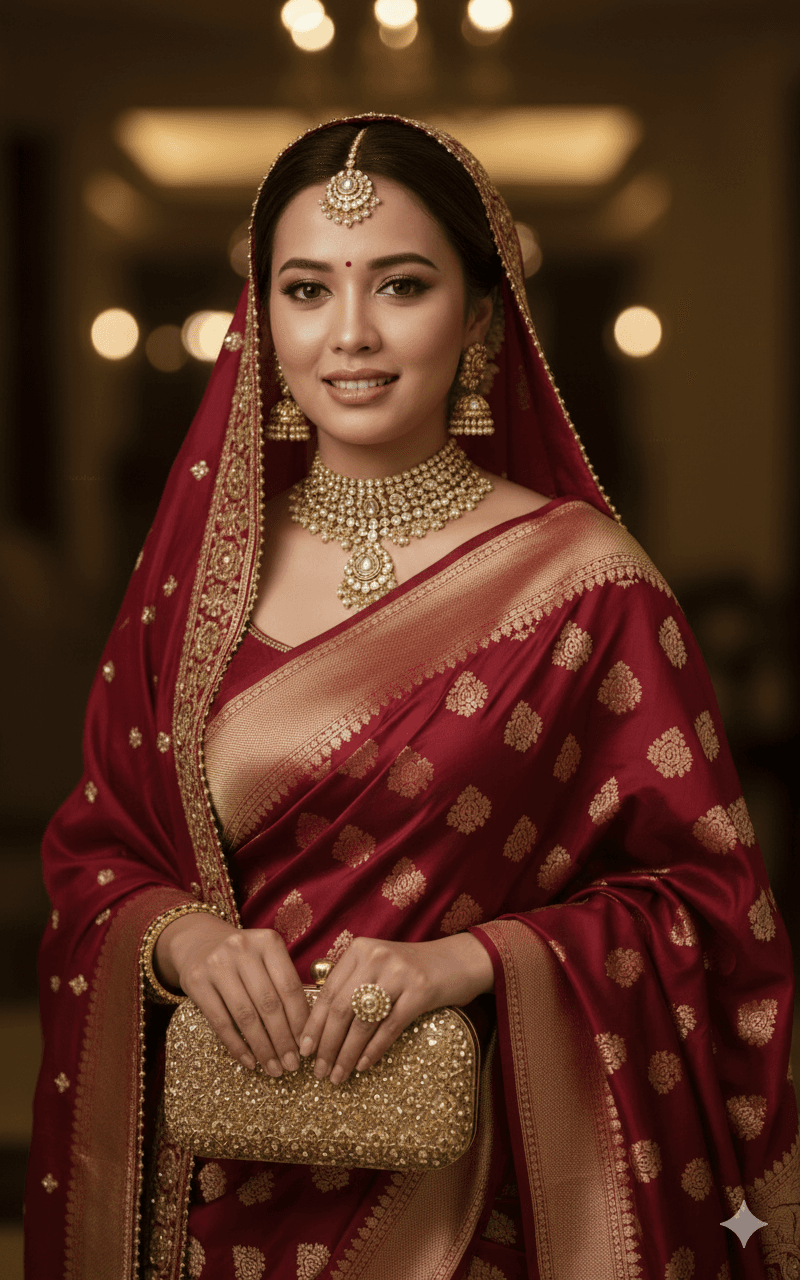
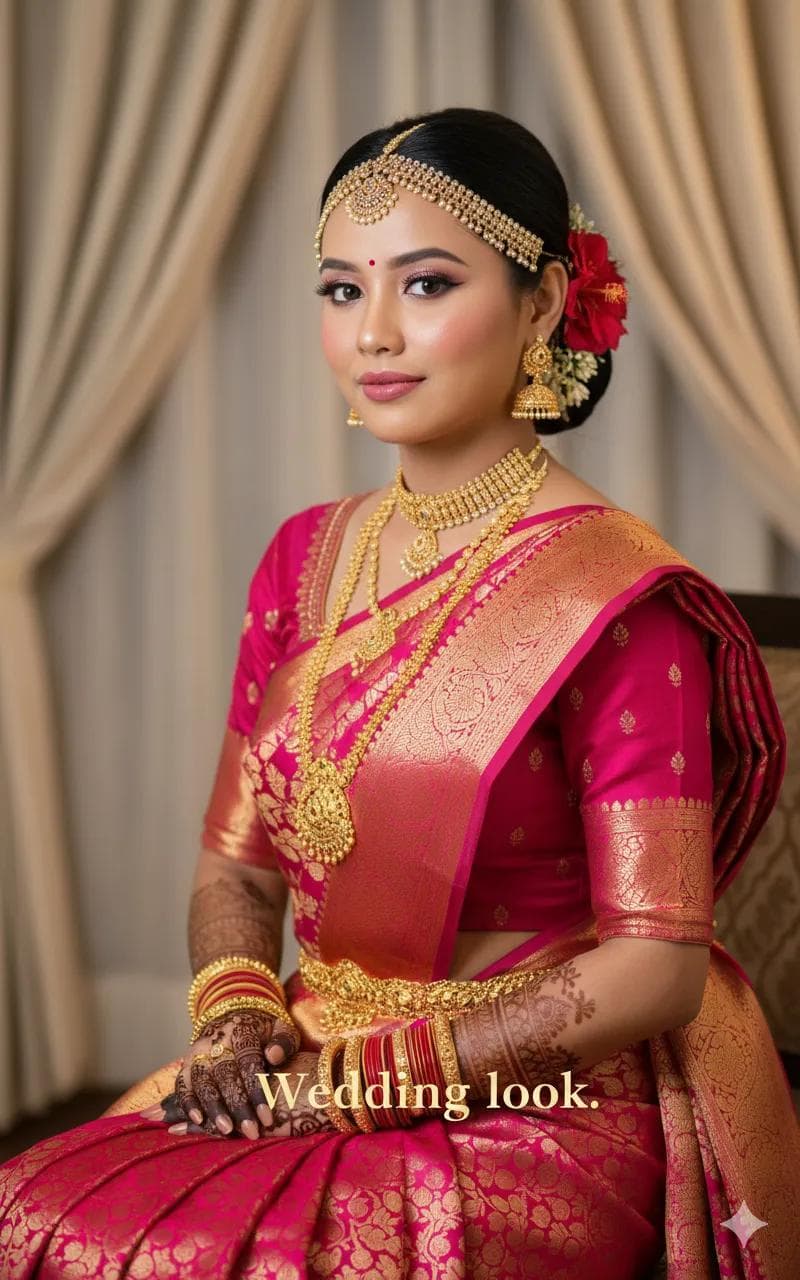
This prompt describes a South Indian woman wearing a deep navy blue saree with heavy gold zari work, paired with a backless blouse that gives the traditional look a bold, modern touch. The saree is draped in layers, and the styling uses classic temple-style jewellery: gold necklaces, bangles, jhumkas, armlets and anklets. Her hair is decorated with fresh gajra flowers, a strong cue for South Indian and royal heritage styling. The setting is an ancient stone pavilion or temple corridor bathed in warm natural light, which complements the gold jewellery and rich fabric. The overall feel is graceful and dignified, similar to a bridal or heritage fashion shoot. This prompt suits brides, bridal makeup artists, saree lovers and anyone preparing for a wedding, engagement, reception or traditional function. It also works for festival posts during Pongal, Onam or Ugadi and for traditional-wear profile pictures. You can easily adapt the saree colour and setting to match a particular event or regional style.
Lighting, colour and composition
Warm natural light falls across carved stone pillars and reflects off gold zari and jewellery. The palette is deep navy, antique gold and warm sandstone. A full or three-quarter figure stands within the corridor, with pillars creating strong leading lines towards her.
Ways to make it your own
- Swap navy for maroon, bottle green or mustard to match a wedding colour theme.
- Choose a traditional blouse with sleeves if you prefer a more conservative look.
- Add oil lamps along the corridor for a festive evening version of the scene.
Best for
Bridal photo ideas and creative portrait inspiration.
Suggested framing
Use the aspect ratio or framing described in the prompt, then adapt it for your intended platform.
Customization ideas
Adjust the clothing, background, lighting, colors and composition to match your own idea.
How to use
Copy the prompt, adapt it to your idea, and paste it into your preferred compatible AI tool. Follow that tool’s instructions for reference photos.
A few helpful answers.
What type of image does this prompt create?
In a compatible AI tool, this prompt is intended as a starting point for this prompt describes a South Indian woman wearing a deep navy blue saree with heavy gold zari work, paired with a backless blouse that gives the traditional look a bold, modern touch. The saree is draped in layers, and the styling uses classic temple-style jewellery: gold necklaces, bangles, jhumkas, armlets and anklets. Her hair is decorated with fresh gajra flowers, a strong cue for South Indian and royal heritage styling. The setting is an ancient stone pavilion or temple corridor bathed in warm natural light, which complements the gold jewellery and rich fabric. The overall feel is graceful and dignified, similar to a bridal or heritage fashion shoot. This prompt suits brides, bridal makeup artists, saree lovers and anyone preparing for a wedding, engagement, reception or traditional function. It also works for festival posts during Pongal, Onam or Ugadi and for traditional-wear profile pictures. You can easily adapt the saree colour and setting to match a particular event or regional style. Results depend on the tool, settings and references you use.
Can I customize the clothing or background?
Yes. Replace the clothing, setting or colors in the prompt with your own choices. Keep descriptions consistent and adjust one detail at a time.
What aspect ratio works best?
Start with Use the aspect ratio or framing described in the prompt, then adapt it for your intended platform.. A 4:5 ratio works well for a portrait feed post. Adjust the crop for your intended platform and your tool’s available settings.
Does Prompt King generate the image?
No. Prompt King helps users discover and copy prompts that can be used with compatible AI tools.
Can I use this for social media ideas?
Yes. Use it as creative inspiration and customize the result for your audience. Use photos you have permission to upload, and check your chosen tool’s terms before publishing.