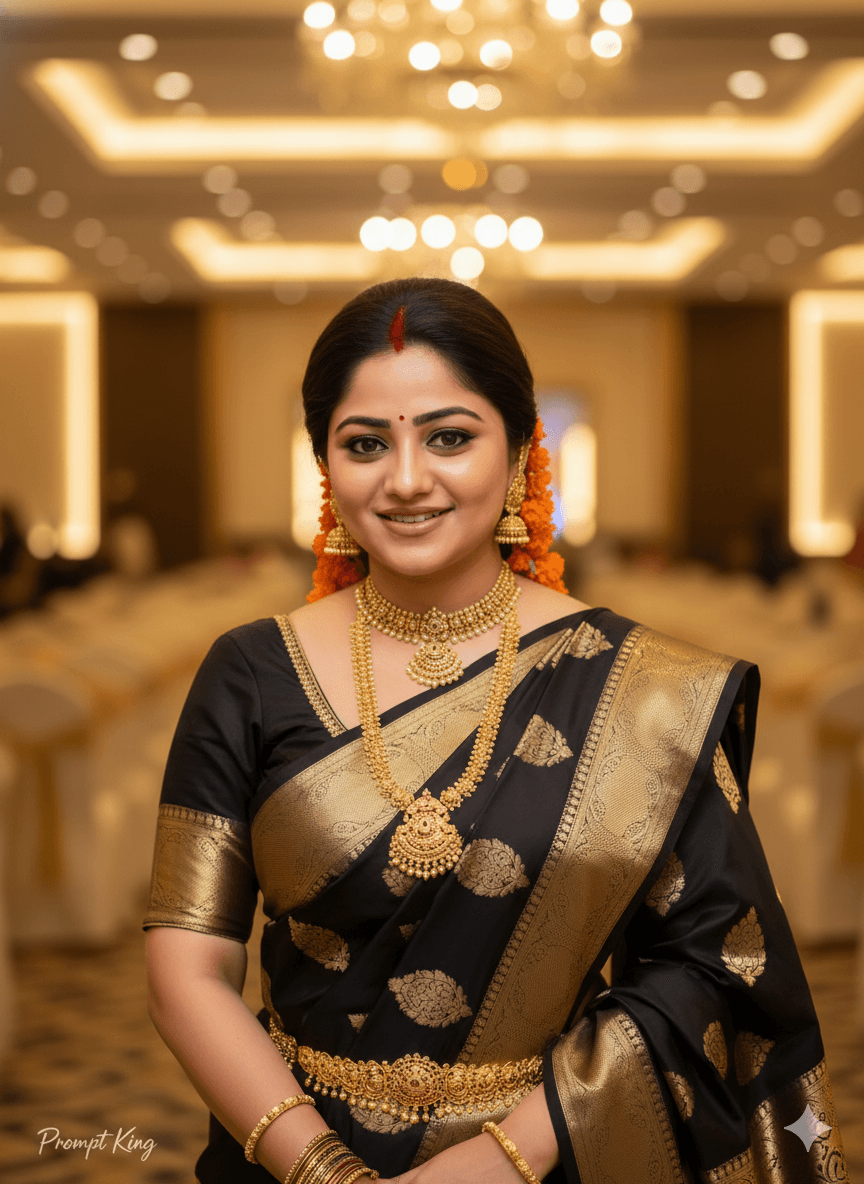
Black Kanjeevaram Saree Bridal Portrait With Marigold Gajra
AI Photo Prompt
Want more trending photo prompts? Discover them in the Prompt King Android app on Google Play.
About this prompt
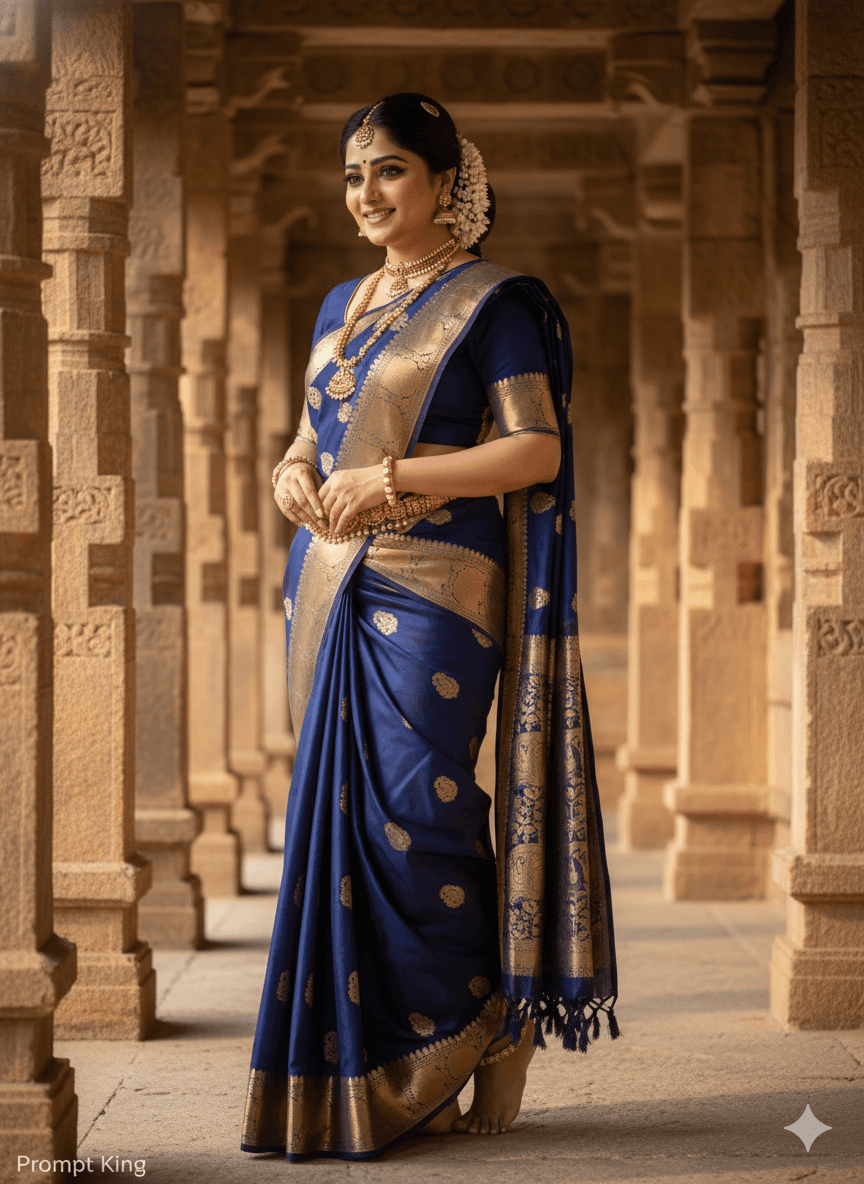
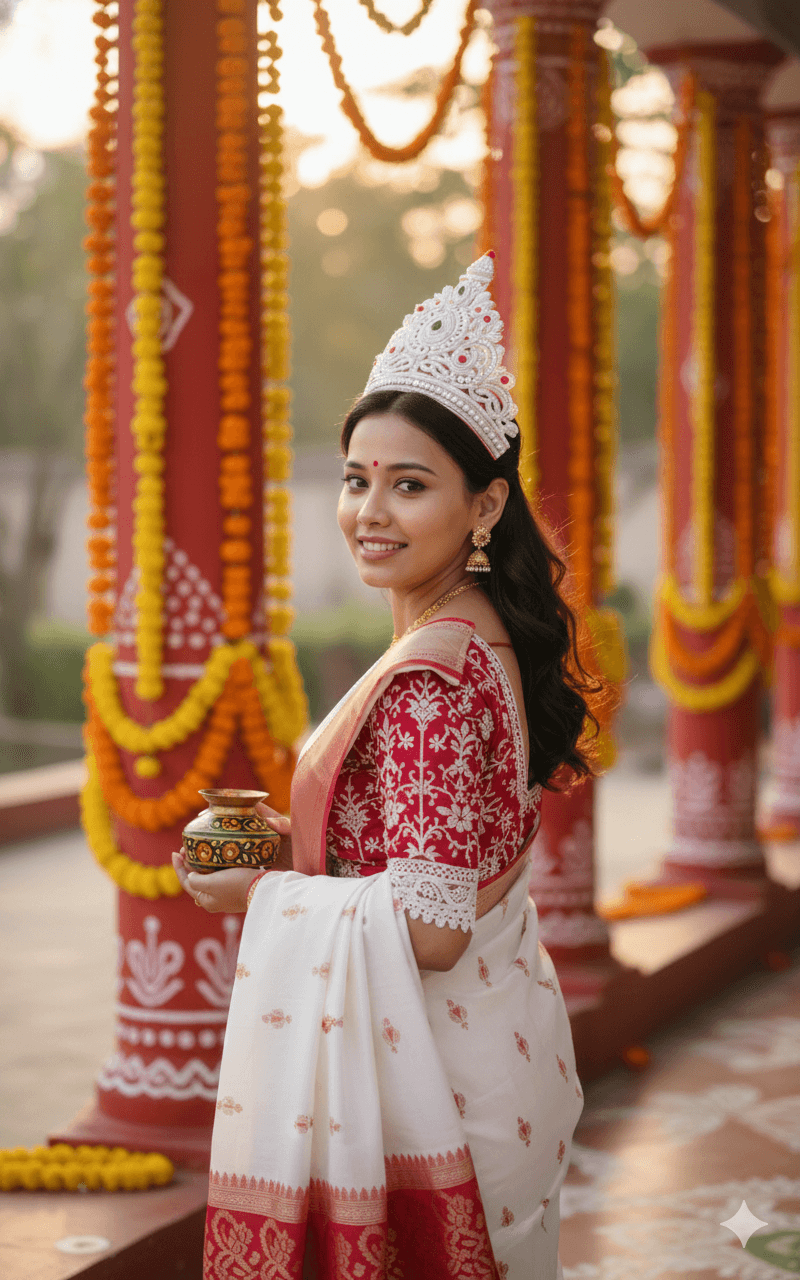
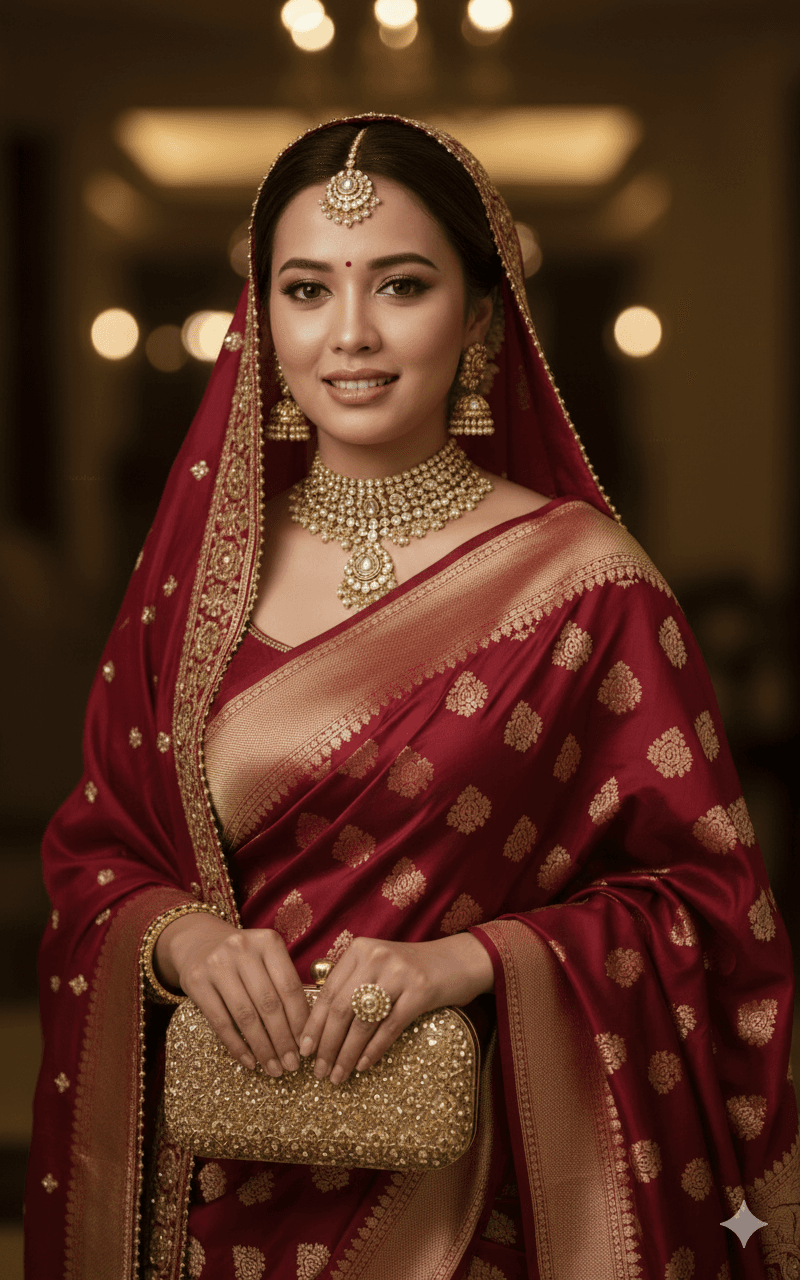
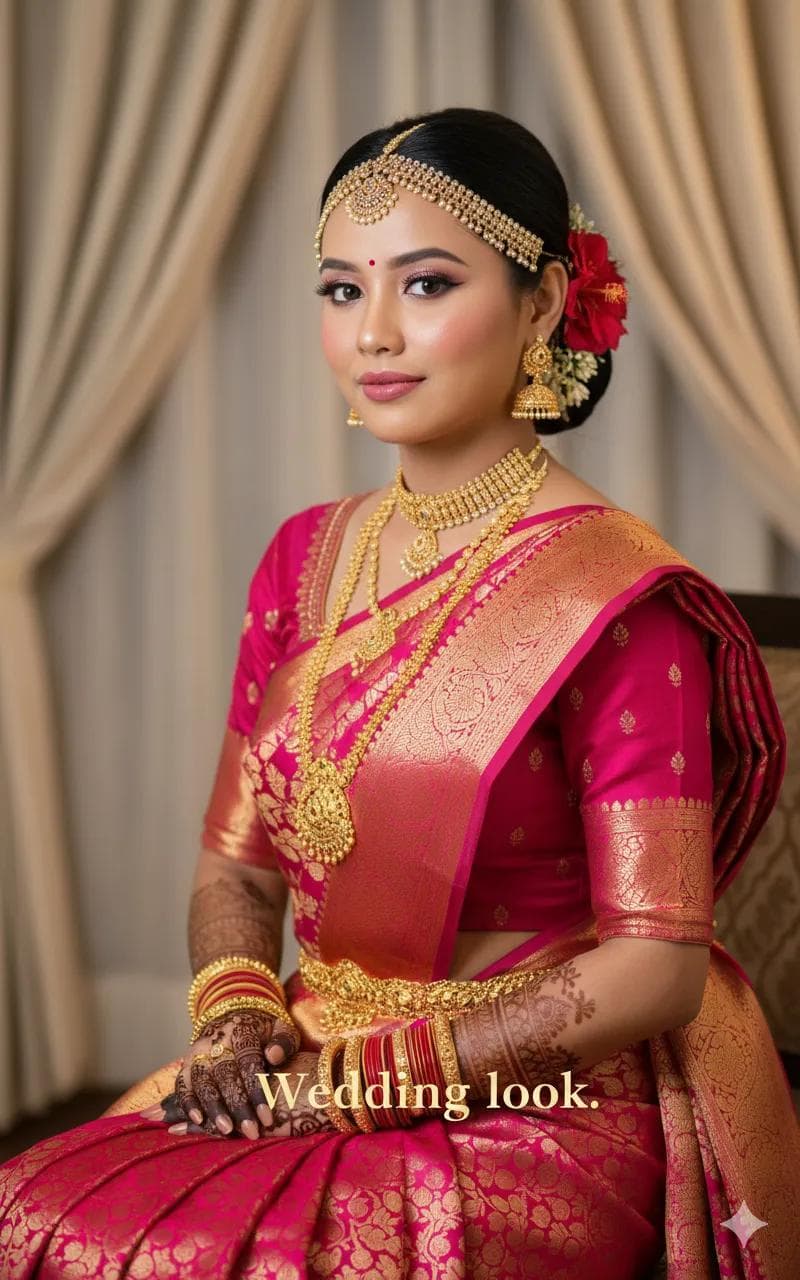
This prompt creates a high-resolution, photorealistic portrait of the woman in your reference image, with soft facial features, expressive dark eyes and neatly groomed eyebrows. Her long dark wavy hair is partly tied back and decorated with bright orange marigold flowers in a gajra. She wears an elegant black silk Kanjeevaram saree with intricate gold zari borders and traditional motifs. Her jewellery is heavy traditional gold: a layered choker, a long haram necklace, matching jhumka earrings, a gold waist belt (vaddanam) and several gold bangles. The lighting is warm and cinematic, and the background is a softly blurred indoor banquet hall with golden hues, as at a wedding reception. The focus stays sharp on her face, while realistic skin texture keeps it natural. Black is less common for bridal wear, so this prompt gives a striking alternative to red and maroon. It suits brides and bridesmaids, reception and engagement looks, South Indian wedding inspiration and traditional profile pictures for women who prefer rich silk sarees.
Lighting, colour and composition
Warm, cinematic indoor lighting reflects off gold zari and jewellery and gives the background a golden haze. The palette is deep black, antique gold and marigold orange. A head-and-torso portrait keeps the face centred, with the haram and vaddanam visible below.
Ways to make it your own
- Swap the black saree for deep maroon or purple Kanjeevaram to suit a different ceremony.
- Replace marigolds with jasmine for a more classic South Indian bridal look.
- Use a temple mandapam background for a wedding ceremony version of the portrait.
Best for
Bridal photo ideas and creative portrait inspiration.
Suggested framing
Use the aspect ratio or framing described in the prompt, then adapt it for your intended platform.
Customization ideas
Adjust the clothing, background, lighting, colors and composition to match your own idea.
How to use
Copy the prompt, adapt it to your idea, and paste it into your preferred compatible AI tool. Follow that tool’s instructions for reference photos.
A few helpful answers.
What type of image does this prompt create?
In a compatible AI tool, this prompt is intended as a starting point for this prompt creates a high-resolution, photorealistic portrait of the woman in your reference image, with soft facial features, expressive dark eyes and neatly groomed eyebrows. Her long dark wavy hair is partly tied back and decorated with bright orange marigold flowers in a gajra. She wears an elegant black silk Kanjeevaram saree with intricate gold zari borders and traditional motifs. Her jewellery is heavy traditional gold: a layered choker, a long haram necklace, matching jhumka earrings, a gold waist belt (vaddanam) and several gold bangles. The lighting is warm and cinematic, and the background is a softly blurred indoor banquet hall with golden hues, as at a wedding reception. The focus stays sharp on her face, while realistic skin texture keeps it natural. Black is less common for bridal wear, so this prompt gives a striking alternative to red and maroon. It suits brides and bridesmaids, reception and engagement looks, South Indian wedding inspiration and traditional profile pictures for women who prefer rich silk sarees. Results depend on the tool, settings and references you use.
Can I customize the clothing or background?
Yes. Replace the clothing, setting or colors in the prompt with your own choices. Keep descriptions consistent and adjust one detail at a time.
What aspect ratio works best?
Start with Use the aspect ratio or framing described in the prompt, then adapt it for your intended platform.. A 4:5 ratio works well for a portrait feed post. Adjust the crop for your intended platform and your tool’s available settings.
Does Prompt King generate the image?
No. Prompt King helps users discover and copy prompts that can be used with compatible AI tools.
Can I use this for social media ideas?
Yes. Use it as creative inspiration and customize the result for your audience. Use photos you have permission to upload, and check your chosen tool’s terms before publishing.