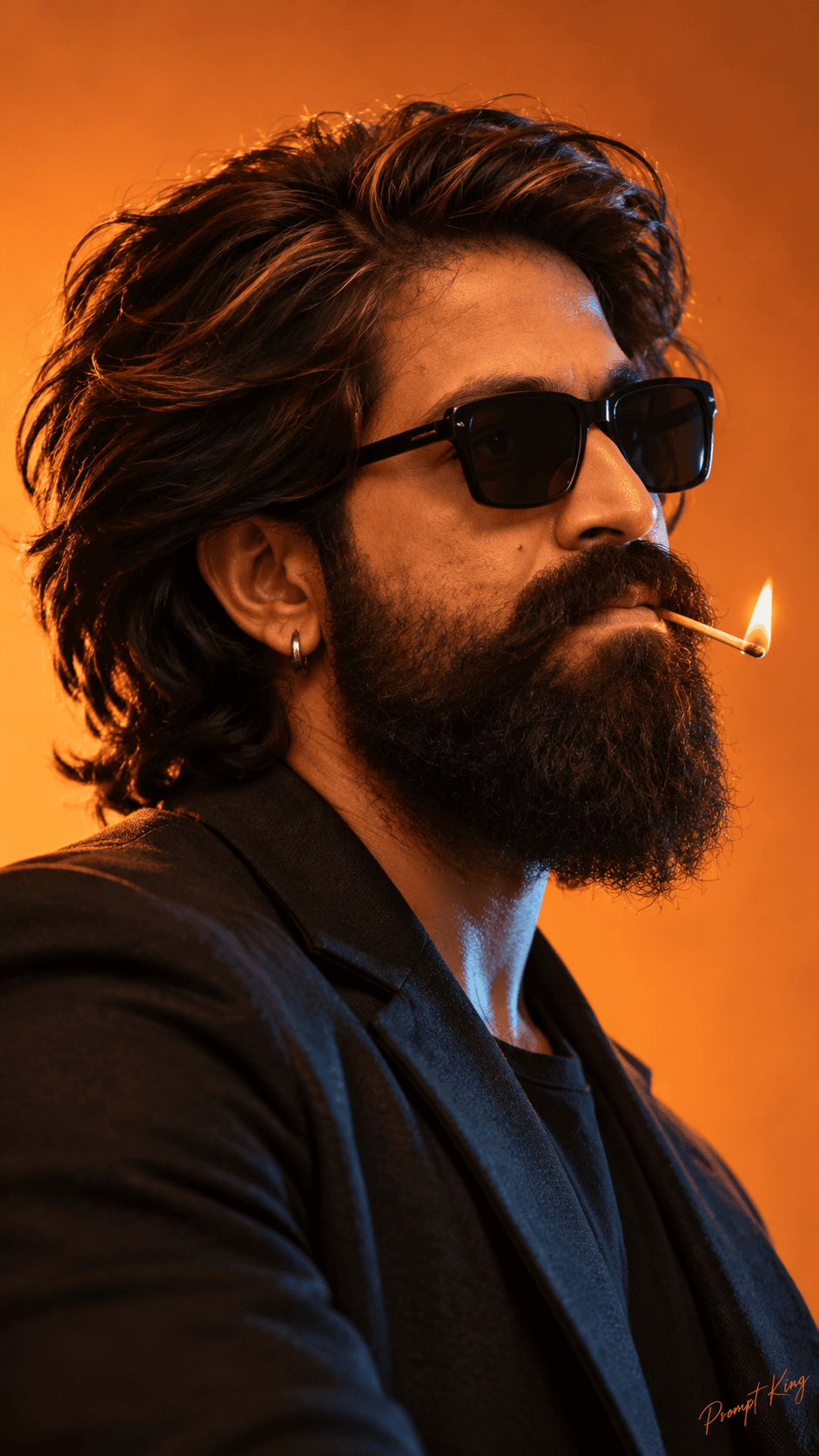
Same Face Twelve Haircuts Studio Lookbook

AI Photo Prompt
Want more trending photo prompts? Discover them in the Prompt King Android app on Google Play.
About this prompt
This prompt creates an ultra-realistic 3x4 lookbook grid of the same young man shown with twelve different haircuts while his facial features, beard, expression, head angle and studio lighting stay identical in every frame. The styles listed are buzz cut, pompadour, slick back, messy fringe, middle part, textured crop, curly top, long wavy hair, undercut, taper fade, side part and modern mullet, which covers short, medium and long options. Each portrait sits on a white background with sharp focus and a fashion lookbook finish, and the full grid is arranged in a tall 9:16 ratio that fits a phone screen. Upload a clear photo of yourself so the grid uses your face. The format is useful for comparing cuts before a barber appointment, picking a style for a wedding or new job, or making a fun before-and-after style post. Because lighting and pose are locked, the differences you see come from the hair alone. For the most realistic result, choose a reference with your forehead visible and hair not covering your ears. The small corner signature in the prompt can be removed.
Lighting, colour and composition
Even, soft studio lighting from the front removes harsh shadows and keeps every frame consistent. White background, natural skin and dark hair keep the palette neutral so attention stays on the haircut. A uniform grid with matching head size, angle and spacing creates a clean catalogue feel.
Ways to make it your own
- Swap out styles you would never try, like the modern mullet, for cuts such as a crew cut or French crop.
- Ask for a light grey background if white makes lighter hair colours hard to see.
- Change the ratio to 1:1 if you want a square grid for a feed post.
Best for
Trending photo ideas and creative portrait inspiration.
Suggested framing
Use the aspect ratio or framing described in the prompt, then adapt it for your intended platform.
Customization ideas
Adjust the clothing, background, lighting, colors and composition to match your own idea.
How to use
Copy the prompt, adapt it to your idea, and paste it into your preferred compatible AI tool. Follow that tool’s instructions for reference photos.
A few helpful answers.
What type of image does this prompt create?
In a compatible AI tool, this prompt is intended as a starting point for this prompt creates an ultra-realistic 3x4 lookbook grid of the same young man shown with twelve different haircuts while his facial features, beard, expression, head angle and studio lighting stay identical in every frame. The styles listed are buzz cut, pompadour, slick back, messy fringe, middle part, textured crop, curly top, long wavy hair, undercut, taper fade, side part and modern mullet, which covers short, medium and long options. Each portrait sits on a white background with sharp focus and a fashion lookbook finish, and the full grid is arranged in a tall 9:16 ratio that fits a phone screen. Upload a clear photo of yourself so the grid uses your face. The format is useful for comparing cuts before a barber appointment, picking a style for a wedding or new job, or making a fun before-and-after style post. Because lighting and pose are locked, the differences you see come from the hair alone. For the most realistic result, choose a reference with your forehead visible and hair not covering your ears. The small corner signature in the prompt can be removed. Results depend on the tool, settings and references you use.
Can I customize the clothing or background?
Yes. Replace the clothing, setting or colors in the prompt with your own choices. Keep descriptions consistent and adjust one detail at a time.
What aspect ratio works best?
Start with Use the aspect ratio or framing described in the prompt, then adapt it for your intended platform.. A 4:5 ratio works well for a portrait feed post. Adjust the crop for your intended platform and your tool’s available settings.
Does Prompt King generate the image?
No. Prompt King helps users discover and copy prompts that can be used with compatible AI tools.
Can I use this for social media ideas?
Yes. Use it as creative inspiration and customize the result for your audience. Use photos you have permission to upload, and check your chosen tool’s terms before publishing.