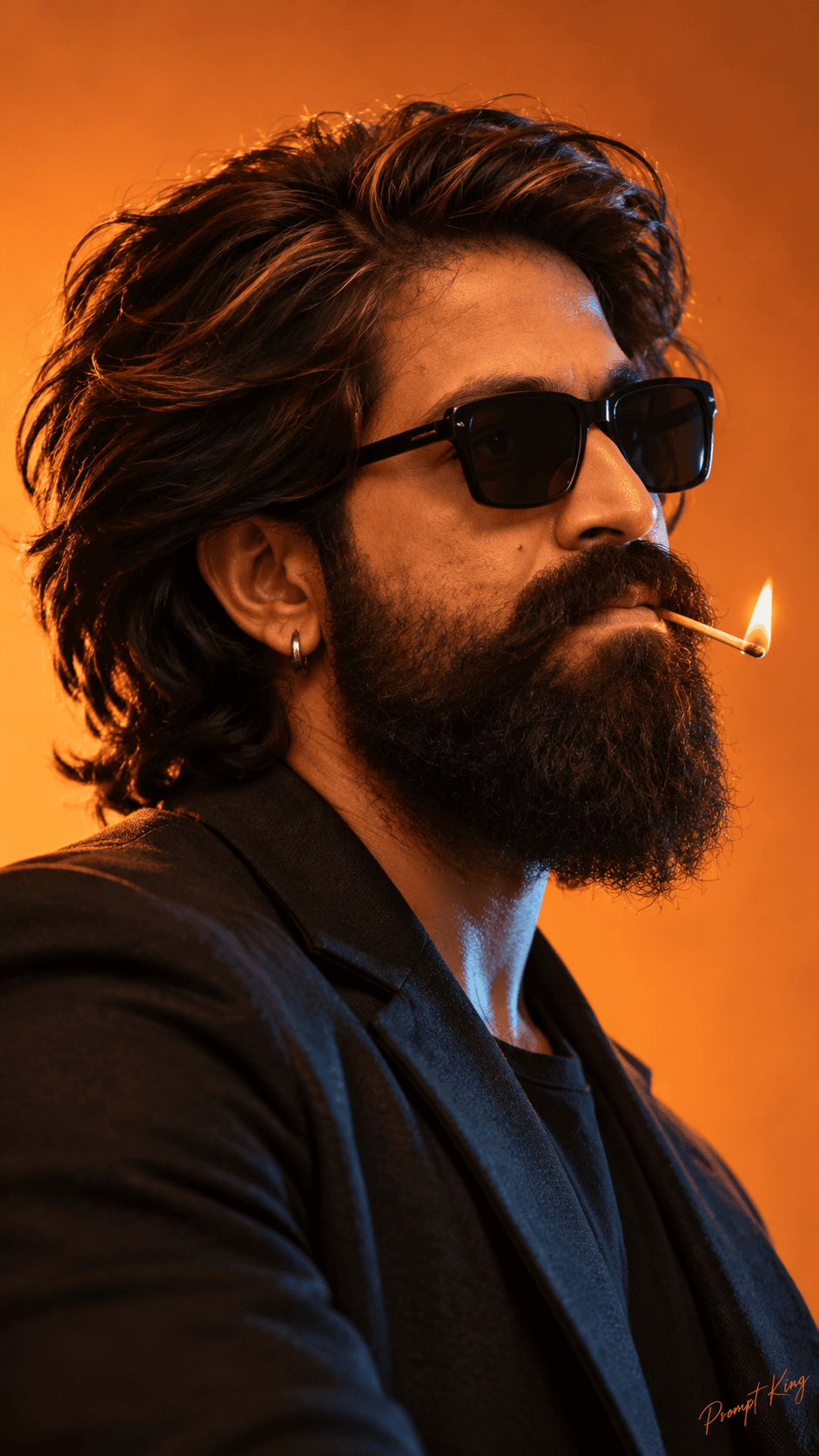
Kannada Rajyotsava

AI Photo Prompt
Want more trending photo prompts? Discover them in the Prompt King Android app on Google Play.
About this prompt
Description: Create a stunning 8K AI portrait celebrating Karnataka Rajyotsava with a heartfelt tribute to Puneeth Rajkumar (Appu). Featuring vibrant Kannada flags, festive crowds, and cinematic DSLR photography. Perfect for AI photo editing, Instagram Reels, and Kannada Rajyotsava status.
Best for
Trending photo ideas and creative portrait inspiration.
Suggested framing
Use the aspect ratio or framing described in the prompt, then adapt it for your intended platform.
Customization ideas
Adjust the clothing, background, lighting, colors and composition to match your own idea.
How to use
Copy the prompt, adapt it to your idea, and paste it into your preferred compatible AI tool. Follow that tool’s instructions for reference photos.
A few helpful answers.
What type of image does this prompt create?
In a compatible AI tool, this prompt is intended as a starting point for description: Create a stunning 8K AI portrait celebrating Karnataka Rajyotsava with a heartfelt tribute to Puneeth Rajkumar (Appu). Featuring vibrant Kannada flags, festive crowds, and cinematic DSLR photography. Perfect for AI photo editing, Instagram Reels, and Kannada Rajyotsava status. Results depend on the tool, settings and references you use.
Can I customize the clothing or background?
Yes. Replace the clothing, setting or colors in the prompt with your own choices. Keep descriptions consistent and adjust one detail at a time.
What aspect ratio works best?
Start with Use the aspect ratio or framing described in the prompt, then adapt it for your intended platform.. A 4:5 ratio works well for a portrait feed post. Adjust the crop for your intended platform and your tool’s available settings.
Does Prompt King generate the image?
No. Prompt King helps users discover and copy prompts that can be used with compatible AI tools.
Can I use this for social media ideas?
Yes. Use it as creative inspiration and customize the result for your audience. Use photos you have permission to upload, and check your chosen tool’s terms before publishing.