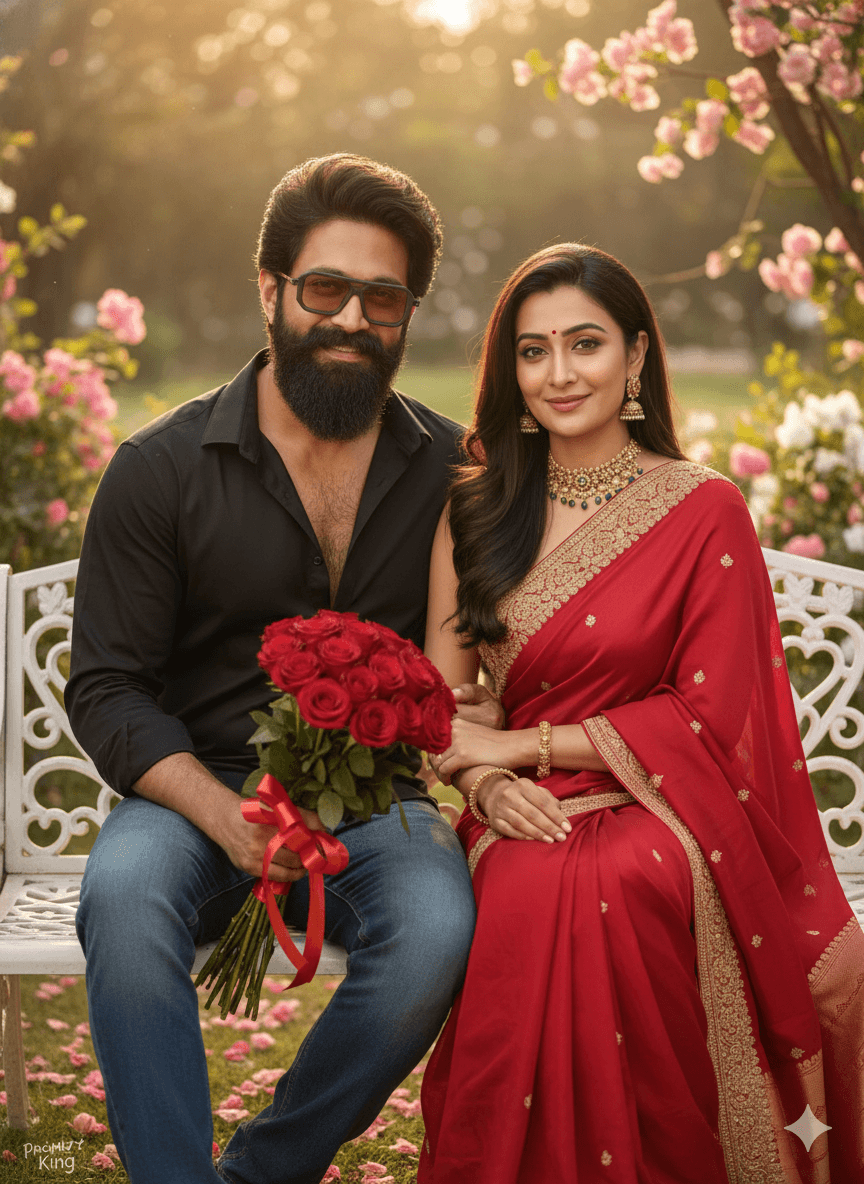
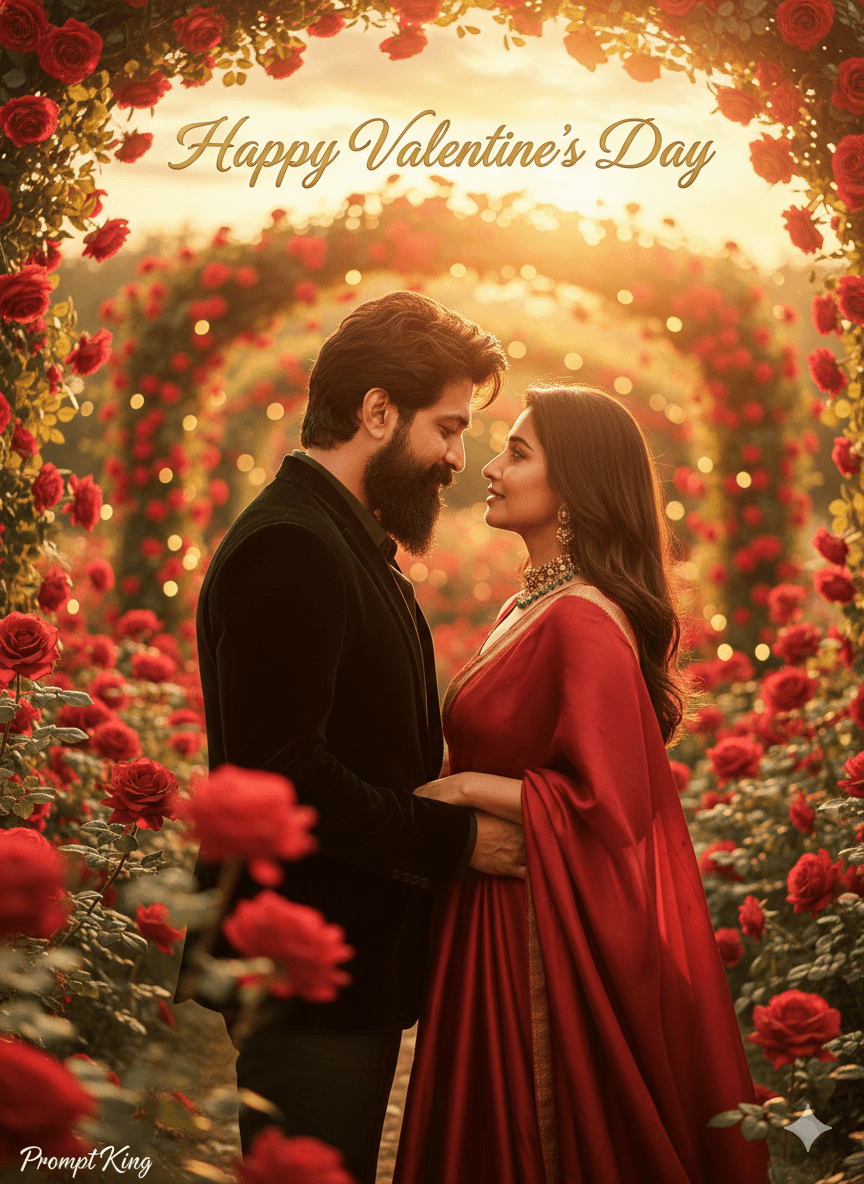
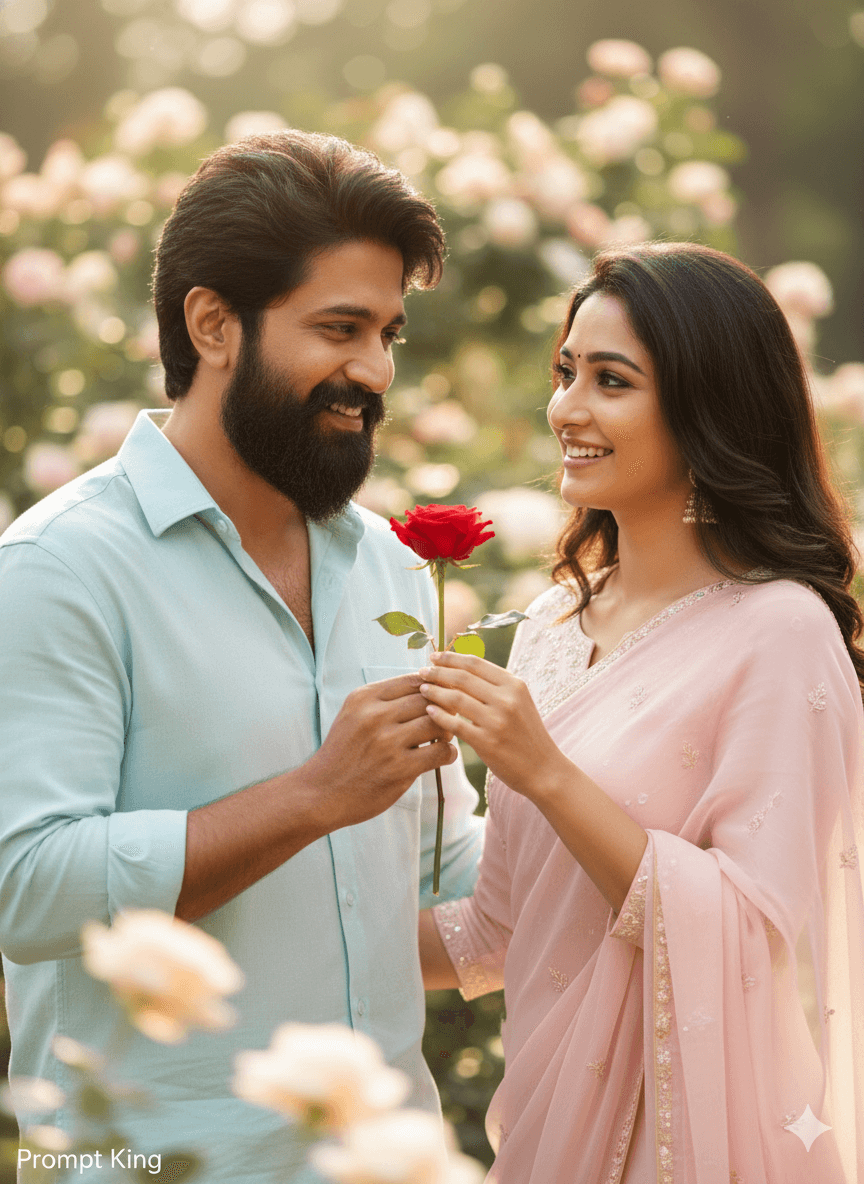
Red Rose Proposal in a Sunlit Flower Garden
AI Photo Prompt
Want more trending photo prompts? Discover them in the Prompt King Android app on Google Play.
About this prompt
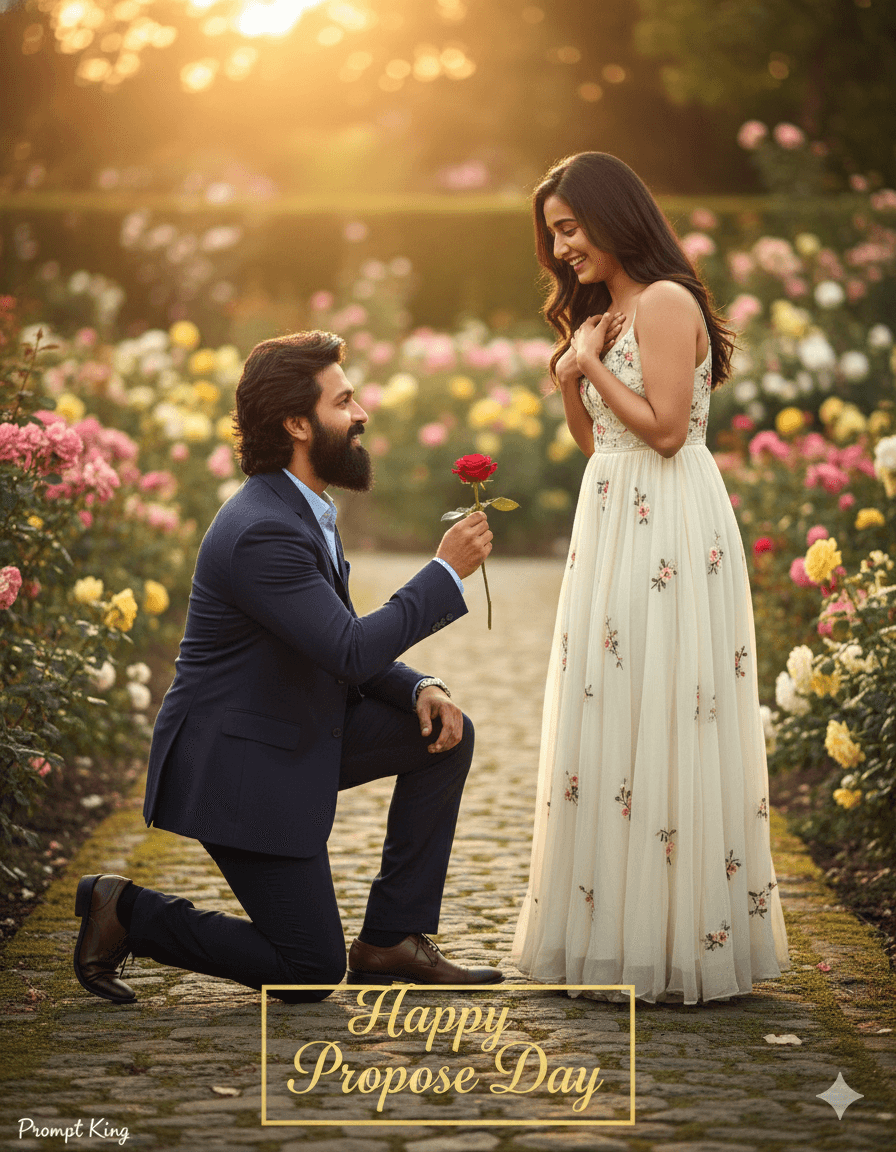
This prompt creates a realistic, candid proposal scene in an outdoor garden. A young man kneels on one knee and offers a single red rose to a young woman, who smiles shyly with happy tears in her eyes. Blurred flowers fill the background, and soft golden-hour lighting gives the whole scene a warm, natural glow. The image is meant to feel like a real DSLR photograph, with natural skin texture, genuine emotions and cinematic depth of field rather than an overly polished studio look. Colours are vibrant, especially the greens of the garden and the deep red of the rose. The words 'Happy Propose Day' are written in an attractive font within the image, making it ready to share as a greeting. This style suits young couples celebrating Propose Day on 8 February, students and newly dating partners looking for a sweet and simple image, or anyone wanting to send a romantic message. It feels innocent and heartfelt, focusing on emotion over luxury. For the best outcome, use a reference photo of both partners where faces are clearly visible, and keep clothing casual so the scene matches the relaxed garden setting and natural light.
Lighting, colour and composition
Low golden-hour sun creates warm rim light and soft shadows. The palette is rich garden green with colourful floral bokeh and a single deep red rose as the focal accent. A horizontal-friendly composition places the kneeling boy and standing girl facing each other, with shallow depth of field isolating the couple.
Ways to make it your own
- Replace the single rose with a small bouquet for a fuller, more festive look.
- Ask for a park bench or fountain in the background for added context.
- Move the greeting text to the top of the frame so it doesn't cover the couple.
Best for
Valentine's day photo ideas and creative portrait inspiration.
Suggested framing
Use the aspect ratio or framing described in the prompt, then adapt it for your intended platform.
Customization ideas
Adjust the clothing, background, lighting, colors and composition to match your own idea.
How to use
Copy the prompt, adapt it to your idea, and paste it into your preferred compatible AI tool. Follow that tool’s instructions for reference photos.
A few helpful answers.
What type of image does this prompt create?
In a compatible AI tool, this prompt is intended as a starting point for this prompt creates a realistic, candid proposal scene in an outdoor garden. A young man kneels on one knee and offers a single red rose to a young woman, who smiles shyly with happy tears in her eyes. Blurred flowers fill the background, and soft golden-hour lighting gives the whole scene a warm, natural glow. The image is meant to feel like a real DSLR photograph, with natural skin texture, genuine emotions and cinematic depth of field rather than an overly polished studio look. Colours are vibrant, especially the greens of the garden and the deep red of the rose. The words 'Happy Propose Day' are written in an attractive font within the image, making it ready to share as a greeting. This style suits young couples celebrating Propose Day on 8 February, students and newly dating partners looking for a sweet and simple image, or anyone wanting to send a romantic message. It feels innocent and heartfelt, focusing on emotion over luxury. For the best outcome, use a reference photo of both partners where faces are clearly visible, and keep clothing casual so the scene matches the relaxed garden setting and natural light. Results depend on the tool, settings and references you use.
Can I customize the clothing or background?
Yes. Replace the clothing, setting or colors in the prompt with your own choices. Keep descriptions consistent and adjust one detail at a time.
What aspect ratio works best?
Start with Use the aspect ratio or framing described in the prompt, then adapt it for your intended platform.. A 4:5 ratio works well for a portrait feed post. Adjust the crop for your intended platform and your tool’s available settings.
Does Prompt King generate the image?
No. Prompt King helps users discover and copy prompts that can be used with compatible AI tools.
Can I use this for social media ideas?
Yes. Use it as creative inspiration and customize the result for your audience. Use photos you have permission to upload, and check your chosen tool’s terms before publishing.