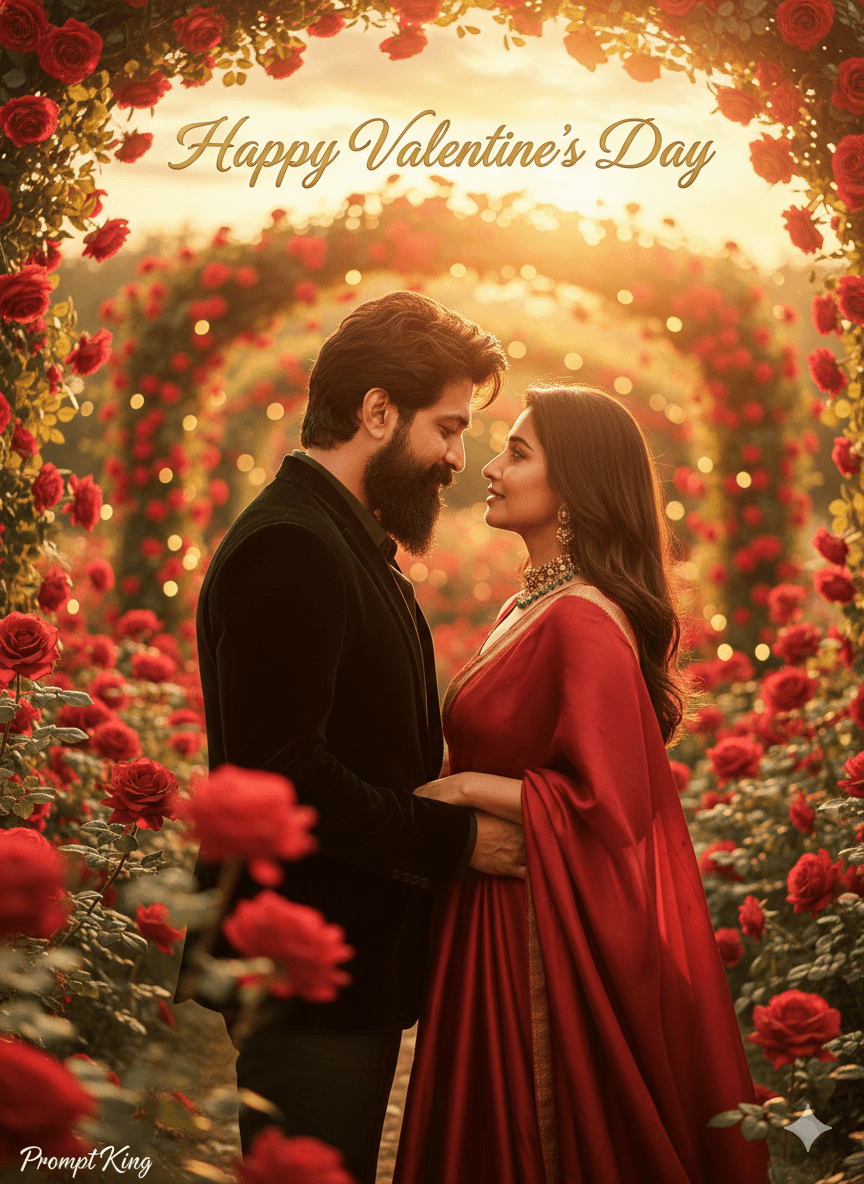
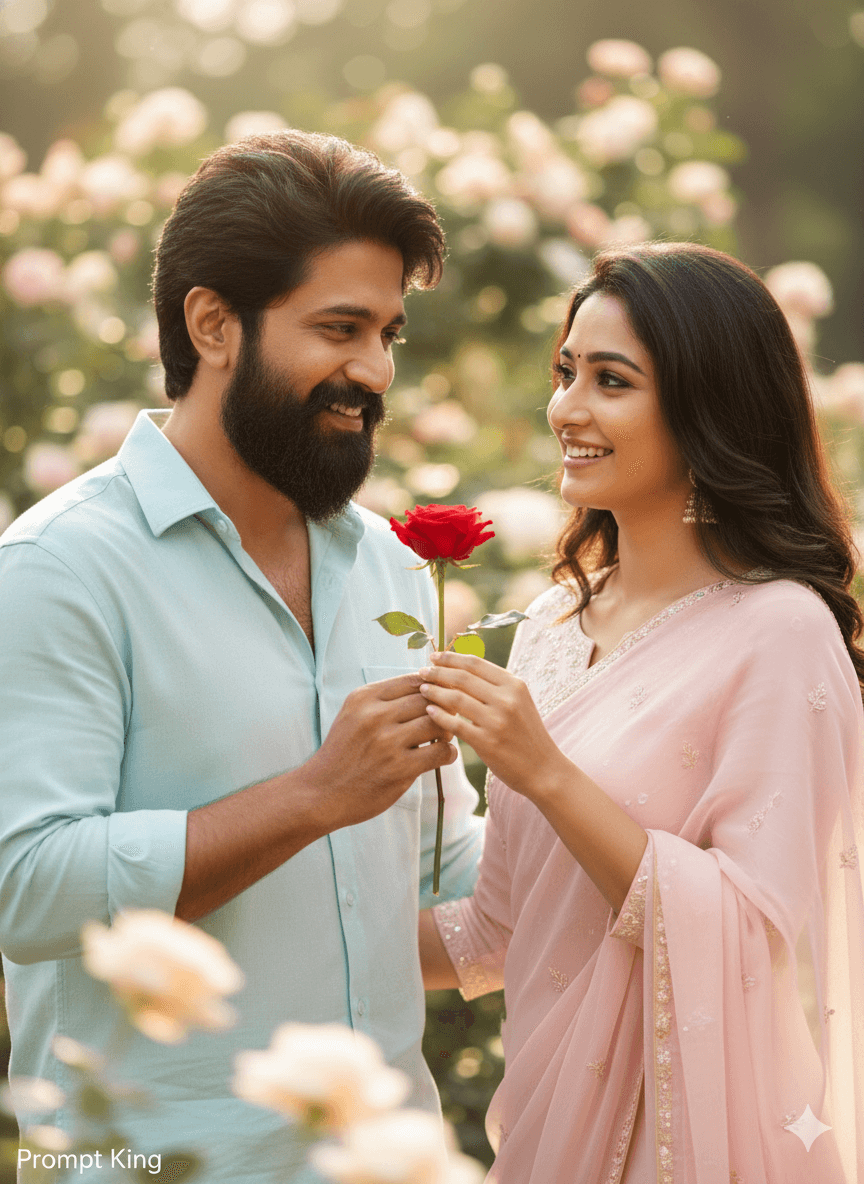
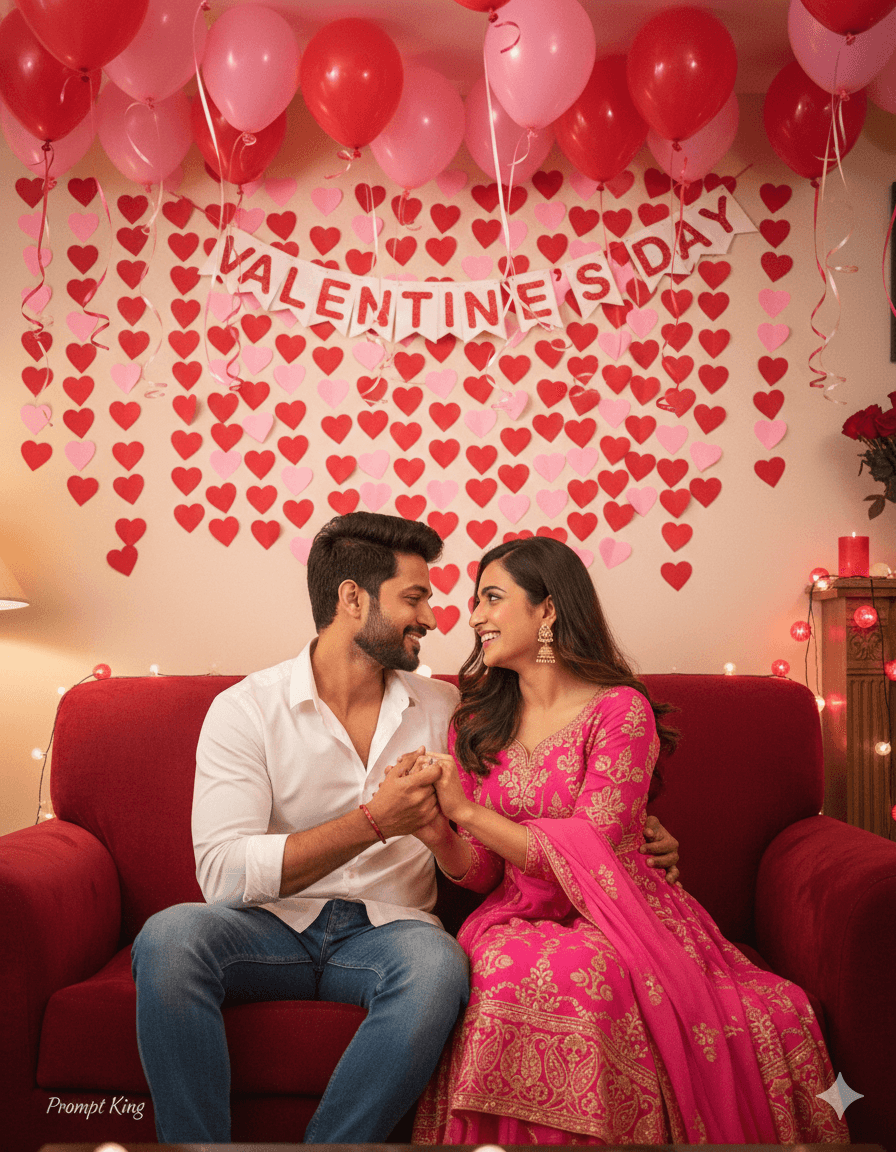
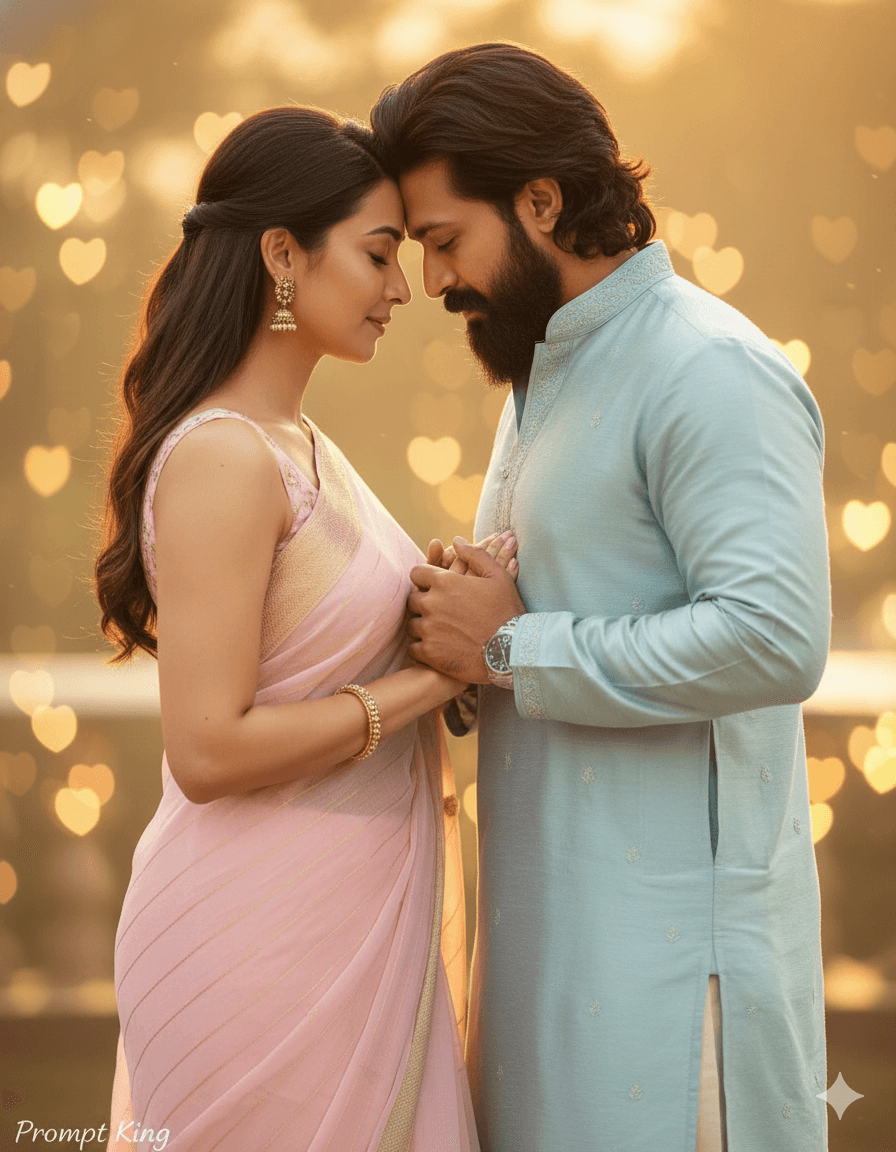
Garden Bench Couple With Roses and Red Sari
AI Photo Prompt
Want more trending photo prompts? Discover them in the Prompt King Android app on Google Play.
About this prompt
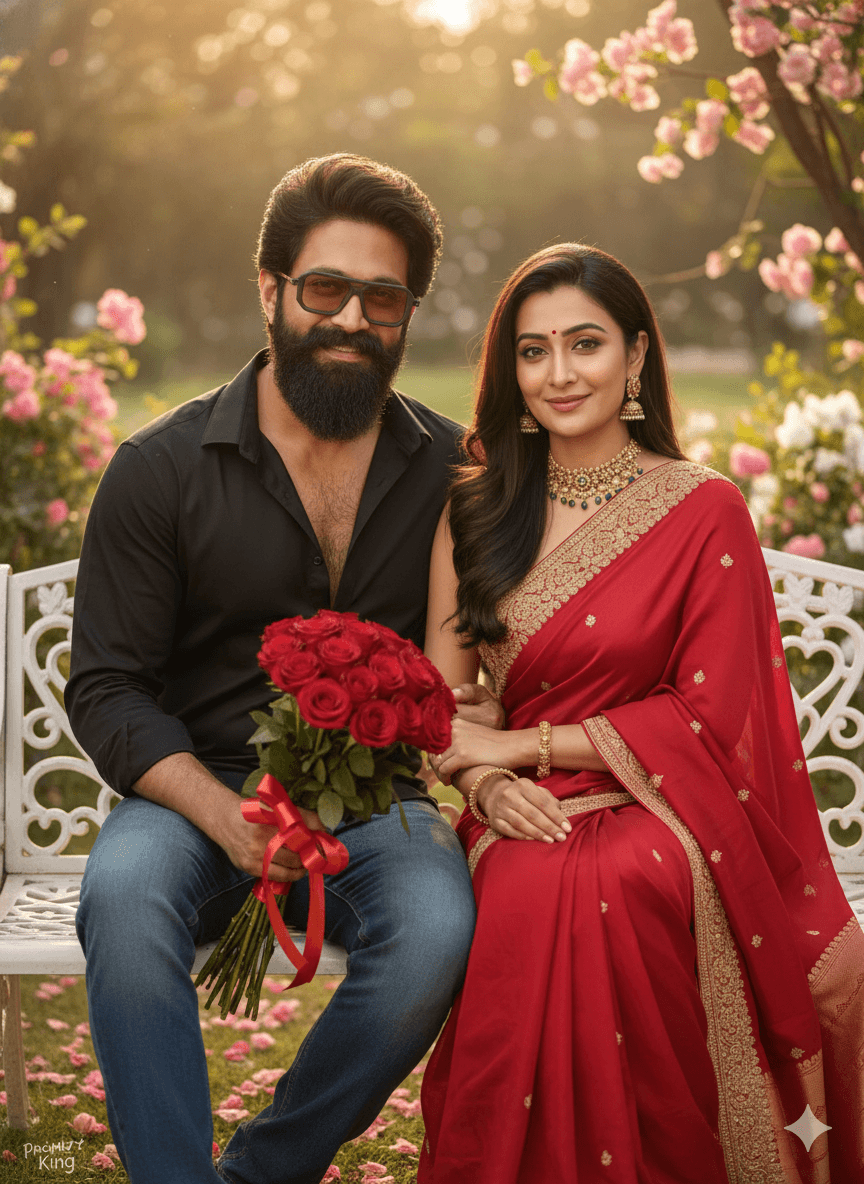
This prompt creates a realistic Valentine's Day portrait of an Indian couple, locking both faces to your uploaded reference image with no beautification or changes. The couple sits closely together on an outdoor decorative bench. The man is on the left, wearing a black shirt and blue jeans, smiling at the camera and holding a bunch of red roses. The woman is on the right in a red sari with gold embroidery and gold jewellery, which gives the image a classic, festive touch. The pairing of a casual western outfit with a traditional sari reflects how many Indian couples dress for celebrations. The outdoor setting and bench give a relaxed, natural feel, while the red roses and sari make the Valentine's theme clear without heavy decoration. The prompt is cut short, so you may want to add details about the background, such as a park or garden, and the lighting. It suits Valentine's Day posts, anniversary greetings, engagement announcements and couple profile pictures for married or engaged pairs.
Lighting, colour and composition
Natural daylight keeps skin tones true and lights both faces evenly. The palette is black and denim for him, red and gold for her, with red roses tying them together. The couple sits side by side, centred on the bench, with a softly blurred garden behind them.
Ways to make it your own
- Add a park or rose garden background with soft bokeh to complete the outdoor setting.
- Swap the red sari for a pink or maroon saree to suit a different occasion.
- Ask for golden hour light for warmer, more romantic tones.
Best for
Valentine's day photo ideas and creative portrait inspiration.
Suggested framing
Use the aspect ratio or framing described in the prompt, then adapt it for your intended platform.
Customization ideas
Adjust the clothing, background, lighting, colors and composition to match your own idea.
How to use
Copy the prompt, adapt it to your idea, and paste it into your preferred compatible AI tool. Follow that tool’s instructions for reference photos.
A few helpful answers.
What type of image does this prompt create?
In a compatible AI tool, this prompt is intended as a starting point for this prompt creates a realistic Valentine's Day portrait of an Indian couple, locking both faces to your uploaded reference image with no beautification or changes. The couple sits closely together on an outdoor decorative bench. The man is on the left, wearing a black shirt and blue jeans, smiling at the camera and holding a bunch of red roses. The woman is on the right in a red sari with gold embroidery and gold jewellery, which gives the image a classic, festive touch. The pairing of a casual western outfit with a traditional sari reflects how many Indian couples dress for celebrations. The outdoor setting and bench give a relaxed, natural feel, while the red roses and sari make the Valentine's theme clear without heavy decoration. The prompt is cut short, so you may want to add details about the background, such as a park or garden, and the lighting. It suits Valentine's Day posts, anniversary greetings, engagement announcements and couple profile pictures for married or engaged pairs. Results depend on the tool, settings and references you use.
Can I customize the clothing or background?
Yes. Replace the clothing, setting or colors in the prompt with your own choices. Keep descriptions consistent and adjust one detail at a time.
What aspect ratio works best?
Start with Use the aspect ratio or framing described in the prompt, then adapt it for your intended platform.. A 4:5 ratio works well for a portrait feed post. Adjust the crop for your intended platform and your tool’s available settings.
Does Prompt King generate the image?
No. Prompt King helps users discover and copy prompts that can be used with compatible AI tools.
Can I use this for social media ideas?
Yes. Use it as creative inspiration and customize the result for your audience. Use photos you have permission to upload, and check your chosen tool’s terms before publishing.