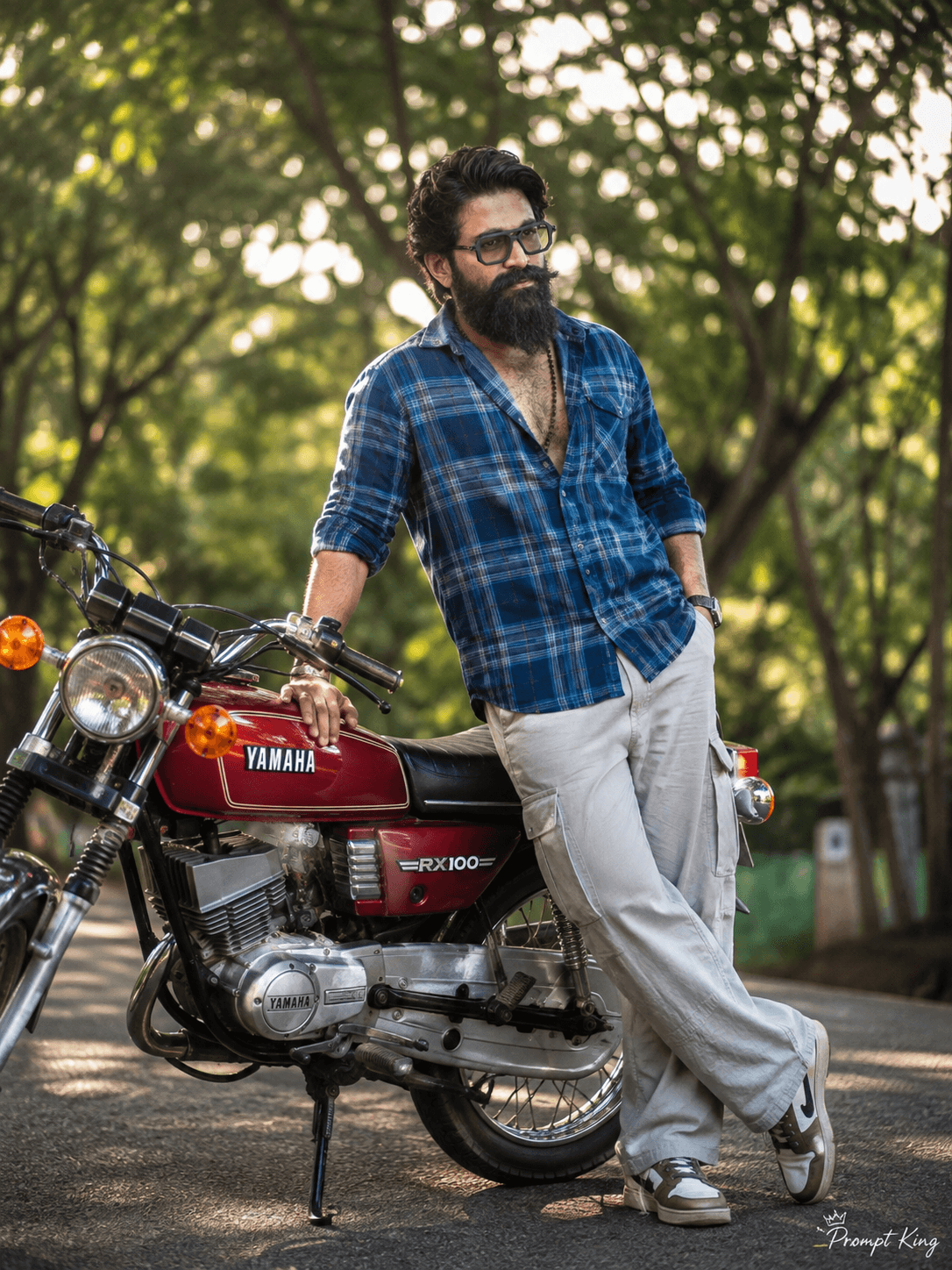
Red Classic Two Stroke Bike With Checked Shirt
AI Photo Prompt
Want more trending photo prompts? Discover them in the Prompt King Android app on Google Play.
About this prompt
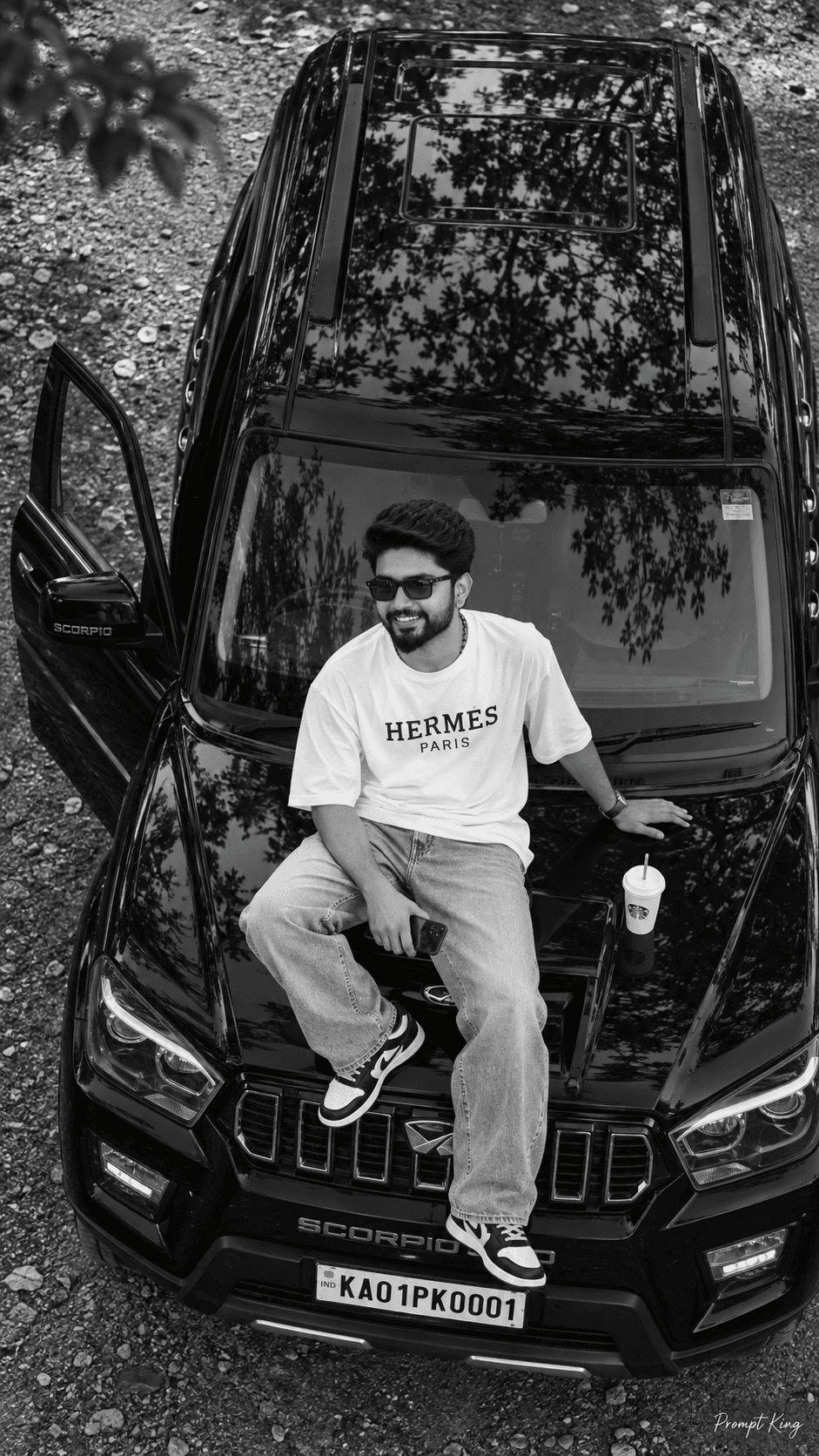
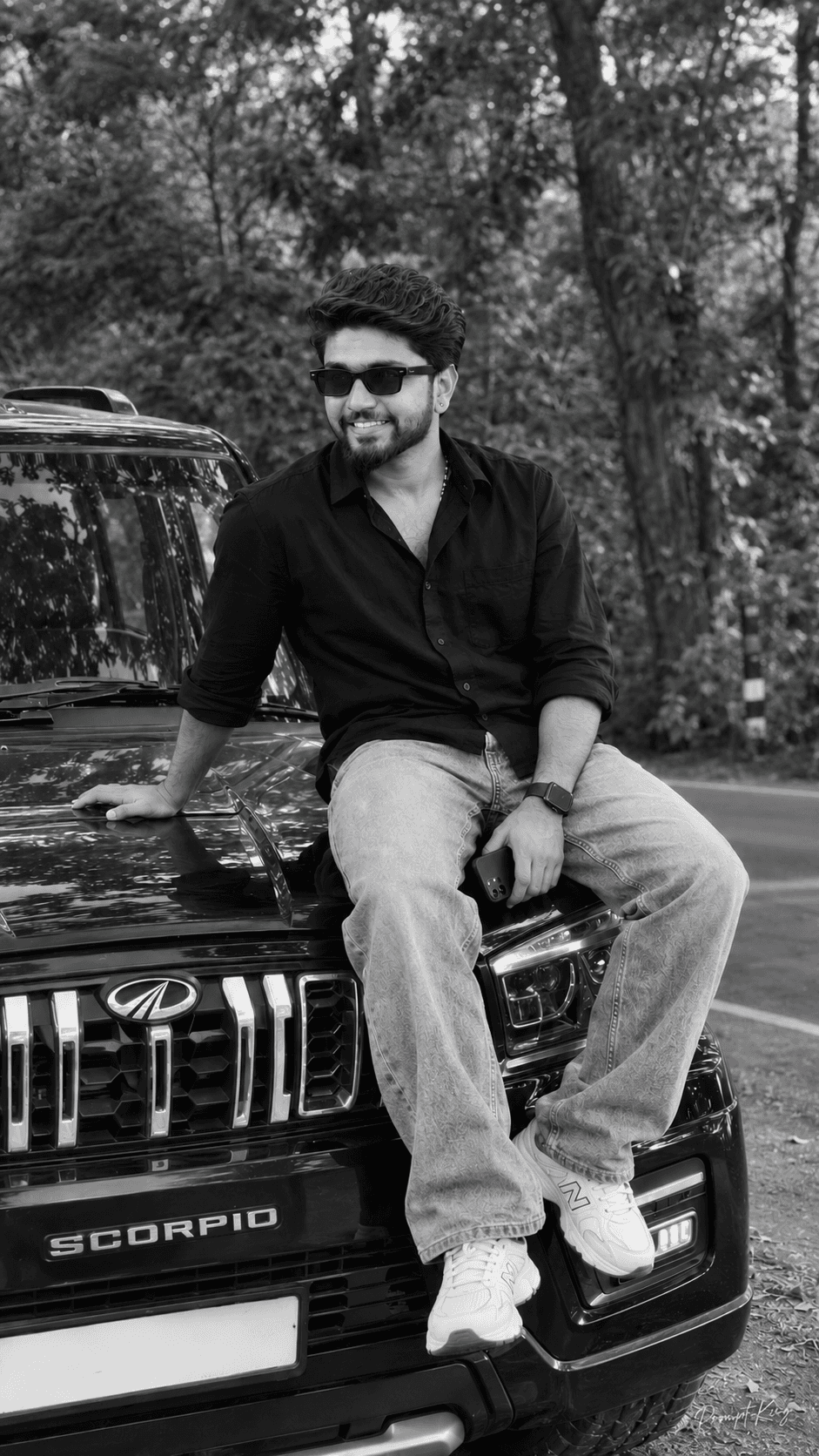
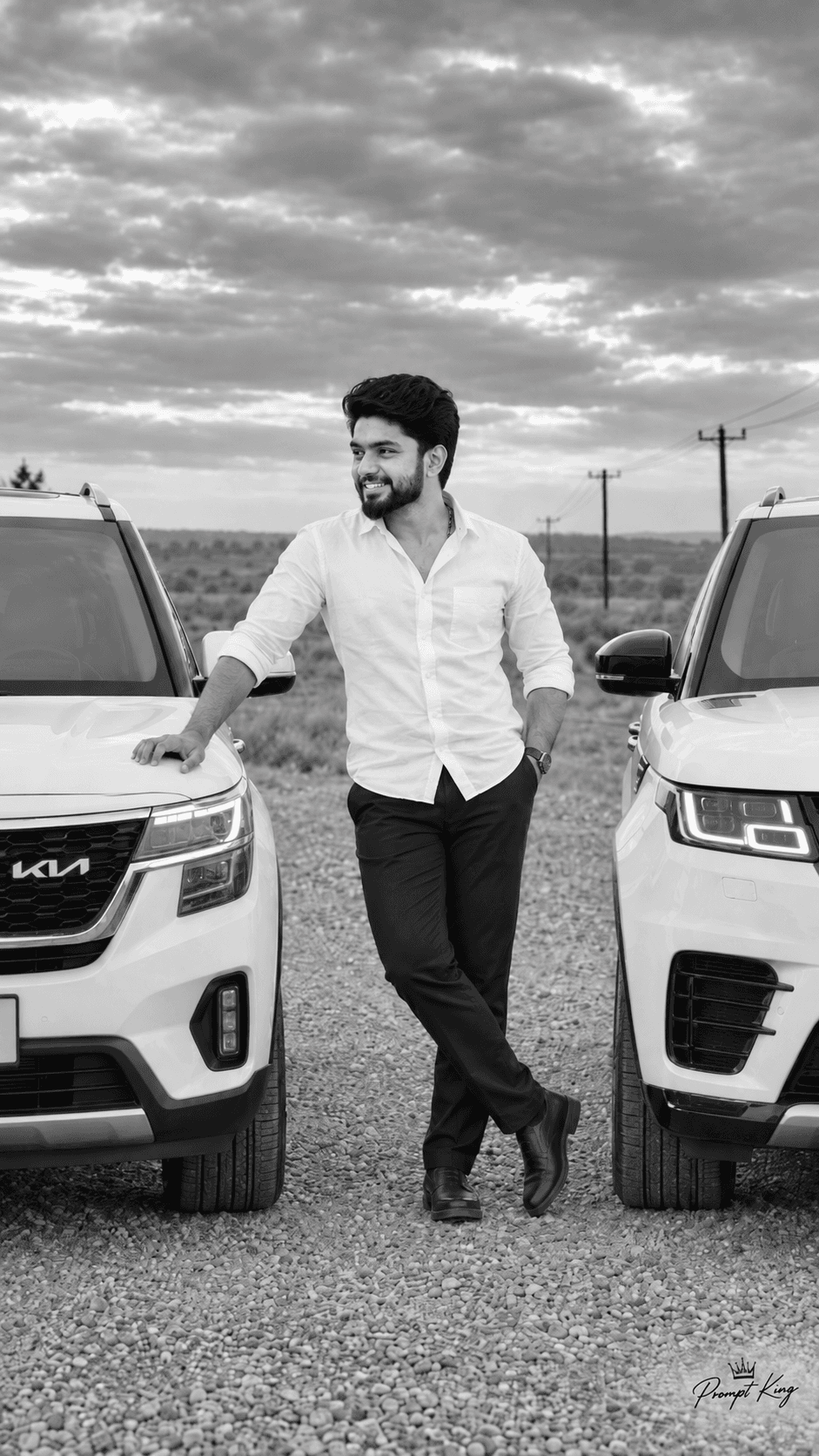
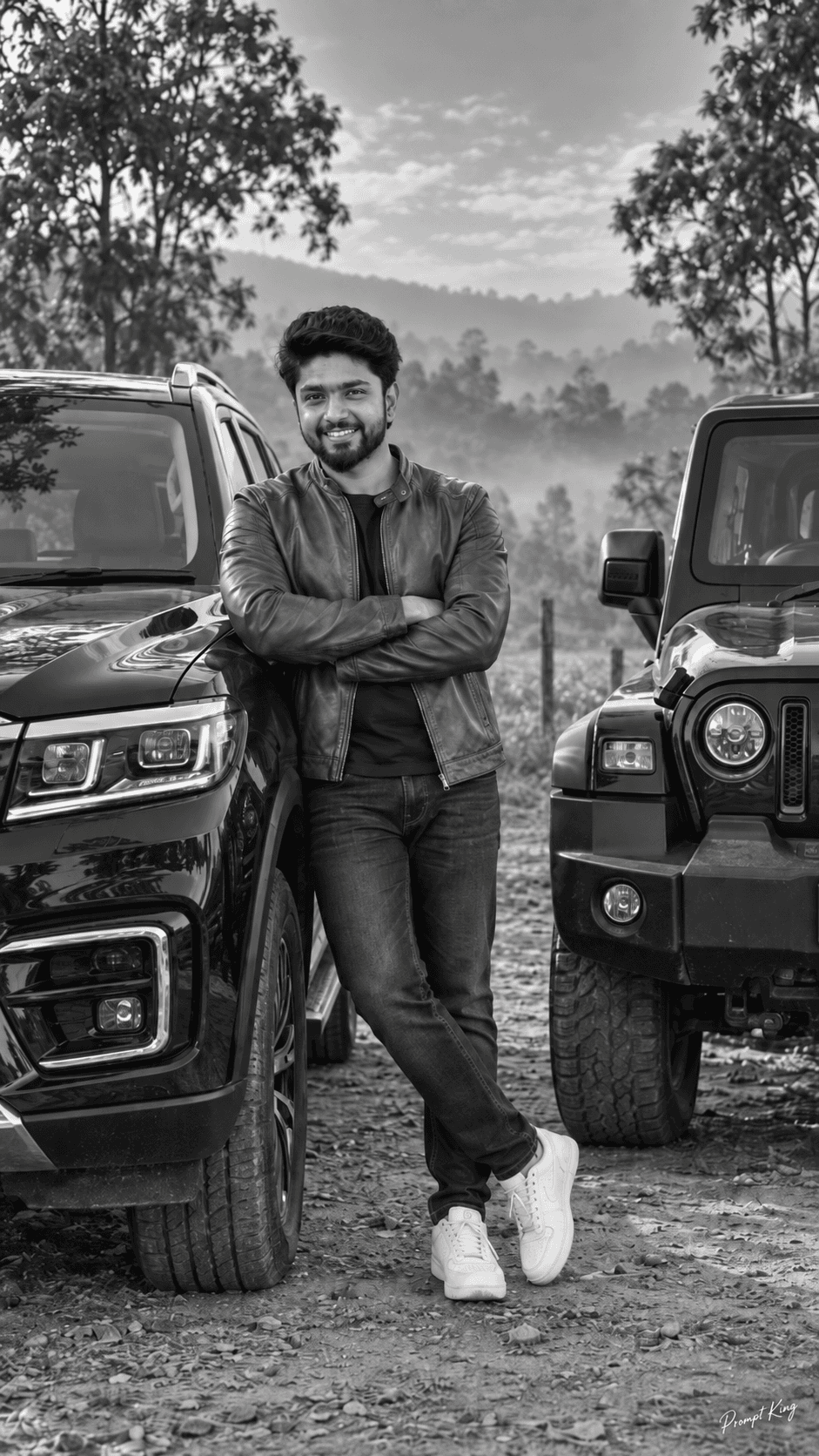
This prompt creates a realistic outdoor portrait of a stylish young man standing beside a classic red Yamaha RX100 motorcycle, a bike loved by many Indian riders for its retro shape. He wears a blue checked shirt with rolled-up sleeves, light khaki or grey cargo pants and sneakers, and he has curly hair, glasses and a confident expression as he leans on the bike with one hand. The background is a row of lush green trees, with soft sunlight filtering through the leaves and creating a gentle cinematic bokeh. The prompt asks for a sharp, natural DSLR look with detailed textures and natural lighting. Upload a clear photo of yourself so the face and build match. This look suits bike enthusiasts, a nostalgic tribute to a first motorcycle, a weekend ride post, or a relaxed, friendly profile picture. It also works well as a gift idea for someone who restores or collects vintage bikes. If you own a different classic bike, you can swap the model name and colour to match your own machine.
Lighting, colour and composition
Soft, natural sunlight filtering through trees gives gentle highlights on the bike's chrome and fuel tank. The palette combines bright red paint with blue checks, khaki and fresh greens. A medium full-length frame places the subject beside the bike, with a blurred tree line creating warm bokeh behind.
Ways to make it your own
- Replace the bike with your own classic motorcycle model and colour.
- Swap the checked shirt for a white tee and denim jacket for a retro rider look.
- Ask for golden-hour light to add warmth and longer shadows across the road.
Best for
Bike-Car photo ideas and creative portrait inspiration.
Suggested framing
Use the aspect ratio or framing described in the prompt, then adapt it for your intended platform.
Customization ideas
Adjust the clothing, background, lighting, colors and composition to match your own idea.
How to use
Copy the prompt, adapt it to your idea, and paste it into your preferred compatible AI tool. Follow that tool’s instructions for reference photos.
A few helpful answers.
What type of image does this prompt create?
In a compatible AI tool, this prompt is intended as a starting point for this prompt creates a realistic outdoor portrait of a stylish young man standing beside a classic red Yamaha RX100 motorcycle, a bike loved by many Indian riders for its retro shape. He wears a blue checked shirt with rolled-up sleeves, light khaki or grey cargo pants and sneakers, and he has curly hair, glasses and a confident expression as he leans on the bike with one hand. The background is a row of lush green trees, with soft sunlight filtering through the leaves and creating a gentle cinematic bokeh. The prompt asks for a sharp, natural DSLR look with detailed textures and natural lighting. Upload a clear photo of yourself so the face and build match. This look suits bike enthusiasts, a nostalgic tribute to a first motorcycle, a weekend ride post, or a relaxed, friendly profile picture. It also works well as a gift idea for someone who restores or collects vintage bikes. If you own a different classic bike, you can swap the model name and colour to match your own machine. Results depend on the tool, settings and references you use.
Can I customize the clothing or background?
Yes. Replace the clothing, setting or colors in the prompt with your own choices. Keep descriptions consistent and adjust one detail at a time.
What aspect ratio works best?
Start with Use the aspect ratio or framing described in the prompt, then adapt it for your intended platform.. A 4:5 ratio works well for a portrait feed post. Adjust the crop for your intended platform and your tool’s available settings.
Does Prompt King generate the image?
No. Prompt King helps users discover and copy prompts that can be used with compatible AI tools.
Can I use this for social media ideas?
Yes. Use it as creative inspiration and customize the result for your audience. Use photos you have permission to upload, and check your chosen tool’s terms before publishing.