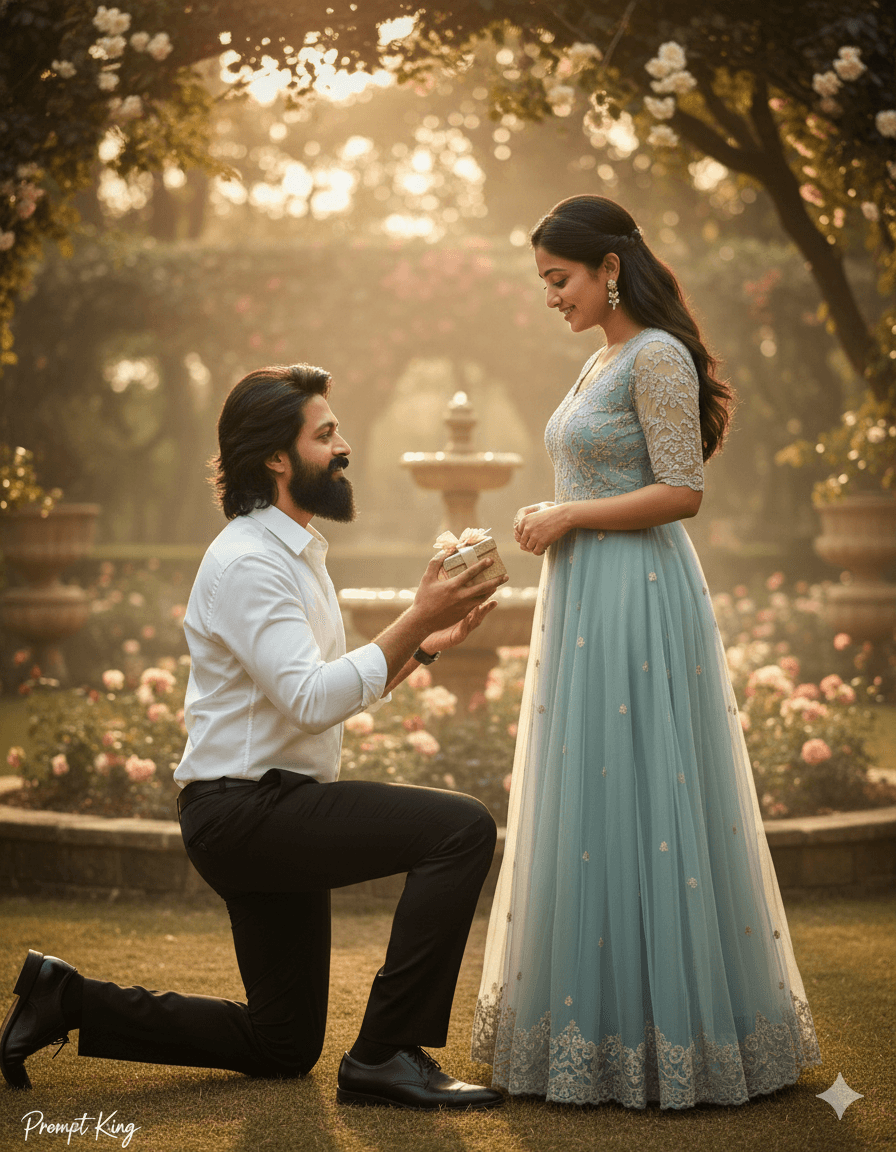
Kneeling Promise Day Portrait in Formal White Shirt
AI Photo Prompt
Want more trending photo prompts? Discover them in the Prompt King Android app on Google Play.
About this prompt
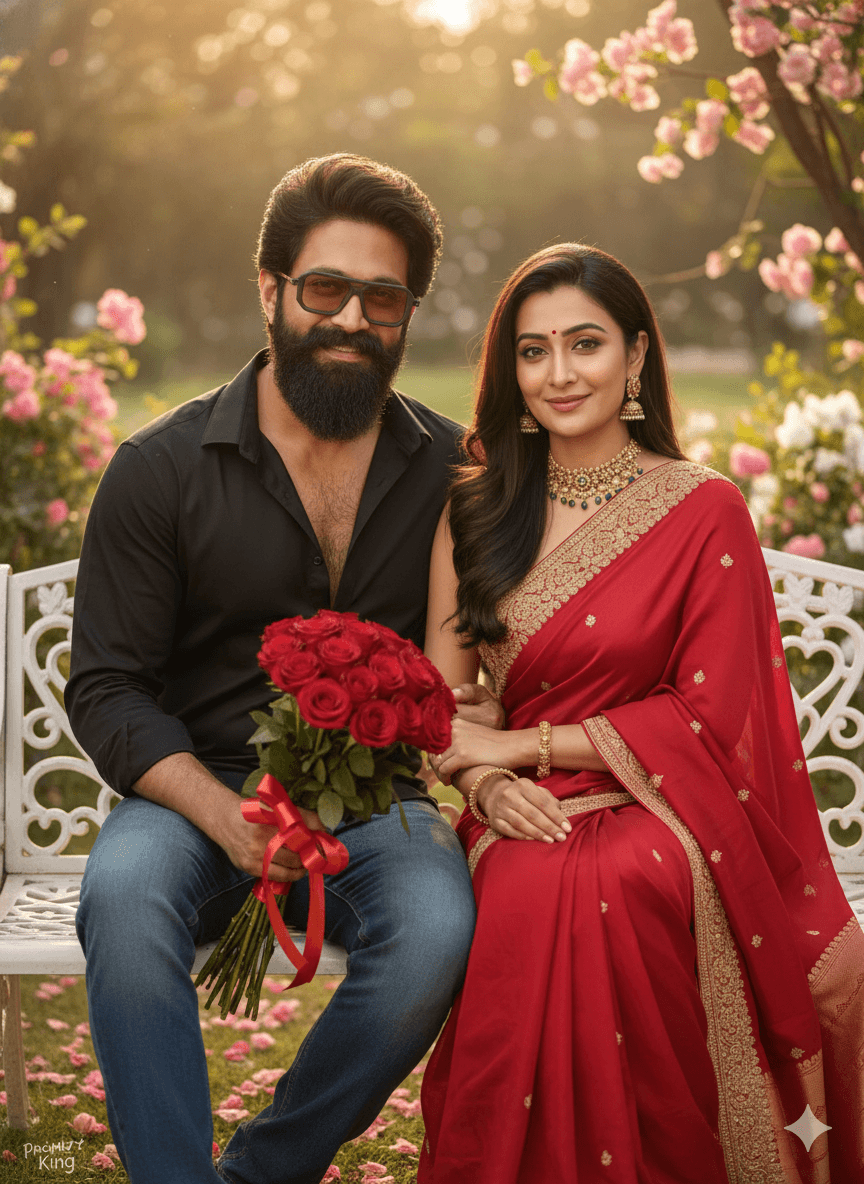
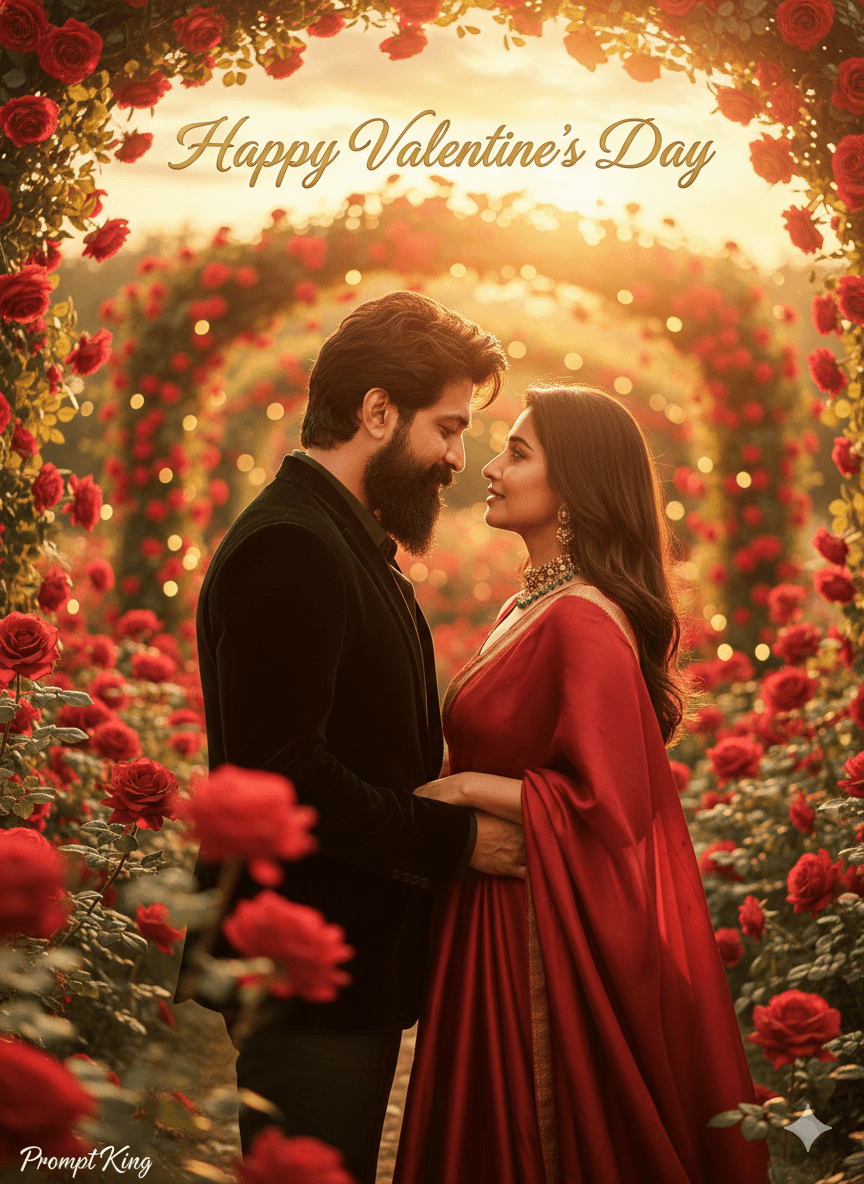
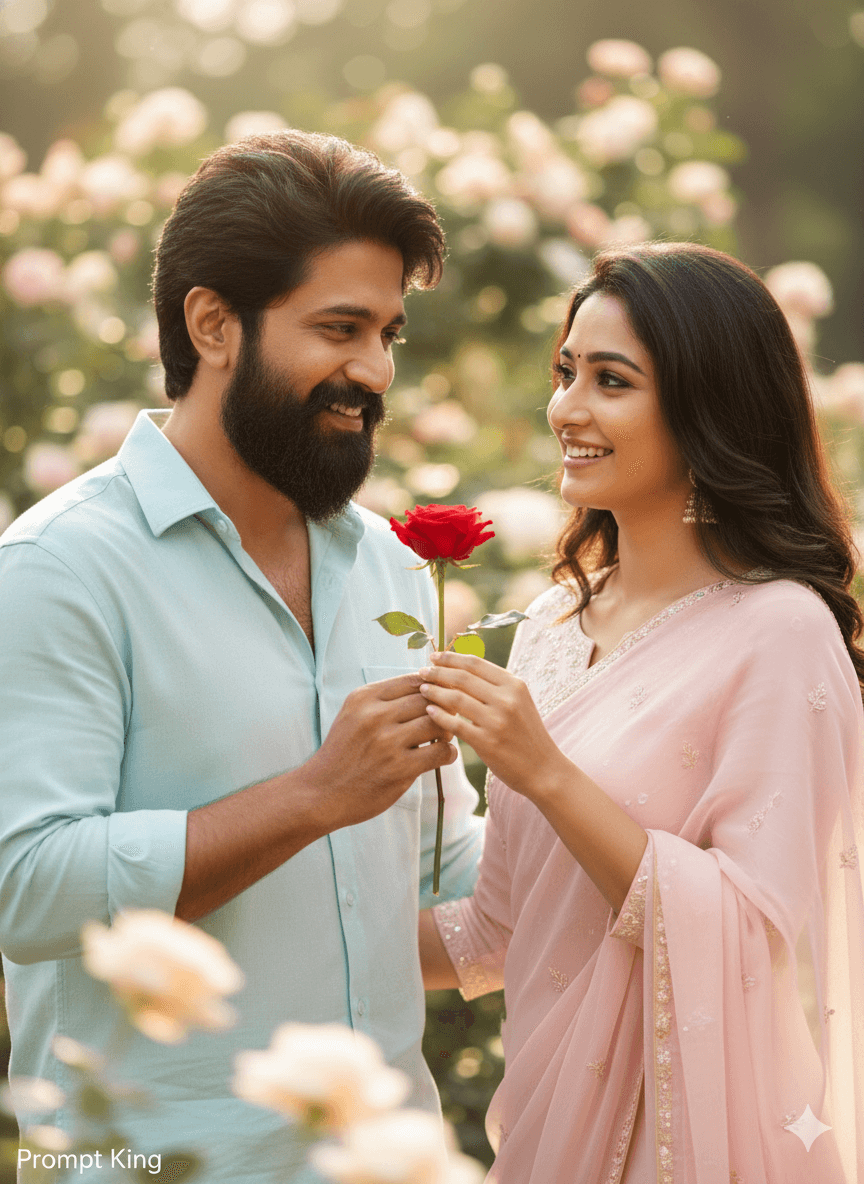
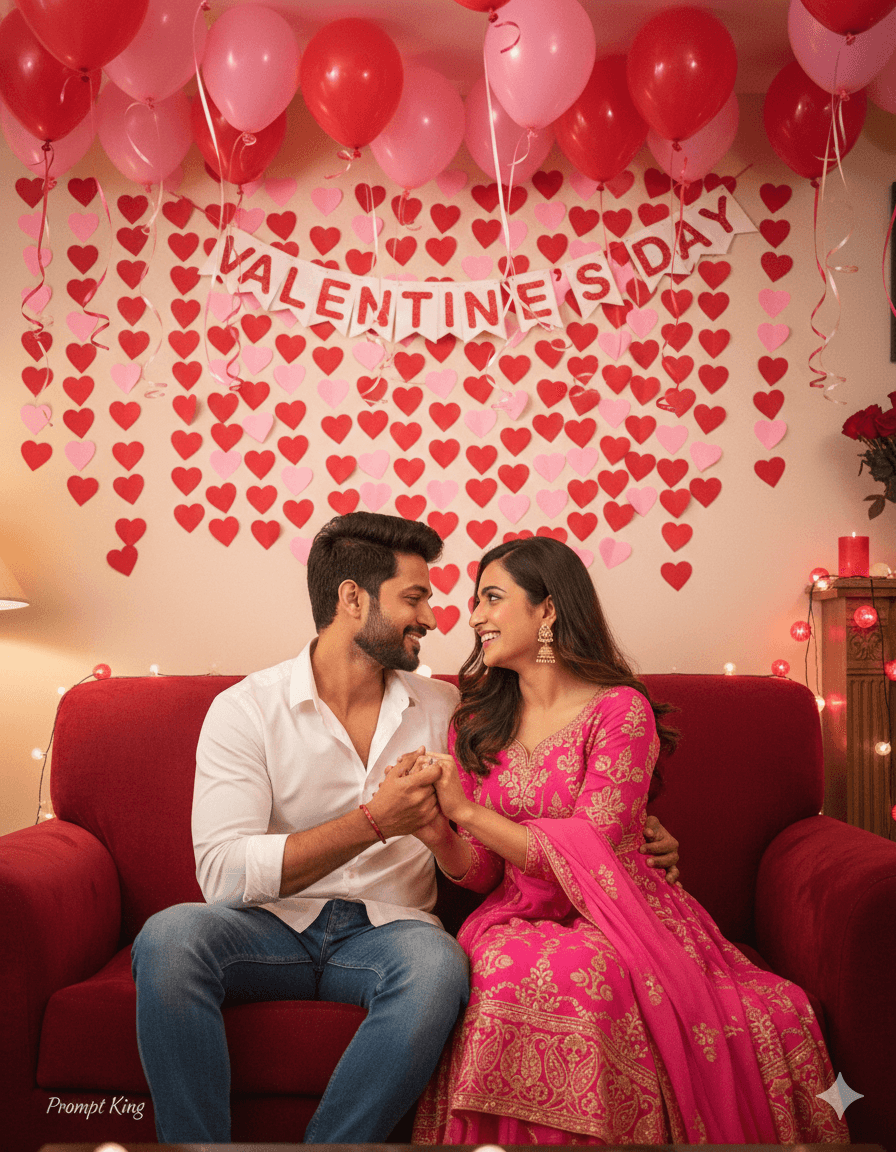
This prompt creates a high-quality, realistic, romantic couple portrait for Promise Day using your original face reference photos with full identity preservation. The young man has a well-groomed beard and wears a crisp white formal shirt, black tailored trousers and polished black formal shoes. He is kneeling on one knee in a beautiful setting, suggesting a heartfelt promise or a proposal moment. The formal styling keeps the image classic and elegant, and it works well with a partner dressed in a gown, saree or lehenga. The prompt is cut off after the setting begins, so you will likely want to add details about the location, such as a garden, beach or decorated venue, the woman's outfit and the lighting before generating. It suits Promise Day and Propose Day greetings during Valentine's week, engagement announcements, proposal memories and anniversary posts. It is a good starting point for couples who want a cinematic, formal-looking image of a meaningful moment, created from their own photos.
Lighting, colour and composition
Cinematic lighting should focus on the kneeling pose, with soft highlights on the white shirt. The palette starts with crisp white and black for him and can be matched to her outfit. A full-length composition shows him kneeling towards her, ideally framed by a decorated background.
Ways to make it your own
- Complete the prompt with a setting, such as a candlelit garden or beach at sunset.
- Describe her outfit, such as a red gown or pastel lehenga, so the couple looks coordinated.
- Add a ring box in his hands to make the proposal moment clear.
Best for
Valentine's day photo ideas and creative portrait inspiration.
Suggested framing
Use the aspect ratio or framing described in the prompt, then adapt it for your intended platform.
Customization ideas
Adjust the clothing, background, lighting, colors and composition to match your own idea.
How to use
Copy the prompt, adapt it to your idea, and paste it into your preferred compatible AI tool. Follow that tool’s instructions for reference photos.
A few helpful answers.
What type of image does this prompt create?
In a compatible AI tool, this prompt is intended as a starting point for this prompt creates a high-quality, realistic, romantic couple portrait for Promise Day using your original face reference photos with full identity preservation. The young man has a well-groomed beard and wears a crisp white formal shirt, black tailored trousers and polished black formal shoes. He is kneeling on one knee in a beautiful setting, suggesting a heartfelt promise or a proposal moment. The formal styling keeps the image classic and elegant, and it works well with a partner dressed in a gown, saree or lehenga. The prompt is cut off after the setting begins, so you will likely want to add details about the location, such as a garden, beach or decorated venue, the woman's outfit and the lighting before generating. It suits Promise Day and Propose Day greetings during Valentine's week, engagement announcements, proposal memories and anniversary posts. It is a good starting point for couples who want a cinematic, formal-looking image of a meaningful moment, created from their own photos. Results depend on the tool, settings and references you use.
Can I customize the clothing or background?
Yes. Replace the clothing, setting or colors in the prompt with your own choices. Keep descriptions consistent and adjust one detail at a time.
What aspect ratio works best?
Start with Use the aspect ratio or framing described in the prompt, then adapt it for your intended platform.. A 4:5 ratio works well for a portrait feed post. Adjust the crop for your intended platform and your tool’s available settings.
Does Prompt King generate the image?
No. Prompt King helps users discover and copy prompts that can be used with compatible AI tools.
Can I use this for social media ideas?
Yes. Use it as creative inspiration and customize the result for your audience. Use photos you have permission to upload, and check your chosen tool’s terms before publishing.