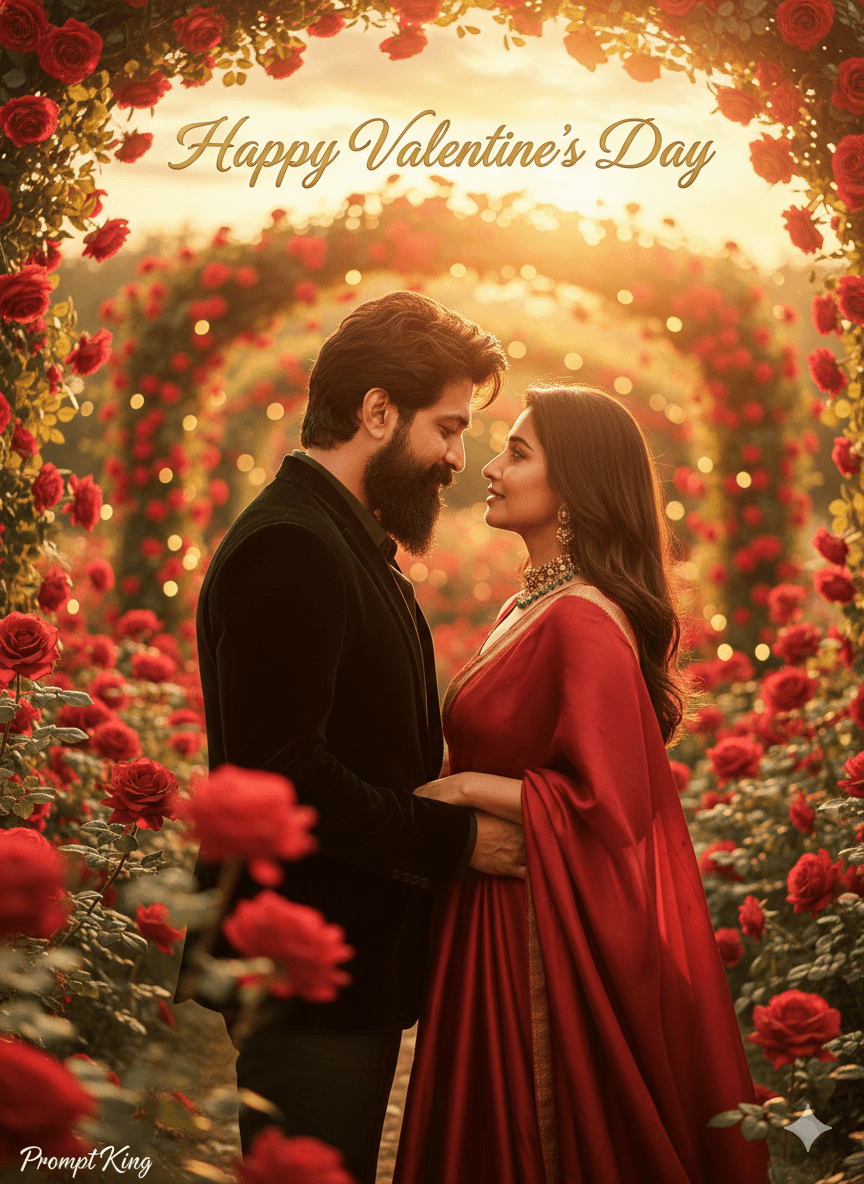
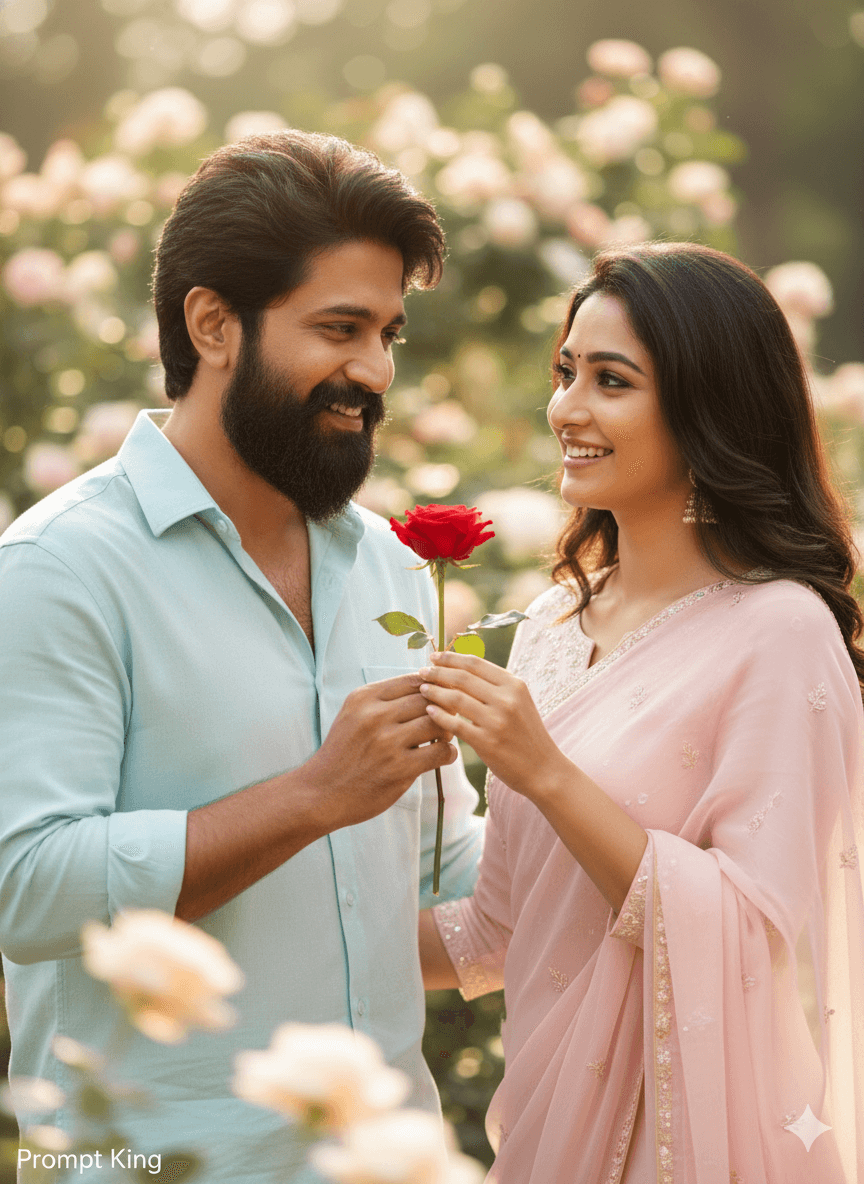
Joyful Hug in a Flower Park With Sun Rays
AI Photo Prompt
Want more trending photo prompts? Discover them in the Prompt King Android app on Google Play.
About this prompt
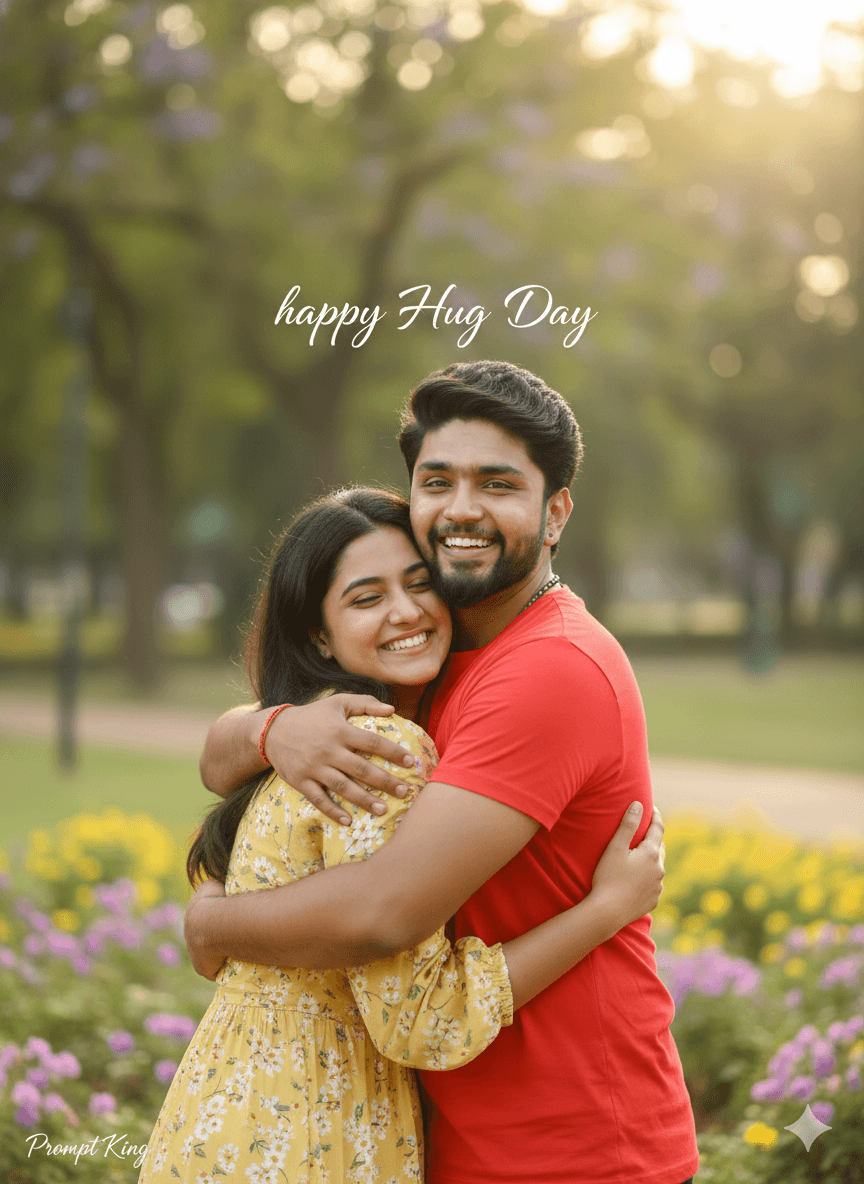
This Hug Day prompt creates a candid, realistic photo of a young man around 20 years old caught in a moment of pure happiness while hugging. The setting is a park filled with flowers, with rays of sunlight streaming through the scene to create a warm, uplifting mood. The prompt emphasises emotional connection, so the expression is genuine and relaxed rather than posed. A DSLR look with high dynamic range keeps detail in both the bright sunlight and shaded areas, and the skin and fabric textures are meant to appear natural and true to life. The text 'Happy Hug Day' floats softly above the subject, turning the photo into a greeting that can be shared directly. This style suits Hug Day on 12 February and Valentine's week posts, and it can be adapted for friendship, siblings or couples, since a hug is meaningful in many relationships. It is cheerful, warm and light-hearted, good for status updates and stories. For best results, upload a clear reference photo, and if you want a second person in the hug, describe them in the prompt so the model includes both people naturally within the frame.
Lighting, colour and composition
Bright backlit sun rays create a warm halo and gentle lens glow. The palette mixes fresh greens, colourful floral accents and warm skin tones. A medium shot captures the hug at the centre of the frame, with floating greeting text above and soft background bokeh adding a cheerful, airy depth.
Ways to make it your own
- Describe a second person, such as a partner or friend, to complete the hug scene.
- Change the floating text to 'Best Friends Forever' for a friendship version.
- Use golden-hour lighting for a warmer, more romantic tone than midday sun.
Best for
Valentine's day photo ideas and creative portrait inspiration.
Suggested framing
Use the aspect ratio or framing described in the prompt, then adapt it for your intended platform.
Customization ideas
Adjust the clothing, background, lighting, colors and composition to match your own idea.
How to use
Copy the prompt, adapt it to your idea, and paste it into your preferred compatible AI tool. Follow that tool’s instructions for reference photos.
A few helpful answers.
What type of image does this prompt create?
In a compatible AI tool, this prompt is intended as a starting point for this Hug Day prompt creates a candid, realistic photo of a young man around 20 years old caught in a moment of pure happiness while hugging. The setting is a park filled with flowers, with rays of sunlight streaming through the scene to create a warm, uplifting mood. The prompt emphasises emotional connection, so the expression is genuine and relaxed rather than posed. A DSLR look with high dynamic range keeps detail in both the bright sunlight and shaded areas, and the skin and fabric textures are meant to appear natural and true to life. The text 'Happy Hug Day' floats softly above the subject, turning the photo into a greeting that can be shared directly. This style suits Hug Day on 12 February and Valentine's week posts, and it can be adapted for friendship, siblings or couples, since a hug is meaningful in many relationships. It is cheerful, warm and light-hearted, good for status updates and stories. For best results, upload a clear reference photo, and if you want a second person in the hug, describe them in the prompt so the model includes both people naturally within the frame. Results depend on the tool, settings and references you use.
Can I customize the clothing or background?
Yes. Replace the clothing, setting or colors in the prompt with your own choices. Keep descriptions consistent and adjust one detail at a time.
What aspect ratio works best?
Start with Use the aspect ratio or framing described in the prompt, then adapt it for your intended platform.. A 4:5 ratio works well for a portrait feed post. Adjust the crop for your intended platform and your tool’s available settings.
Does Prompt King generate the image?
No. Prompt King helps users discover and copy prompts that can be used with compatible AI tools.
Can I use this for social media ideas?
Yes. Use it as creative inspiration and customize the result for your audience. Use photos you have permission to upload, and check your chosen tool’s terms before publishing.