Golden Brushstroke Birthday Poster in Formal Suit
AI Photo Prompt
Want more trending photo prompts? Discover them in the Prompt King Android app on Google Play.
About this prompt
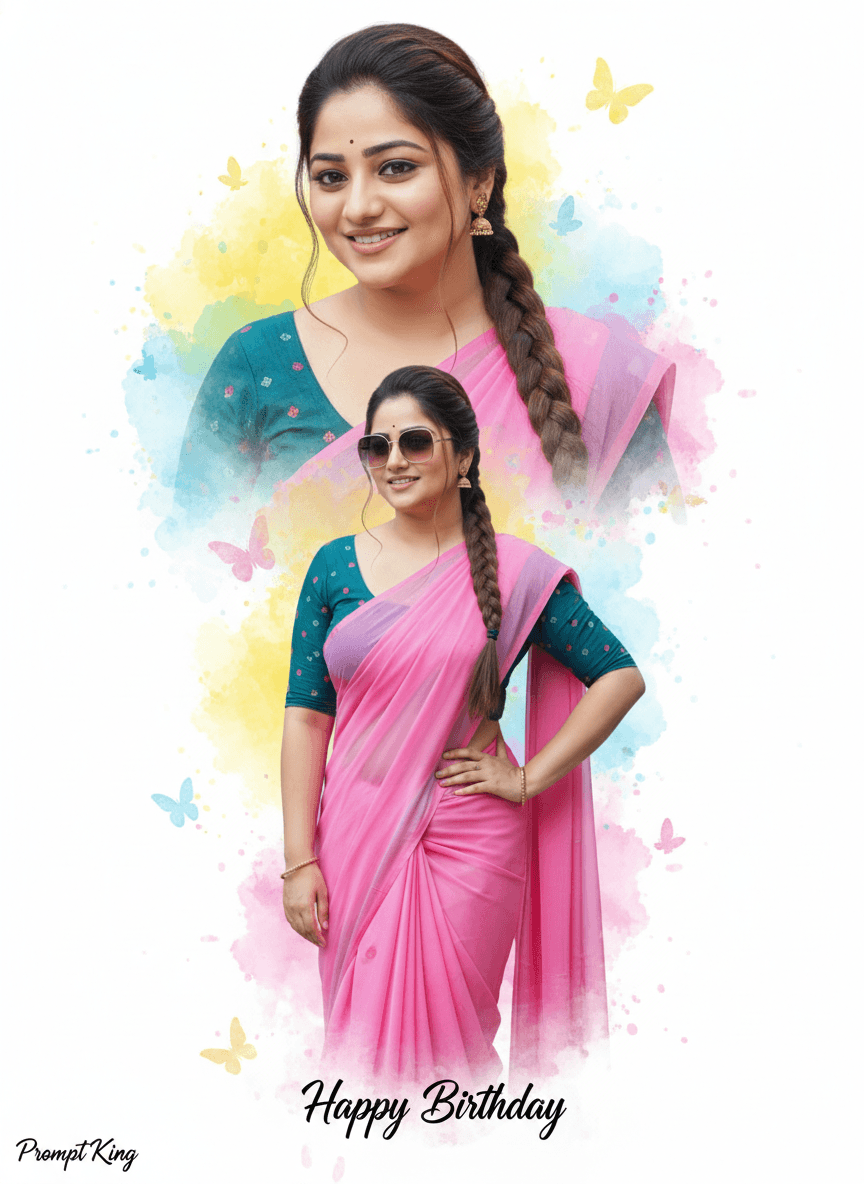
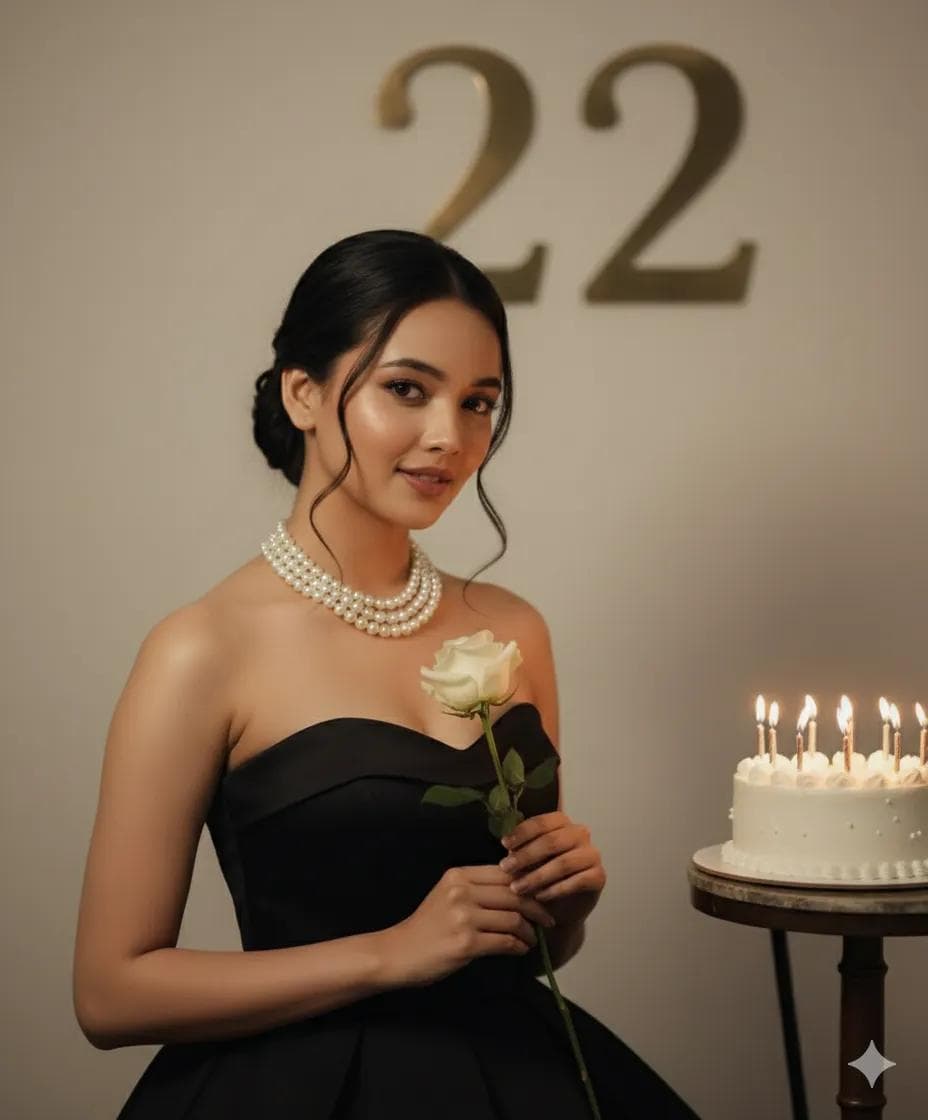
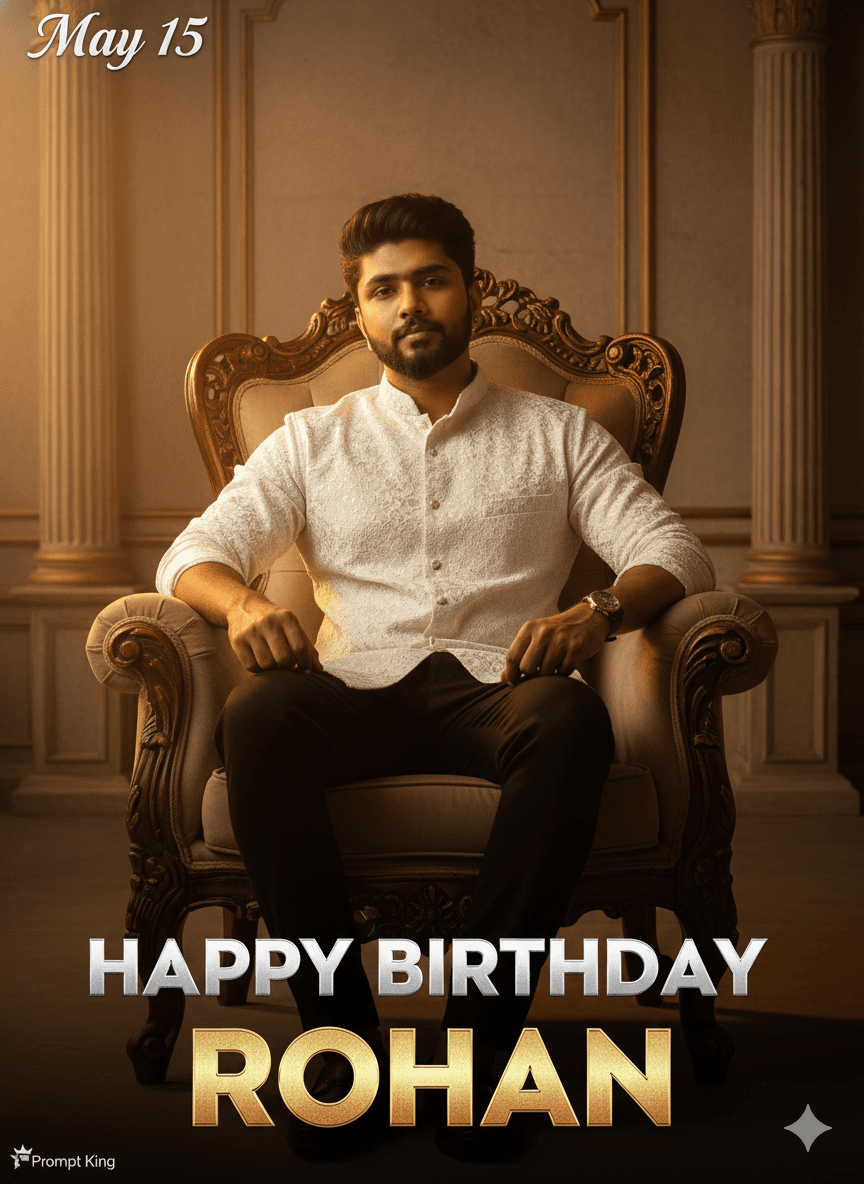
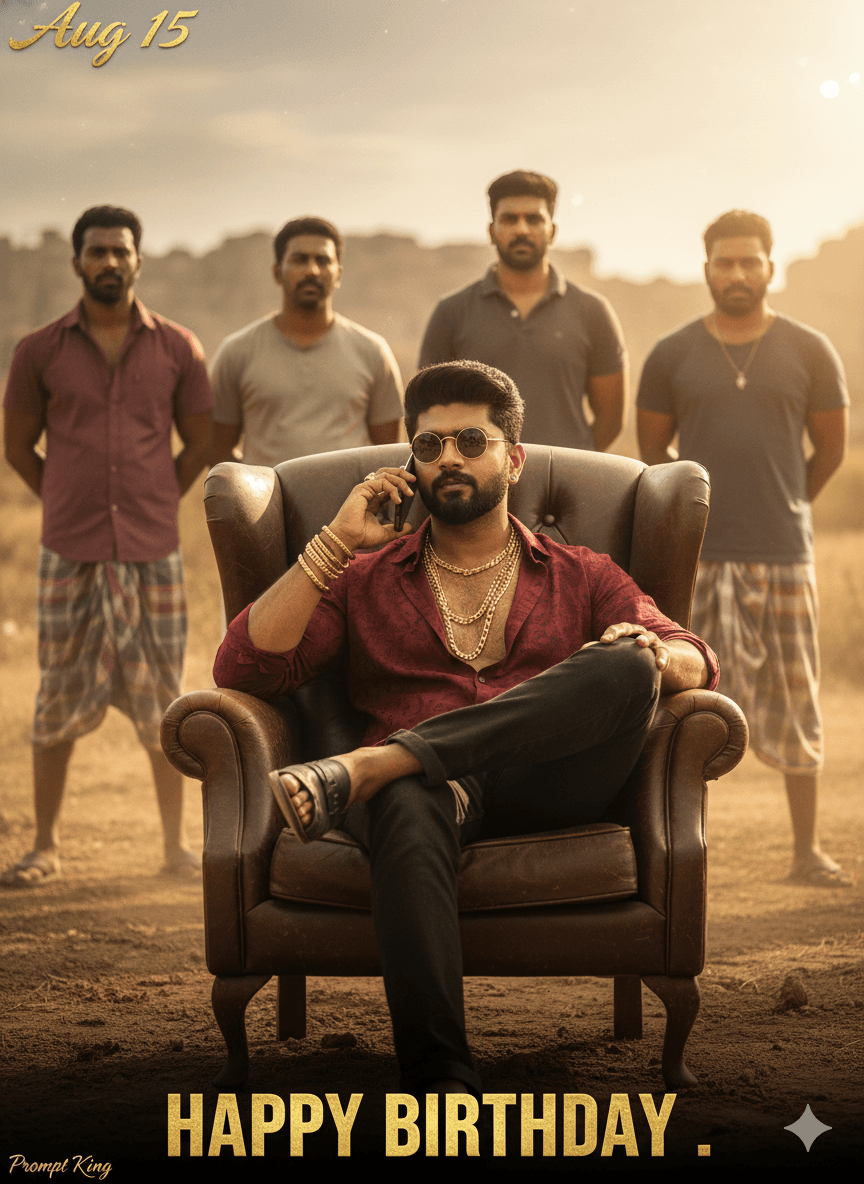
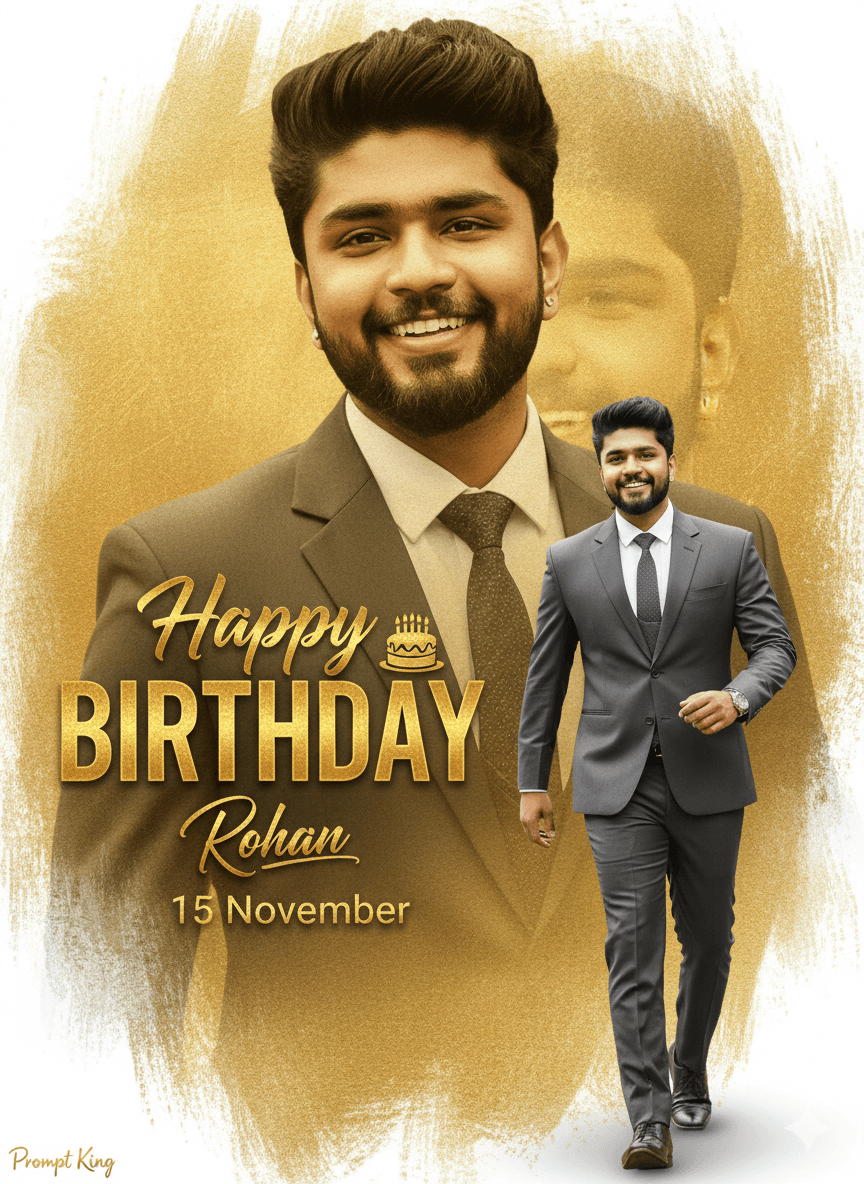
This prompt creates a classy birthday poster for a young man, combining two images of him in one design. A large faded portrait in a formal suit sits in the background, while in front he appears full-length, walking confidently in a suit. The background uses a golden gradient with a paintbrush texture and soft red and white edges, giving a premium, modern feel. Bold text reads Happy BIRTHDAY with a small cake icon, alongside a signature-style name and a date. The prompt asks for the face and cap from the uploaded photo to be kept exactly. This layout is typical of birthday banners shared by friends and fan groups, and it works for WhatsApp status, Instagram posts, printed flex banners or a framed gift. Because the name and date are placeholders, it is easy to reuse for any friend or family member. The gold palette keeps the poster formal and celebratory, suitable for both young adults and older relatives.
Lighting, colour and composition
Soft, even lighting on the walking figure with a faded, low-contrast background portrait. The palette is gold gradient with red and white brushstroke edges and dark suit tones. The faded portrait fills the upper background, the walking figure stands in front, and the text block sits to one side.
Ways to make it your own
- Replace Your Name and 15 November with the real name and birthday.
- Change the gold gradient to silver or royal blue for a different mood.
- Remove the cap from the prompt if the reference photo shows no cap.
Best for
Birthday photo ideas and creative portrait inspiration.
Suggested framing
Use the aspect ratio or framing described in the prompt, then adapt it for your intended platform.
Customization ideas
Adjust the clothing, background, lighting, colors and composition to match your own idea.
How to use
Copy the prompt, adapt it to your idea, and paste it into your preferred compatible AI tool. Follow that tool’s instructions for reference photos.
A few helpful answers.
What type of image does this prompt create?
In a compatible AI tool, this prompt is intended as a starting point for this prompt creates a classy birthday poster for a young man, combining two images of him in one design. A large faded portrait in a formal suit sits in the background, while in front he appears full-length, walking confidently in a suit. The background uses a golden gradient with a paintbrush texture and soft red and white edges, giving a premium, modern feel. Bold text reads Happy BIRTHDAY with a small cake icon, alongside a signature-style name and a date. The prompt asks for the face and cap from the uploaded photo to be kept exactly. This layout is typical of birthday banners shared by friends and fan groups, and it works for WhatsApp status, Instagram posts, printed flex banners or a framed gift. Because the name and date are placeholders, it is easy to reuse for any friend or family member. The gold palette keeps the poster formal and celebratory, suitable for both young adults and older relatives. Results depend on the tool, settings and references you use.
Can I customize the clothing or background?
Yes. Replace the clothing, setting or colors in the prompt with your own choices. Keep descriptions consistent and adjust one detail at a time.
What aspect ratio works best?
Start with Use the aspect ratio or framing described in the prompt, then adapt it for your intended platform.. A 4:5 ratio works well for a portrait feed post. Adjust the crop for your intended platform and your tool’s available settings.
Does Prompt King generate the image?
No. Prompt King helps users discover and copy prompts that can be used with compatible AI tools.
Can I use this for social media ideas?
Yes. Use it as creative inspiration and customize the result for your audience. Use photos you have permission to upload, and check your chosen tool’s terms before publishing.