Royal Armchair Birthday Poster in White Ethnic Shirt
AI Photo Prompt
Want more trending photo prompts? Discover them in the Prompt King Android app on Google Play.
About this prompt
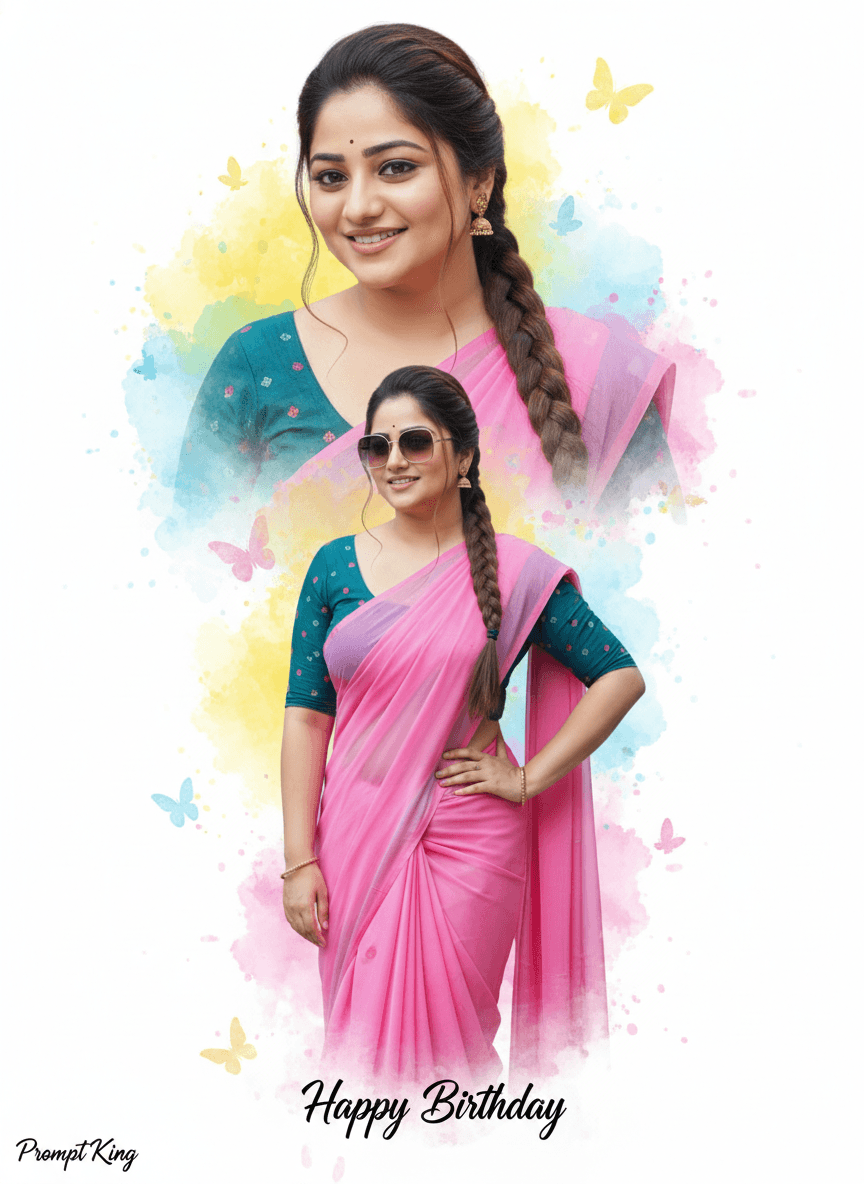
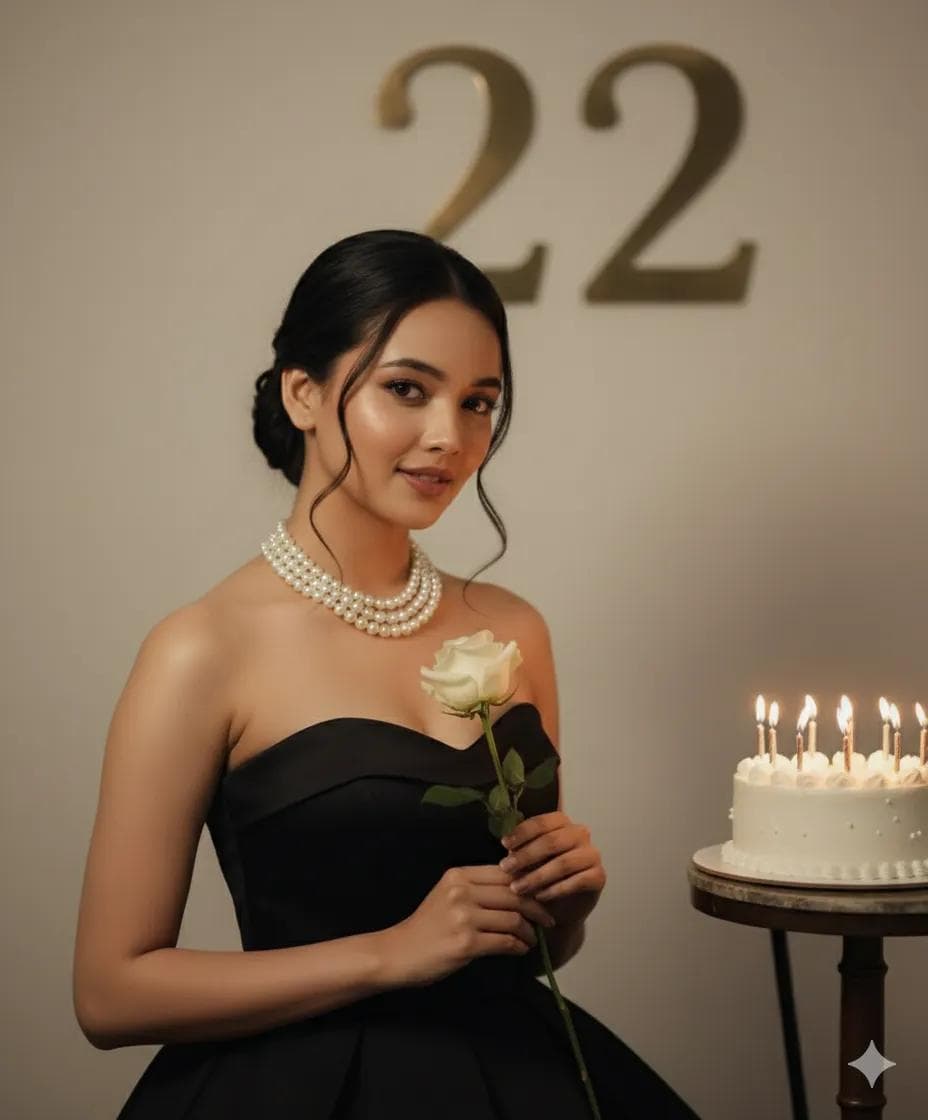
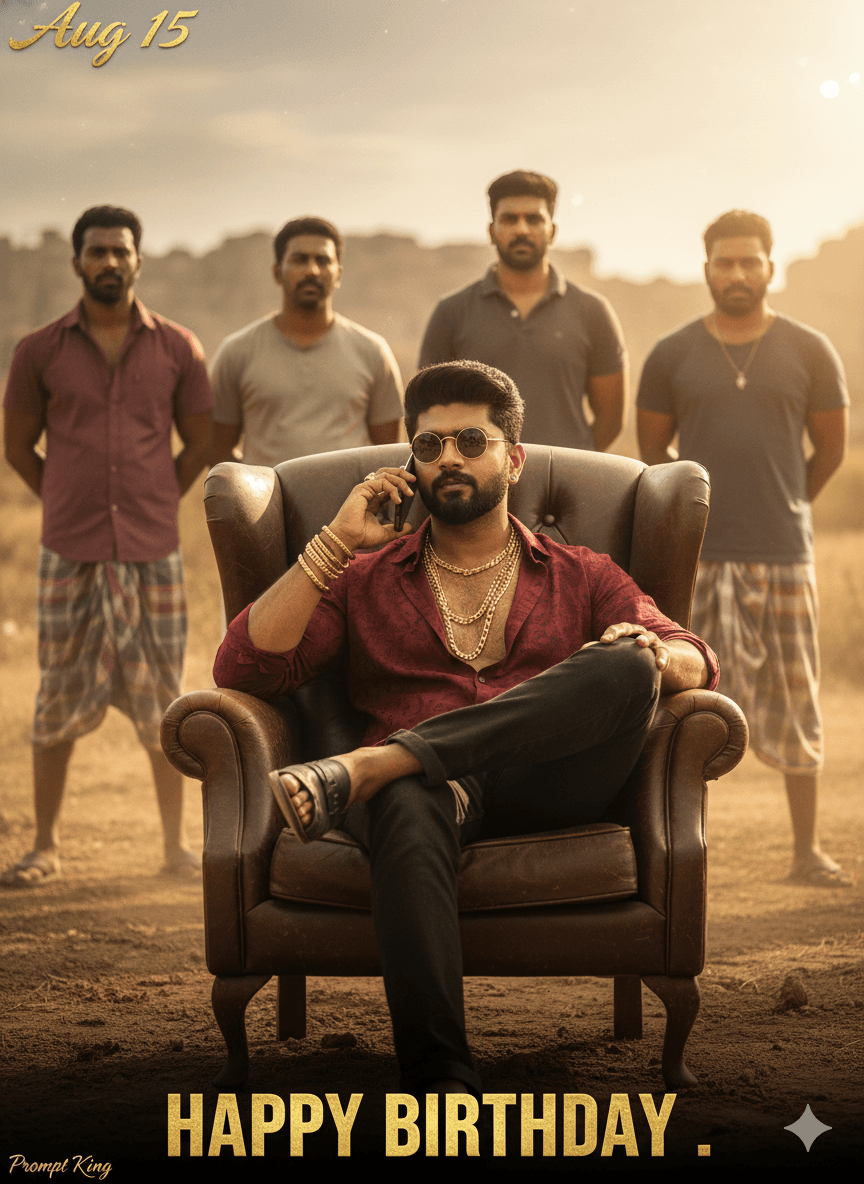
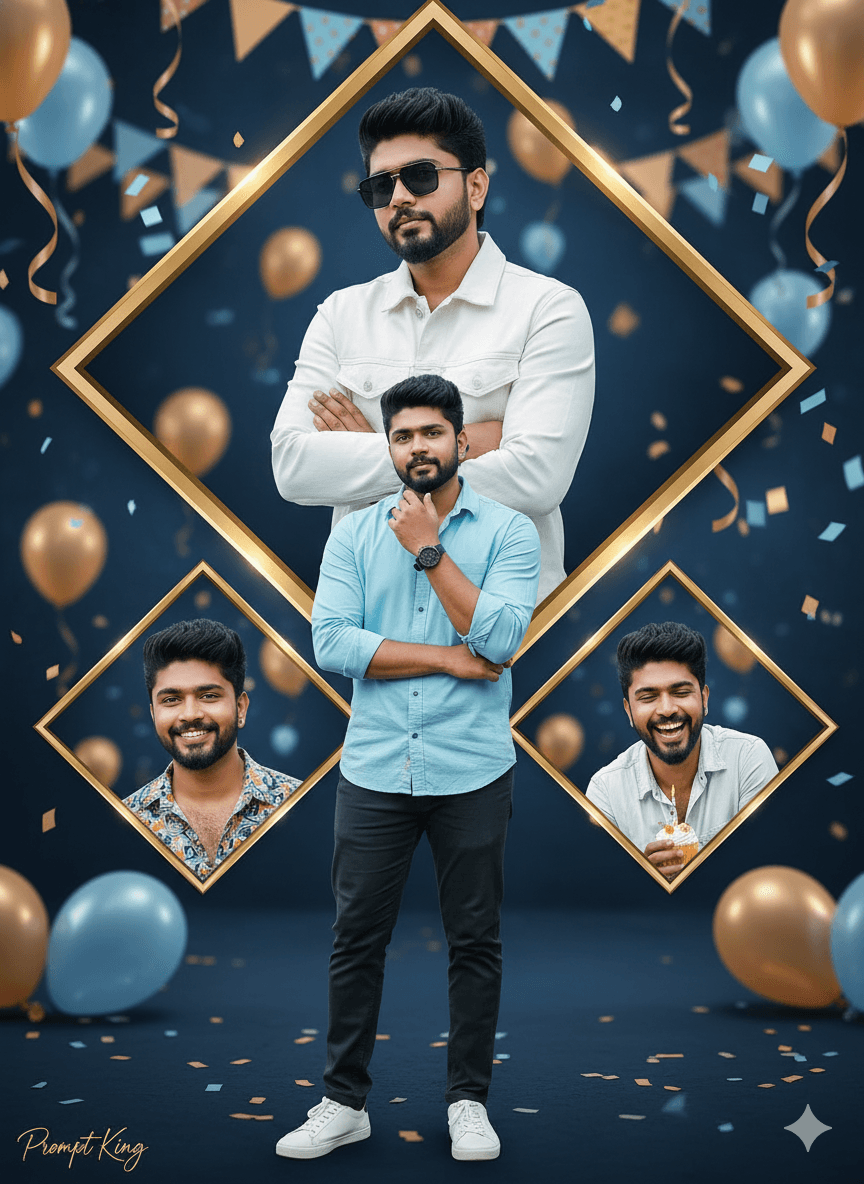
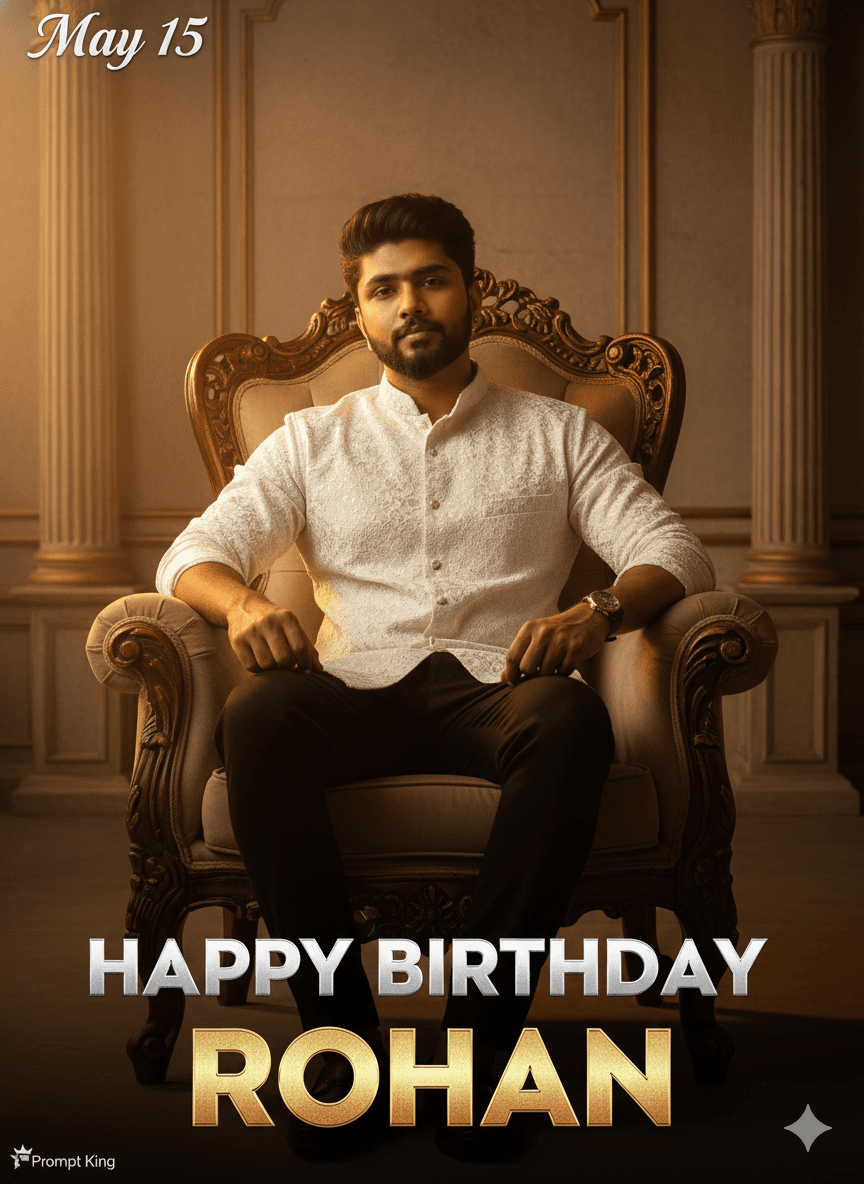
This prompt creates a movie-poster style birthday portrait of a young man seated confidently on a royal armchair. He wears a richly textured modern Indian ethnic shirt in white, paired with black trousers, giving a clean contrast that reads well even at small sizes. The setting resembles a grand palace interior with ornate columns, gold accents and a warm beige or maroon wall, so the whole frame feels formal and celebratory. Lighting is studio quality, with a warm golden glow on the subject and soft directional shadows that add depth to the face and fabric. Across the bottom, large silver or gold block letters spell out HAPPY BIRTHDAY, followed by a big stylised name line, and a date sits in the top left corner in a decorative font. The composition keeps attention on the seated pose and confident expression, much like a film release banner. It works well as a birthday status image, a WhatsApp or Instagram post announcing the day, or a printed poster for a home celebration. Because the name and date are placeholders, the same layout can be reused for friends, brothers or cousins by editing only the text and uploading a different face photo.
Lighting, colour and composition
Warm golden key light falls from the front with soft directional shadows, keeping the white shirt bright without losing texture. The palette is ivory, black, gold and deep maroon. The subject sits centred in the upper two-thirds, while the bold title text anchors the lower third and the date balances the top left corner, giving a symmetrical poster layout.
Ways to make it your own
- Replace the placeholder name and the May 15 date with the real birthday details before generating.
- Swap the white shirt for a maroon or navy kurta if you want the outfit to blend with the wall.
- Use a 4:5 ratio for Instagram feed posts or 9:16 for stories and WhatsApp status.
Best for
Birthday photo ideas and creative portrait inspiration.
Suggested framing
Use the aspect ratio or framing described in the prompt, then adapt it for your intended platform.
Customization ideas
Adjust the clothing, background, lighting, colors and composition to match your own idea.
How to use
Copy the prompt, adapt it to your idea, and paste it into your preferred compatible AI tool. Follow that tool’s instructions for reference photos.
A few helpful answers.
What type of image does this prompt create?
In a compatible AI tool, this prompt is intended as a starting point for this prompt creates a movie-poster style birthday portrait of a young man seated confidently on a royal armchair. He wears a richly textured modern Indian ethnic shirt in white, paired with black trousers, giving a clean contrast that reads well even at small sizes. The setting resembles a grand palace interior with ornate columns, gold accents and a warm beige or maroon wall, so the whole frame feels formal and celebratory. Lighting is studio quality, with a warm golden glow on the subject and soft directional shadows that add depth to the face and fabric. Across the bottom, large silver or gold block letters spell out HAPPY BIRTHDAY, followed by a big stylised name line, and a date sits in the top left corner in a decorative font. The composition keeps attention on the seated pose and confident expression, much like a film release banner. It works well as a birthday status image, a WhatsApp or Instagram post announcing the day, or a printed poster for a home celebration. Because the name and date are placeholders, the same layout can be reused for friends, brothers or cousins by editing only the text and uploading a different face photo. Results depend on the tool, settings and references you use.
Can I customize the clothing or background?
Yes. Replace the clothing, setting or colors in the prompt with your own choices. Keep descriptions consistent and adjust one detail at a time.
What aspect ratio works best?
Start with Use the aspect ratio or framing described in the prompt, then adapt it for your intended platform.. A 4:5 ratio works well for a portrait feed post. Adjust the crop for your intended platform and your tool’s available settings.
Does Prompt King generate the image?
No. Prompt King helps users discover and copy prompts that can be used with compatible AI tools.
Can I use this for social media ideas?
Yes. Use it as creative inspiration and customize the result for your audience. Use photos you have permission to upload, and check your chosen tool’s terms before publishing.