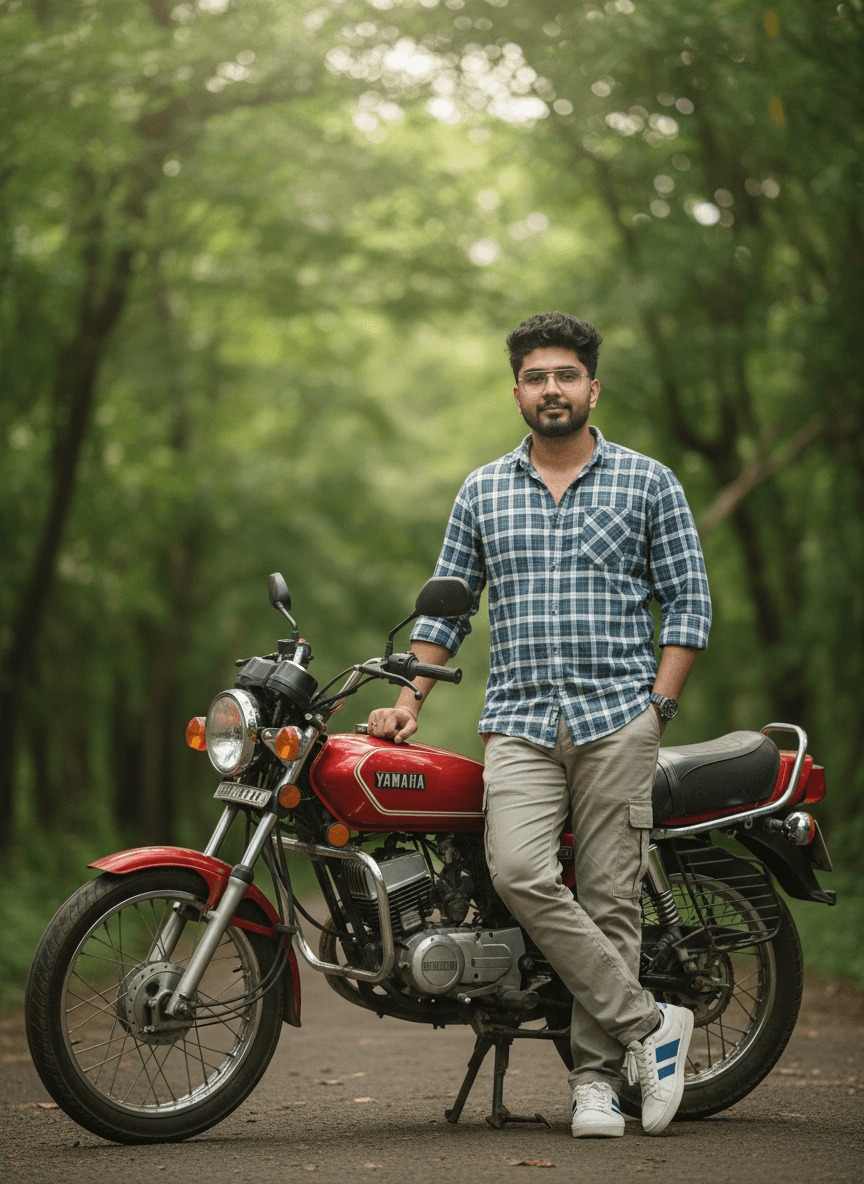
Curly Hair and Glasses Beside a Red RX100 Bike
AI Photo Prompt
Want more trending photo prompts? Discover them in the Prompt King Android app on Google Play.
About this prompt
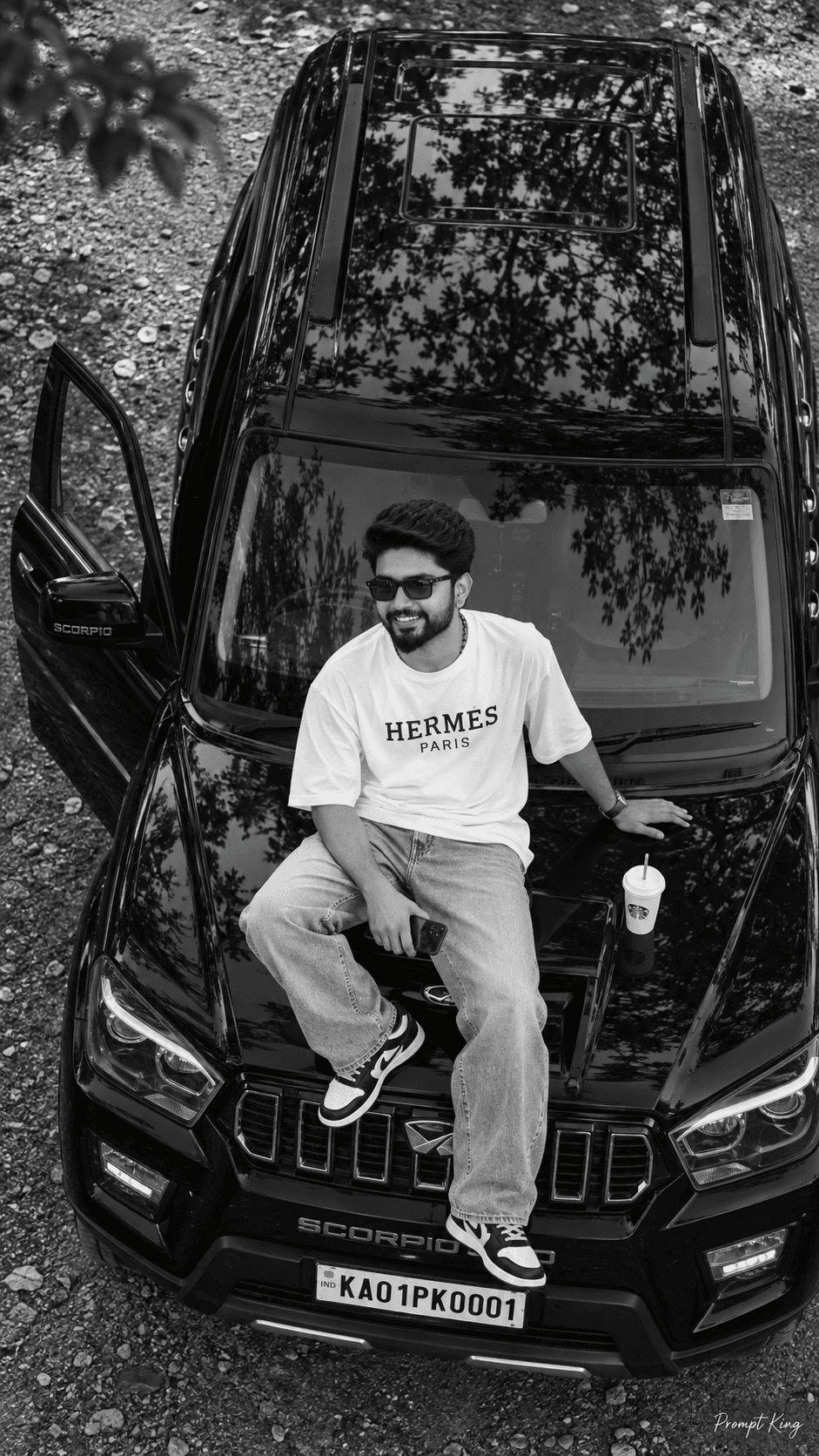
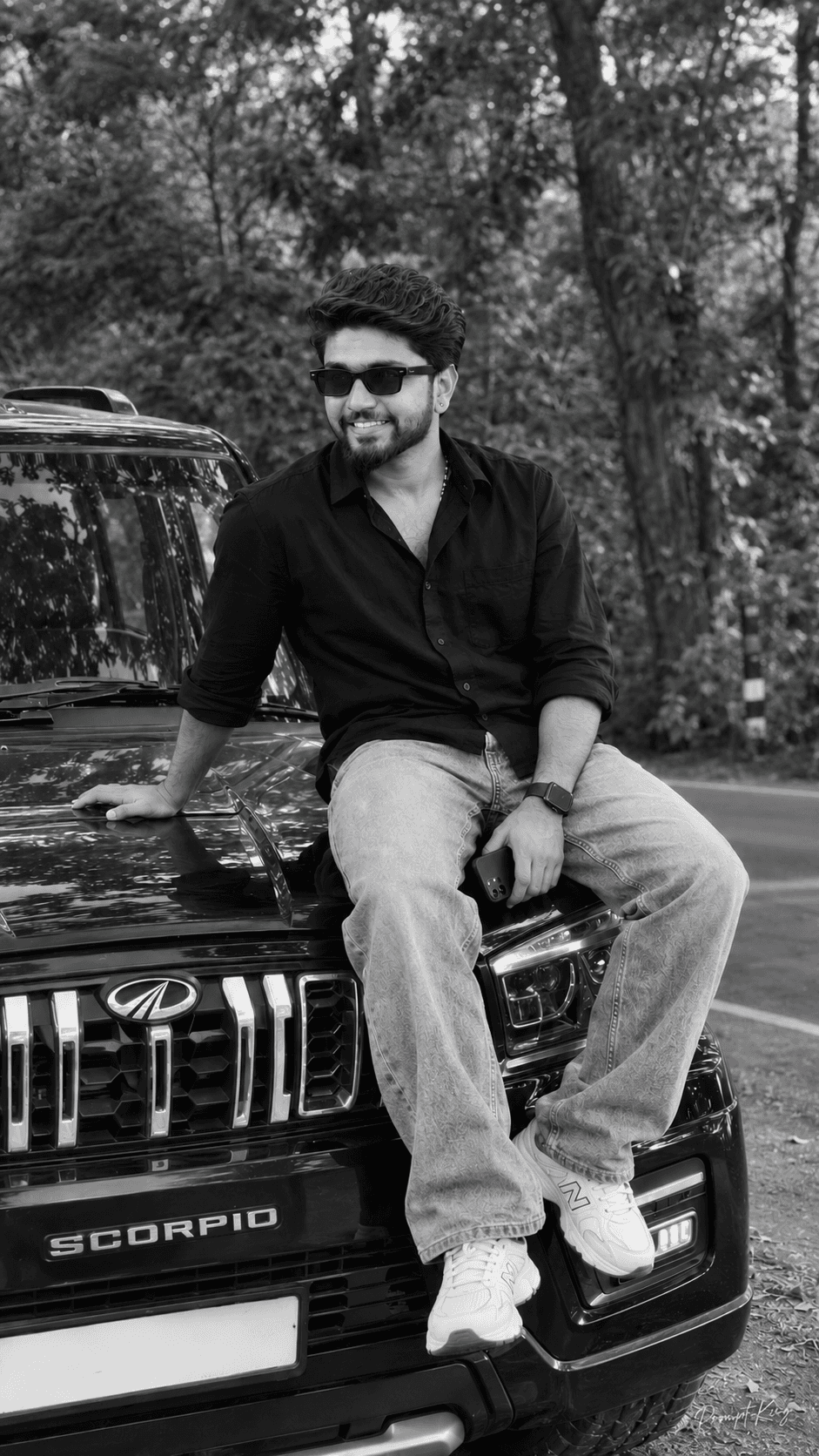
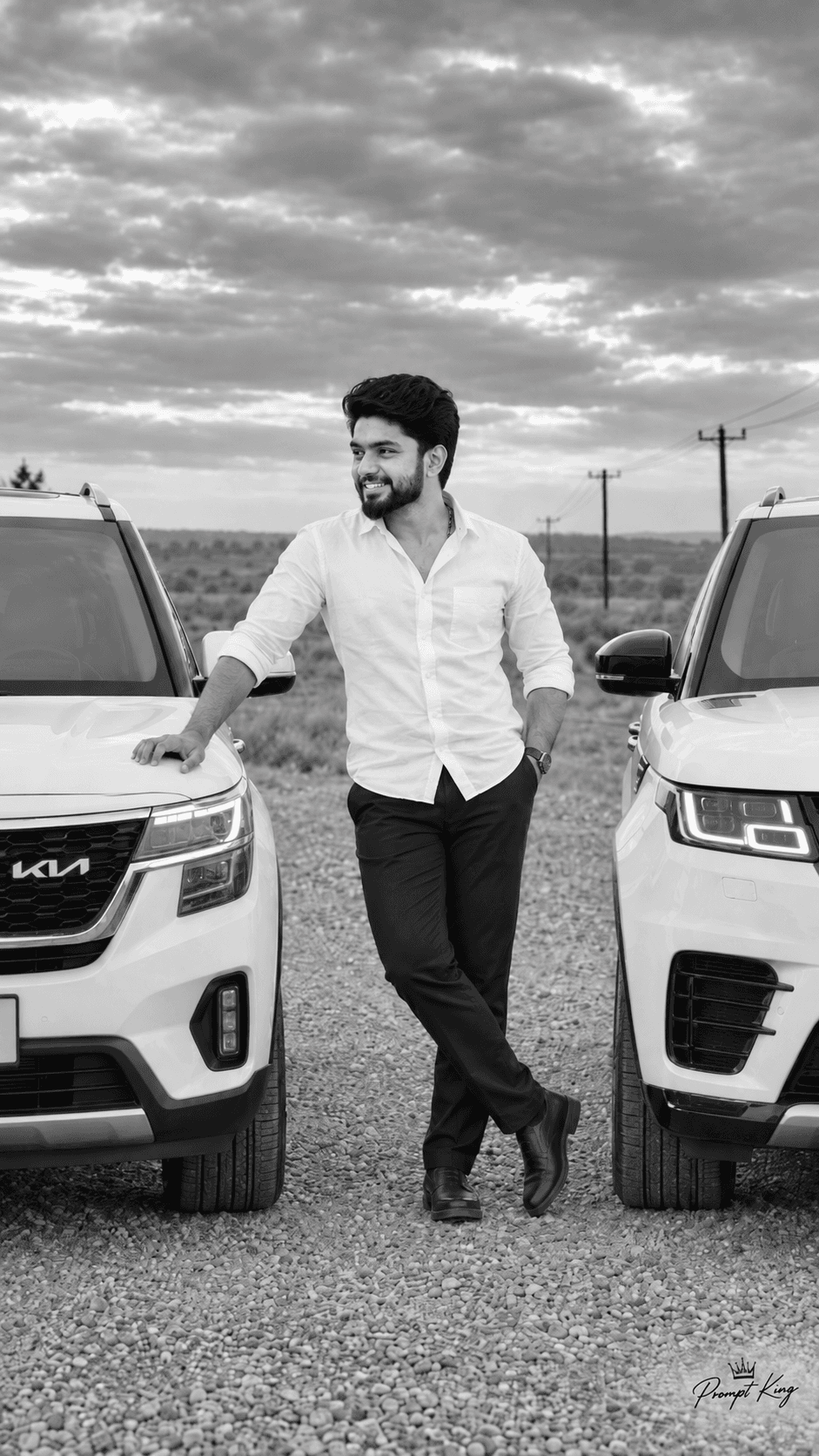
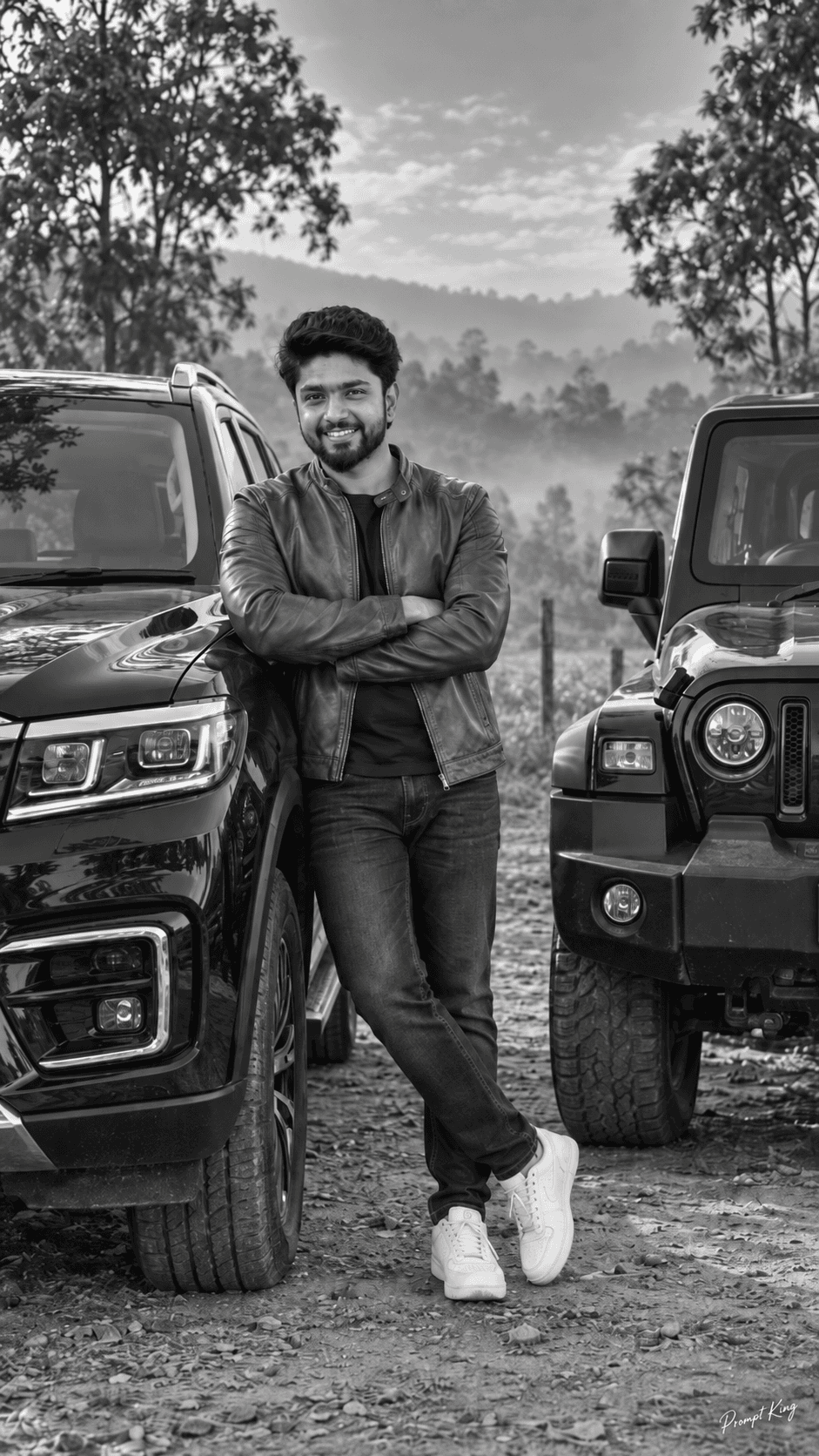
This prompt creates a realistic DSLR-style photo of a stylish young man standing beside a classic red RX100 motorcycle. He wears a blue checked shirt with rolled-up sleeves, light khaki-grey cargo trousers and sneakers. He has curly hair and glasses and leans on the bike with one hand, showing a confident expression. The background is filled with lush green trees, with soft sunlight filtering through to create a cinematic bokeh effect. The red bike and blue shirt provide a cheerful colour contrast against the greenery. The prompt emphasises sharp focus, natural light and detailed textures, so the bike's chrome and paint and the fabric of the shirt look lifelike. This style suits bike enthusiasts, college students, casual profile pictures and nostalgic posts about first bikes or weekend rides. The curly hair and glasses are part of the description, so adjust them if they do not match your own look. Add a face-reference instruction if your image tool needs it. A small Prompt King signature is requested in the lower left corner and is optional.
Lighting, colour and composition
Soft sunlight filtering through trees creates dappled highlights and creamy bokeh. A red bike and blue checked shirt contrast with lush green foliage and khaki trousers. A standing three-quarter composition places the subject beside the bike, one hand on the seat or tank, with trees blurred behind.
Ways to make it your own
- Change 'curly hair and glasses' to match your real appearance.
- Add 'based on my uploaded photo' for better face matching.
- Swap the green trees for a coastal road for a seaside ride feel.
Best for
Bike-Car photo ideas and creative portrait inspiration.
Suggested framing
Use the aspect ratio or framing described in the prompt, then adapt it for your intended platform.
Customization ideas
Adjust the clothing, background, lighting, colors and composition to match your own idea.
How to use
Copy the prompt, adapt it to your idea, and paste it into your preferred compatible AI tool. Follow that tool’s instructions for reference photos.
A few helpful answers.
What type of image does this prompt create?
In a compatible AI tool, this prompt is intended as a starting point for this prompt creates a realistic DSLR-style photo of a stylish young man standing beside a classic red RX100 motorcycle. He wears a blue checked shirt with rolled-up sleeves, light khaki-grey cargo trousers and sneakers. He has curly hair and glasses and leans on the bike with one hand, showing a confident expression. The background is filled with lush green trees, with soft sunlight filtering through to create a cinematic bokeh effect. The red bike and blue shirt provide a cheerful colour contrast against the greenery. The prompt emphasises sharp focus, natural light and detailed textures, so the bike's chrome and paint and the fabric of the shirt look lifelike. This style suits bike enthusiasts, college students, casual profile pictures and nostalgic posts about first bikes or weekend rides. The curly hair and glasses are part of the description, so adjust them if they do not match your own look. Add a face-reference instruction if your image tool needs it. A small Prompt King signature is requested in the lower left corner and is optional. Results depend on the tool, settings and references you use.
Can I customize the clothing or background?
Yes. Replace the clothing, setting or colors in the prompt with your own choices. Keep descriptions consistent and adjust one detail at a time.
What aspect ratio works best?
Start with Use the aspect ratio or framing described in the prompt, then adapt it for your intended platform.. A 4:5 ratio works well for a portrait feed post. Adjust the crop for your intended platform and your tool’s available settings.
Does Prompt King generate the image?
No. Prompt King helps users discover and copy prompts that can be used with compatible AI tools.
Can I use this for social media ideas?
Yes. Use it as creative inspiration and customize the result for your audience. Use photos you have permission to upload, and check your chosen tool’s terms before publishing.