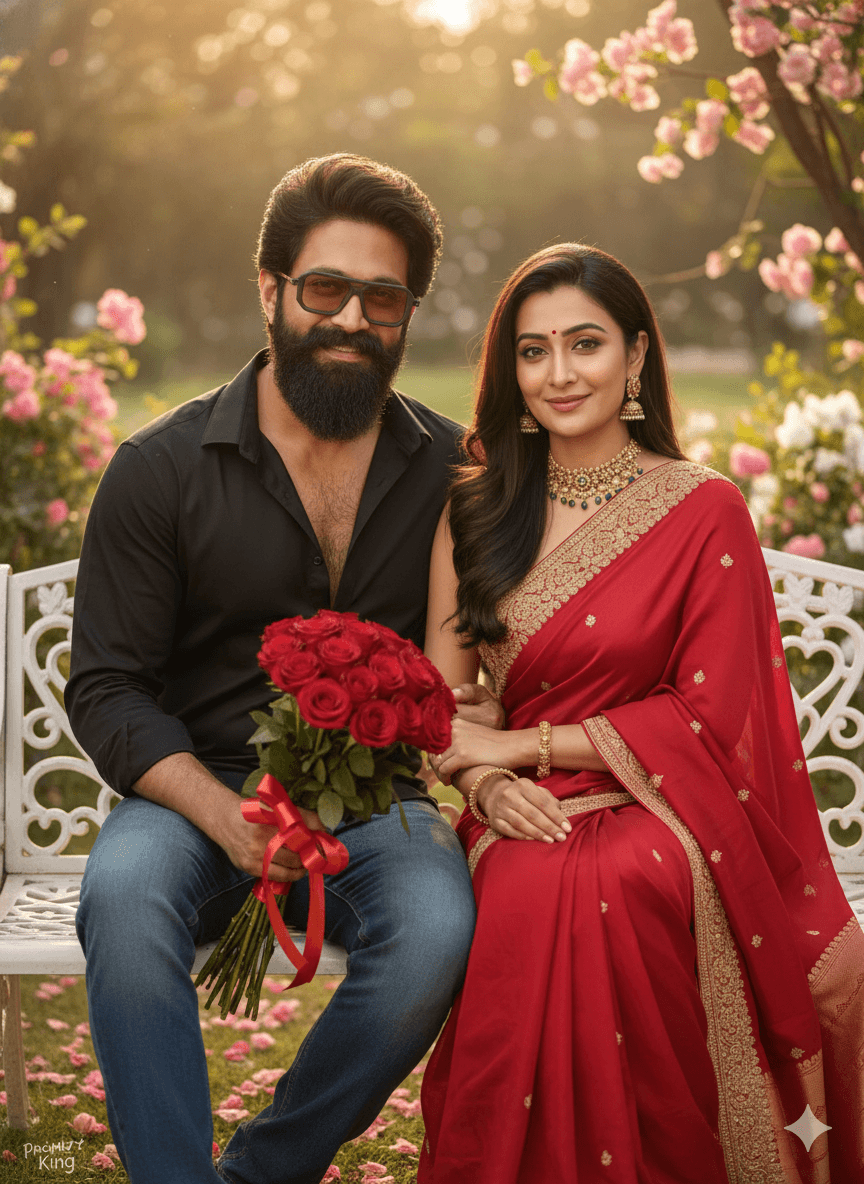
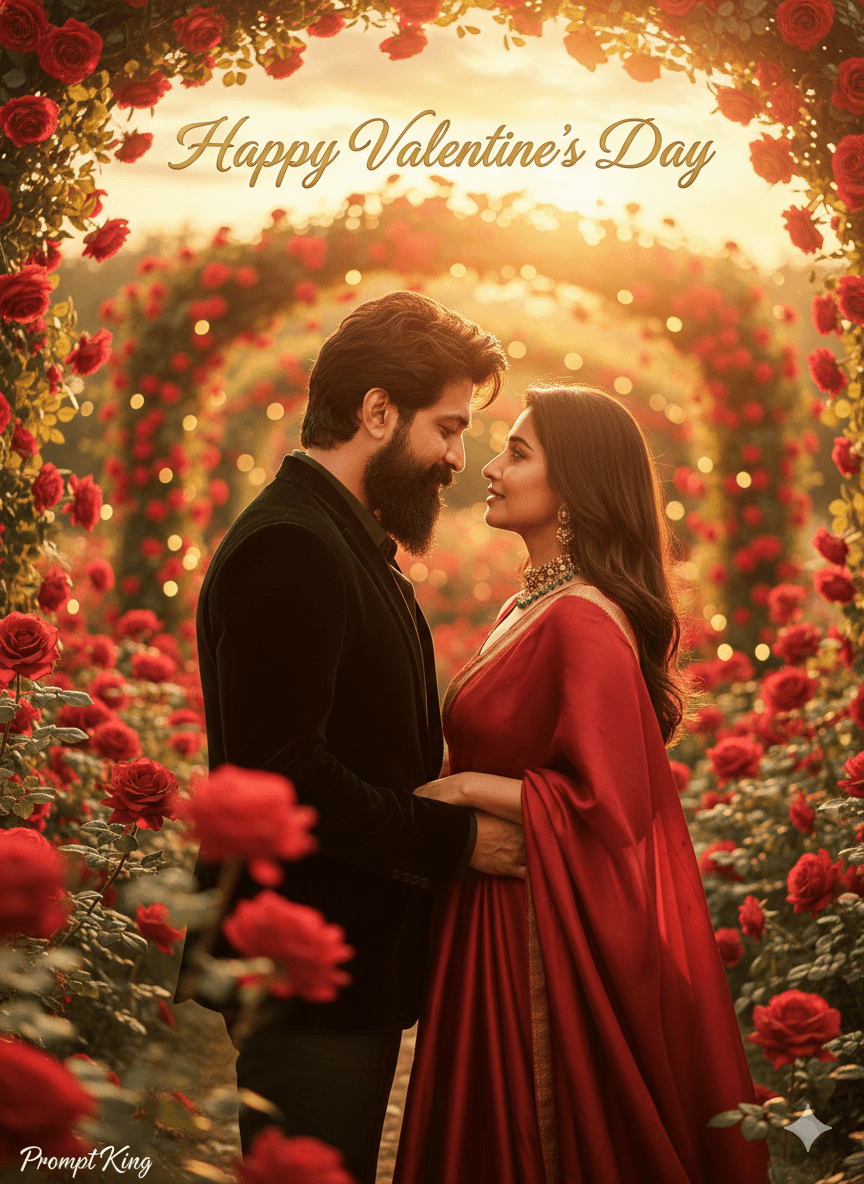
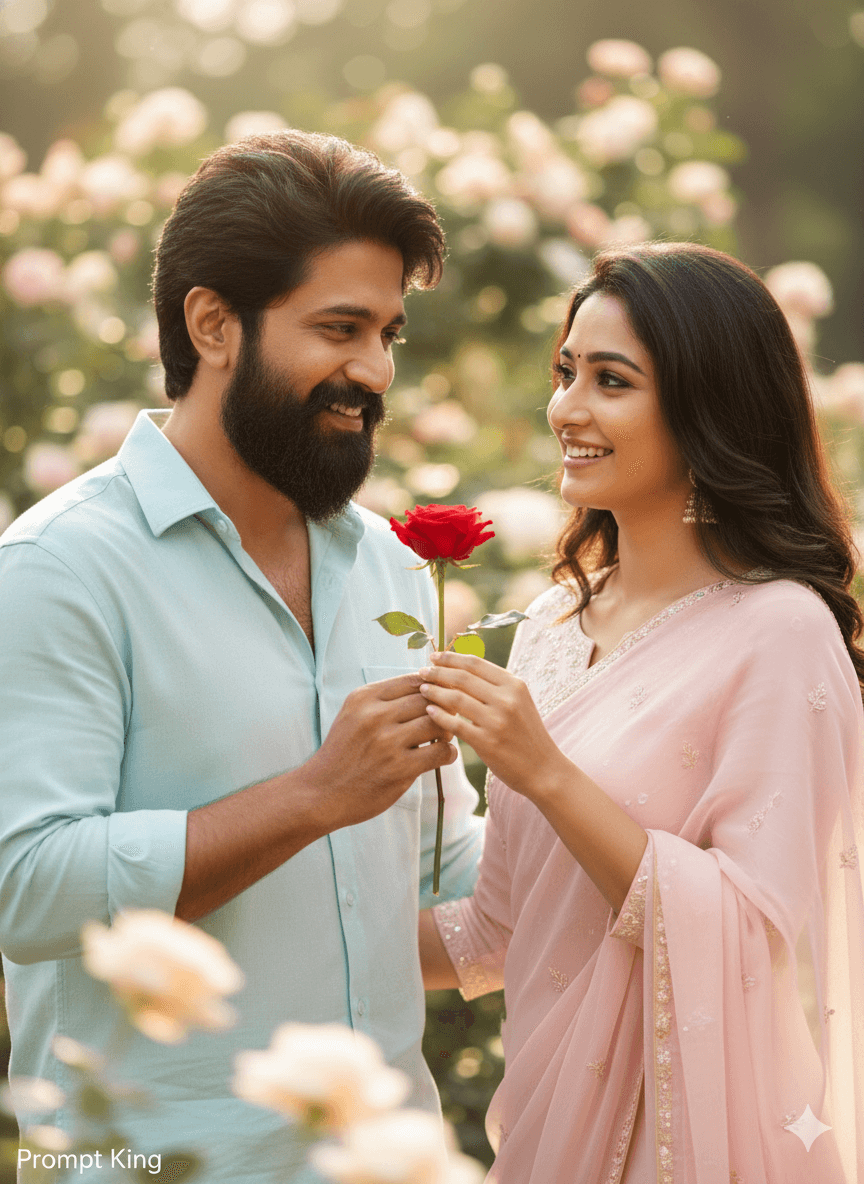
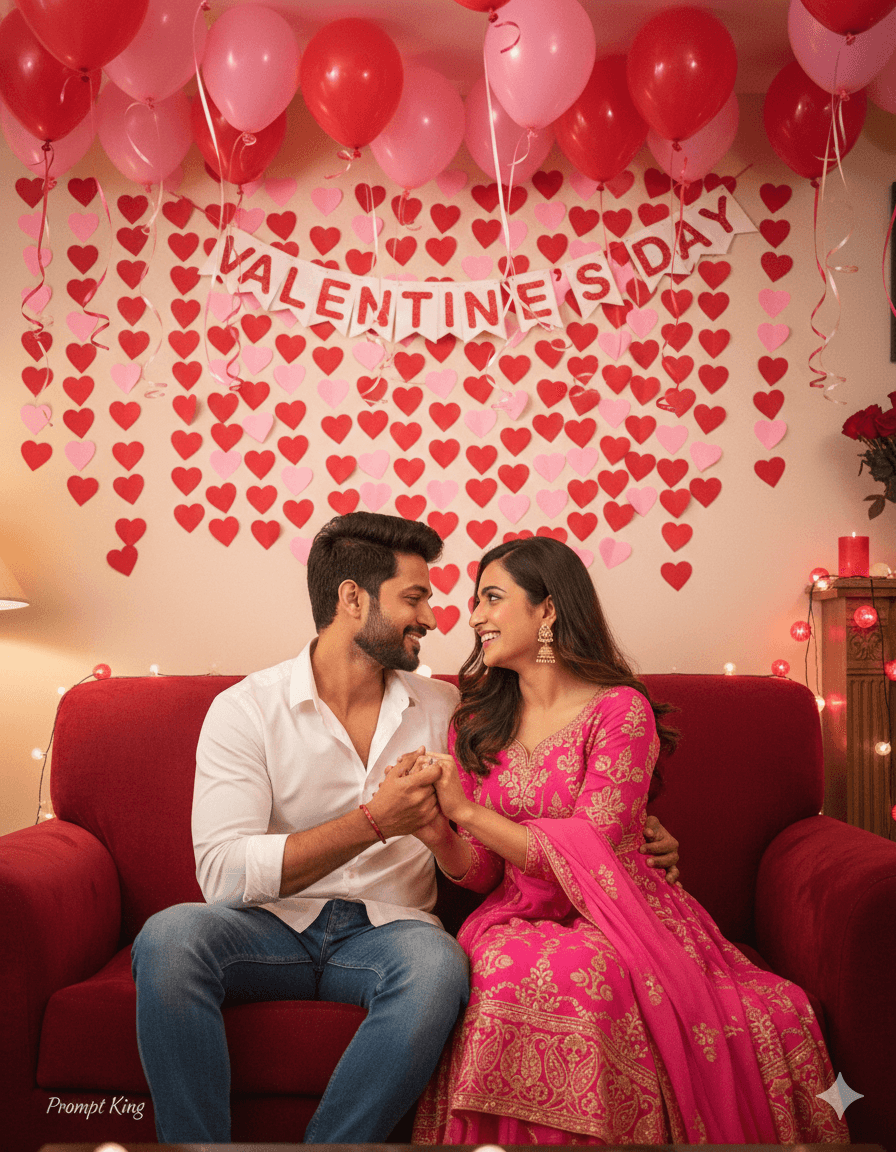
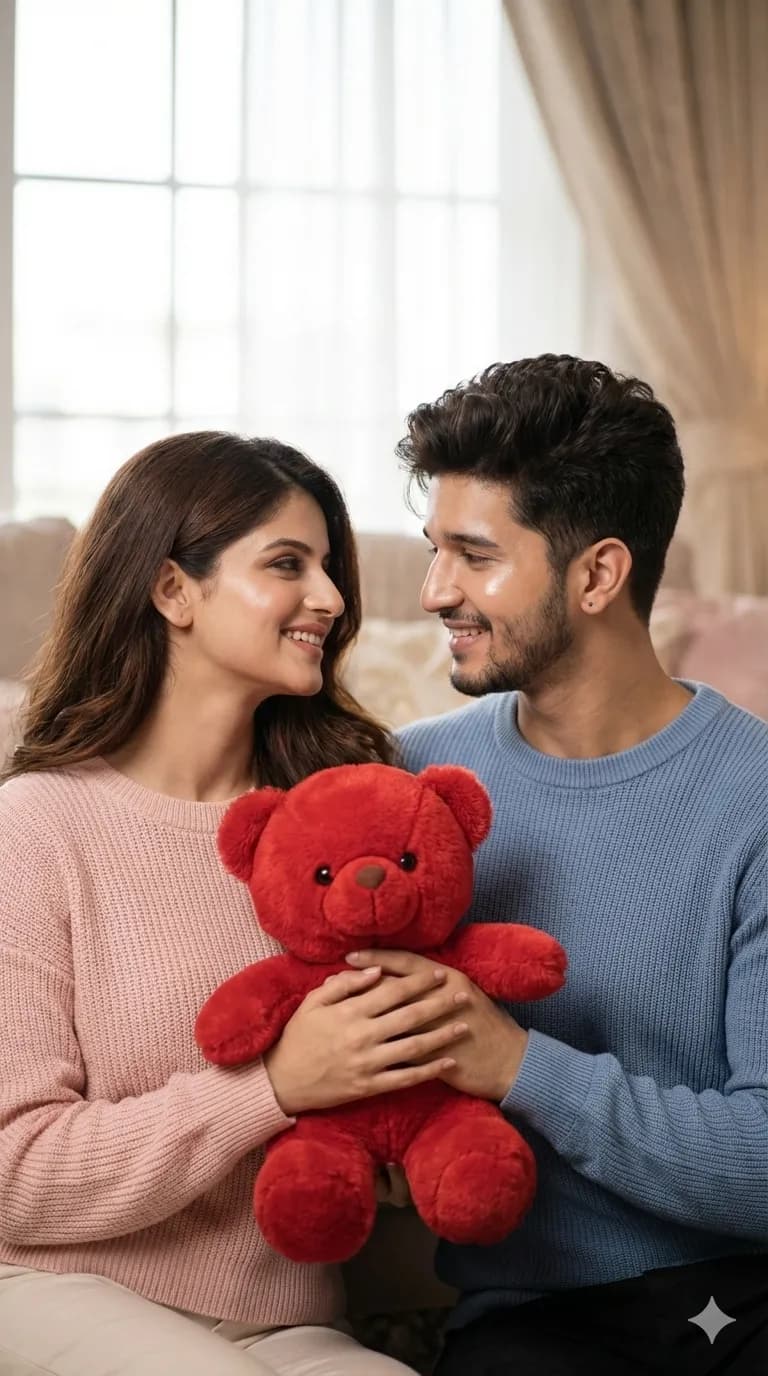
Couple Sharing a Red Teddy in Soft Daylight
AI Photo Prompt
Want more trending photo prompts? Discover them in the Prompt King Android app on Google Play.
About this prompt
This Teddy Day prompt shows a young couple holding a single red teddy bear together between them, both smiling sweetly with relaxed, affectionate expressions. They wear casual but refined outfits in pastel knitwear and soft fabrics, which keeps the palette light and lets the red bear stand out as the shared symbol of the day. Diffused daylight falls evenly on both faces, and the background is blurred into a dreamy wash so nothing distracts from the couple. The skin is rendered with a bright, smooth glow, and the prompt asks for realistic skin and fabric detail so the knit textures read clearly. An 85mm lens look and cinematic colour grading give the image the feel of a professional couple shoot. The output is vertical 9:16, well suited for social media stories, short video covers and phone wallpapers. This style works for couples celebrating Teddy Day, Valentine's week, an anniversary, or simply wanting a cute shared photo for social media. It is light-hearted and wholesome rather than formal. Upload a clear photo of both partners standing close together with their faces visible for the most accurate result, ideally taken in soft, even light.
Lighting, colour and composition
Even, diffused daylight with no harsh contrast flatters both faces. Pastel knitwear in cream, peach and powder blue frames a single bold red accent from the teddy bear. The couple is centred in a vertical frame, shoulders close, with a shallow depth of field and smooth cinematic grading that adds warmth without heavy filters.
Ways to make it your own
- Coordinate outfits by asking for matching colours, such as both partners in beige or soft pink.
- Add falling heart confetti or petals in the background for a more festive Valentine's look.
- Switch to an outdoor park setting if you prefer natural greenery behind the couple.
Best for
Valentine's day photo ideas and creative portrait inspiration.
Suggested framing
Use the aspect ratio or framing described in the prompt, then adapt it for your intended platform.
Customization ideas
Adjust the clothing, background, lighting, colors and composition to match your own idea.
How to use
Copy the prompt, adapt it to your idea, and paste it into your preferred compatible AI tool. Follow that tool’s instructions for reference photos.
A few helpful answers.
What type of image does this prompt create?
In a compatible AI tool, this prompt is intended as a starting point for this Teddy Day prompt shows a young couple holding a single red teddy bear together between them, both smiling sweetly with relaxed, affectionate expressions. They wear casual but refined outfits in pastel knitwear and soft fabrics, which keeps the palette light and lets the red bear stand out as the shared symbol of the day. Diffused daylight falls evenly on both faces, and the background is blurred into a dreamy wash so nothing distracts from the couple. The skin is rendered with a bright, smooth glow, and the prompt asks for realistic skin and fabric detail so the knit textures read clearly. An 85mm lens look and cinematic colour grading give the image the feel of a professional couple shoot. The output is vertical 9:16, well suited for social media stories, short video covers and phone wallpapers. This style works for couples celebrating Teddy Day, Valentine's week, an anniversary, or simply wanting a cute shared photo for social media. It is light-hearted and wholesome rather than formal. Upload a clear photo of both partners standing close together with their faces visible for the most accurate result, ideally taken in soft, even light. Results depend on the tool, settings and references you use.
Can I customize the clothing or background?
Yes. Replace the clothing, setting or colors in the prompt with your own choices. Keep descriptions consistent and adjust one detail at a time.
What aspect ratio works best?
Start with Use the aspect ratio or framing described in the prompt, then adapt it for your intended platform.. A 4:5 ratio works well for a portrait feed post. Adjust the crop for your intended platform and your tool’s available settings.
Does Prompt King generate the image?
No. Prompt King helps users discover and copy prompts that can be used with compatible AI tools.
Can I use this for social media ideas?
Yes. Use it as creative inspiration and customize the result for your audience. Use photos you have permission to upload, and check your chosen tool’s terms before publishing.