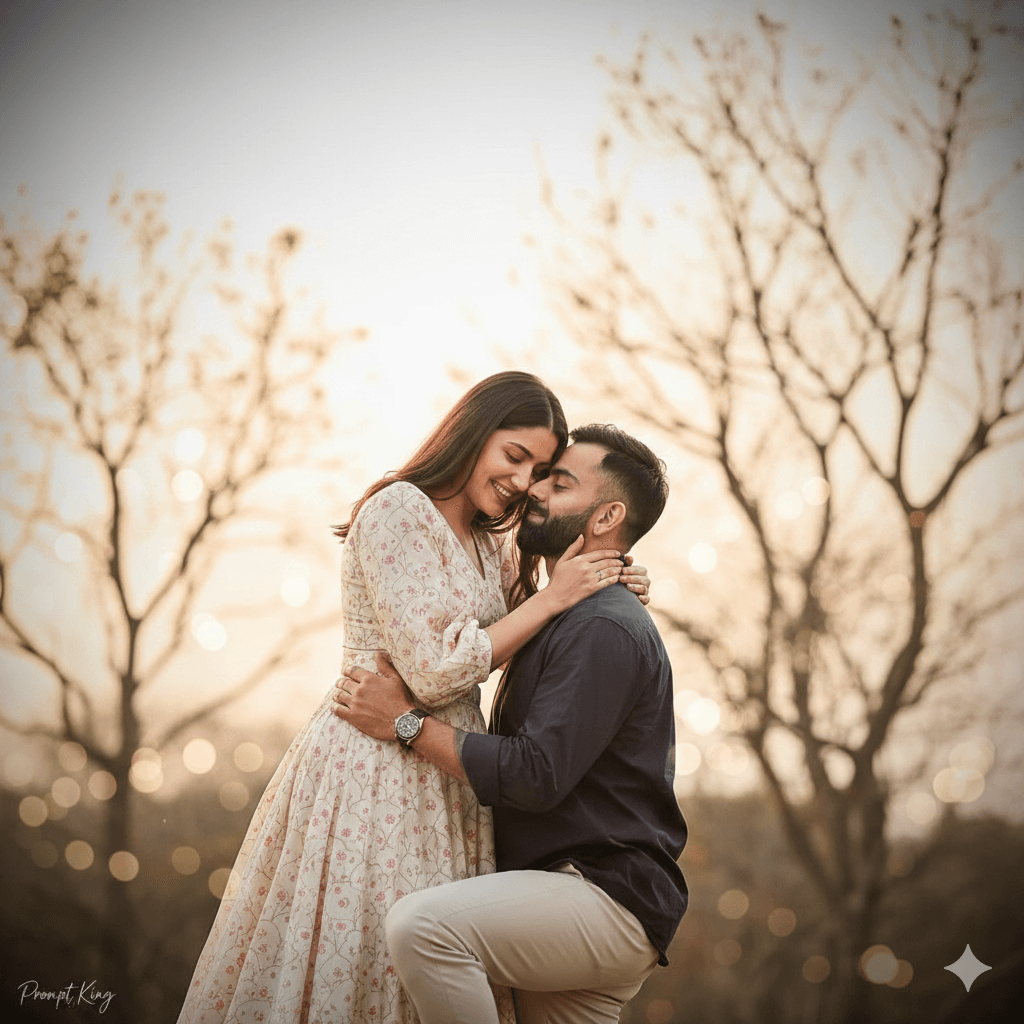
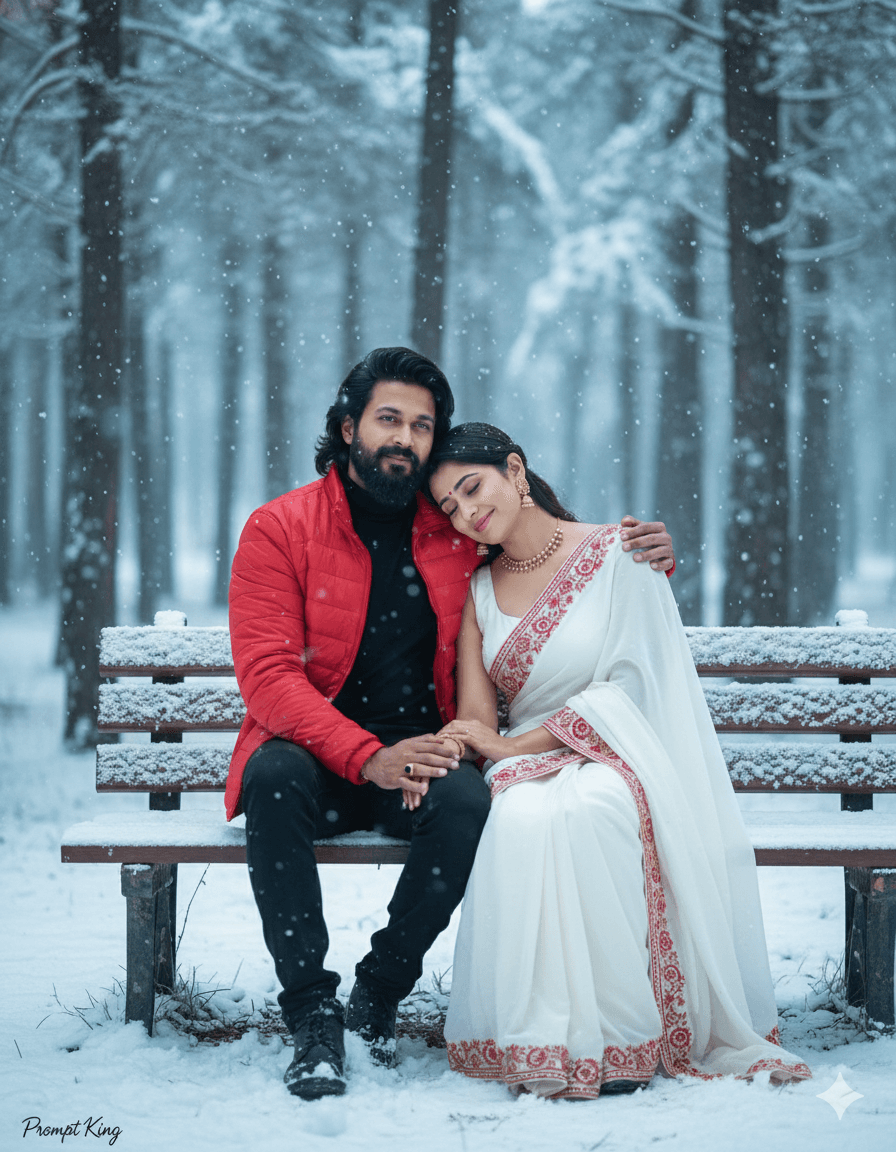
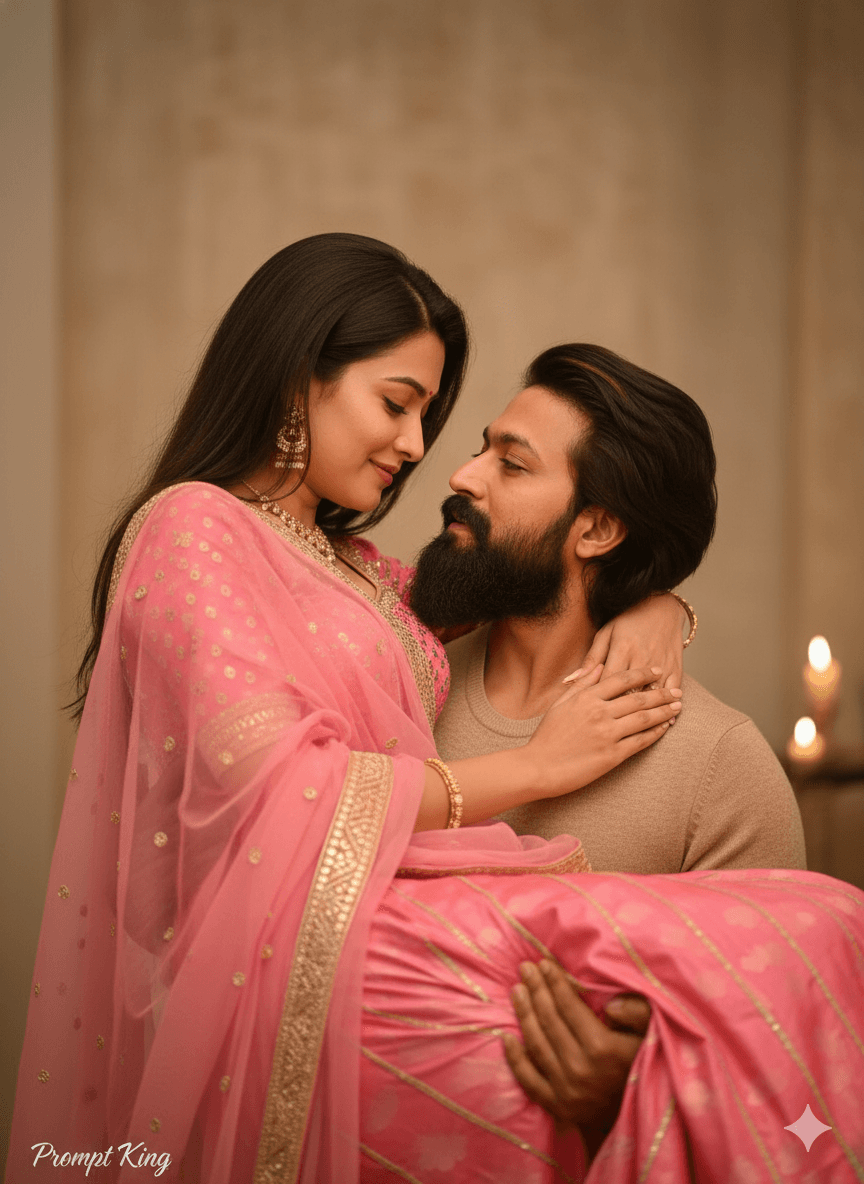
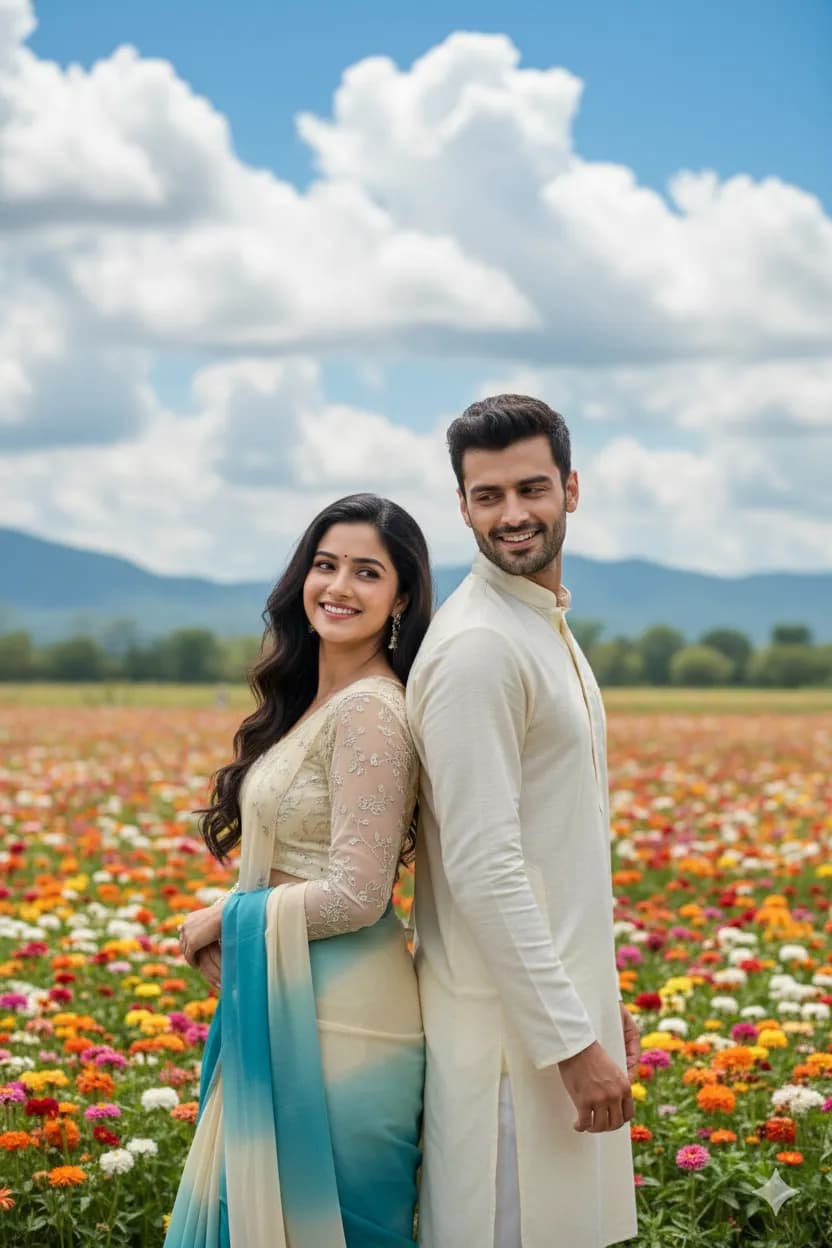
Blush Pink Dress Beach Walk At Sunset
AI Photo Prompt
Want more trending photo prompts? Discover them in the Prompt King Android app on Google Play.
About this prompt
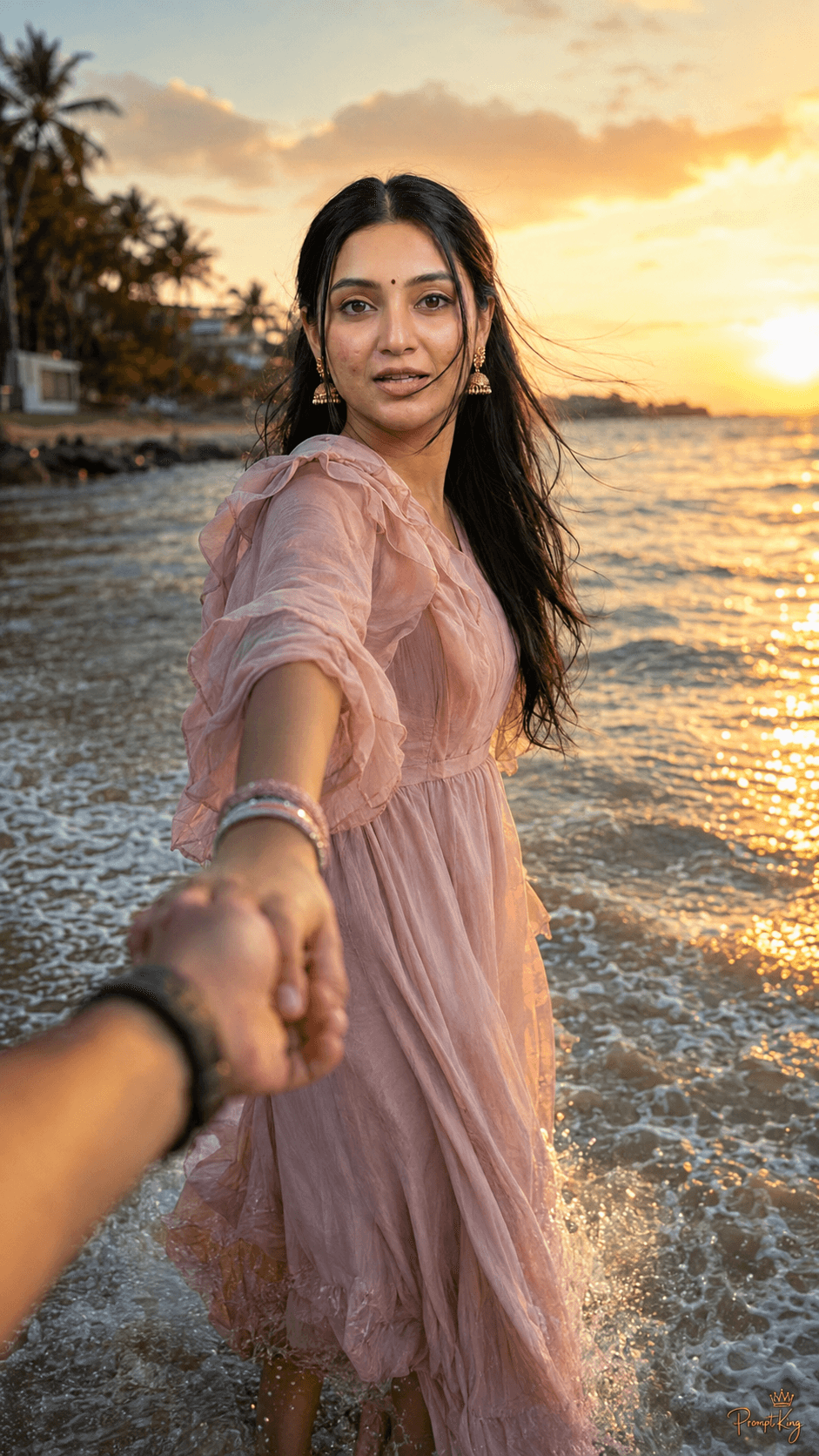
This prompt creates a romantic point-of-view beach photo, as if the viewer is holding a woman's hand while she leads the way through shallow waves. She wears a flowing blush-pink ruffled dress and walks barefoot, smiling naturally with her hair blowing in the wind. The sun is setting over the sea, giving warm golden-hour light, sparkling water and realistic splashes around her feet. The prompt asks for realistic skin texture and a professional DSLR look with an 85mm lens at f/1.8, producing soft background blur, in a vertical 9:16 frame. It places strong emphasis on keeping her face exactly the same as your uploaded reference. This idea is popular for couples who want a 'follow me' style memory, an anniversary or Valentine's Day post, a honeymoon throwback, or a proposal announcement. It can also be used by anyone who wants a dreamy, travel-style portrait by the sea. For the most natural result, upload a clear, smiling photo, since the expression in the prompt is warm and joyful.
Lighting, colour and composition
Warm, low golden-hour sunlight backlights the hair and dress and creates sparkles on the water. The palette is blush pink, gold, peach and soft sea blue. A point-of-view composition with an outstretched hand leading into the frame creates intimacy and a strong sense of movement.
Ways to make it your own
- Change the dress to white or pale lavender for a different romantic palette.
- Ask for an early morning beach with soft blue light instead of sunset.
- Include the partner's sleeve or watch on the held hand to personalise the couple shot.
Best for
Couple photo ideas and creative portrait inspiration.
Suggested framing
Use the aspect ratio or framing described in the prompt, then adapt it for your intended platform.
Customization ideas
Adjust the clothing, background, lighting, colors and composition to match your own idea.
How to use
Copy the prompt, adapt it to your idea, and paste it into your preferred compatible AI tool. Follow that tool’s instructions for reference photos.
A few helpful answers.
What type of image does this prompt create?
In a compatible AI tool, this prompt is intended as a starting point for this prompt creates a romantic point-of-view beach photo, as if the viewer is holding a woman's hand while she leads the way through shallow waves. She wears a flowing blush-pink ruffled dress and walks barefoot, smiling naturally with her hair blowing in the wind. The sun is setting over the sea, giving warm golden-hour light, sparkling water and realistic splashes around her feet. The prompt asks for realistic skin texture and a professional DSLR look with an 85mm lens at f/1.8, producing soft background blur, in a vertical 9:16 frame. It places strong emphasis on keeping her face exactly the same as your uploaded reference. This idea is popular for couples who want a 'follow me' style memory, an anniversary or Valentine's Day post, a honeymoon throwback, or a proposal announcement. It can also be used by anyone who wants a dreamy, travel-style portrait by the sea. For the most natural result, upload a clear, smiling photo, since the expression in the prompt is warm and joyful. Results depend on the tool, settings and references you use.
Can I customize the clothing or background?
Yes. Replace the clothing, setting or colors in the prompt with your own choices. Keep descriptions consistent and adjust one detail at a time.
What aspect ratio works best?
Start with Use the aspect ratio or framing described in the prompt, then adapt it for your intended platform.. A 4:5 ratio works well for a portrait feed post. Adjust the crop for your intended platform and your tool’s available settings.
Does Prompt King generate the image?
No. Prompt King helps users discover and copy prompts that can be used with compatible AI tools.
Can I use this for social media ideas?
Yes. Use it as creative inspiration and customize the result for your audience. Use photos you have permission to upload, and check your chosen tool’s terms before publishing.