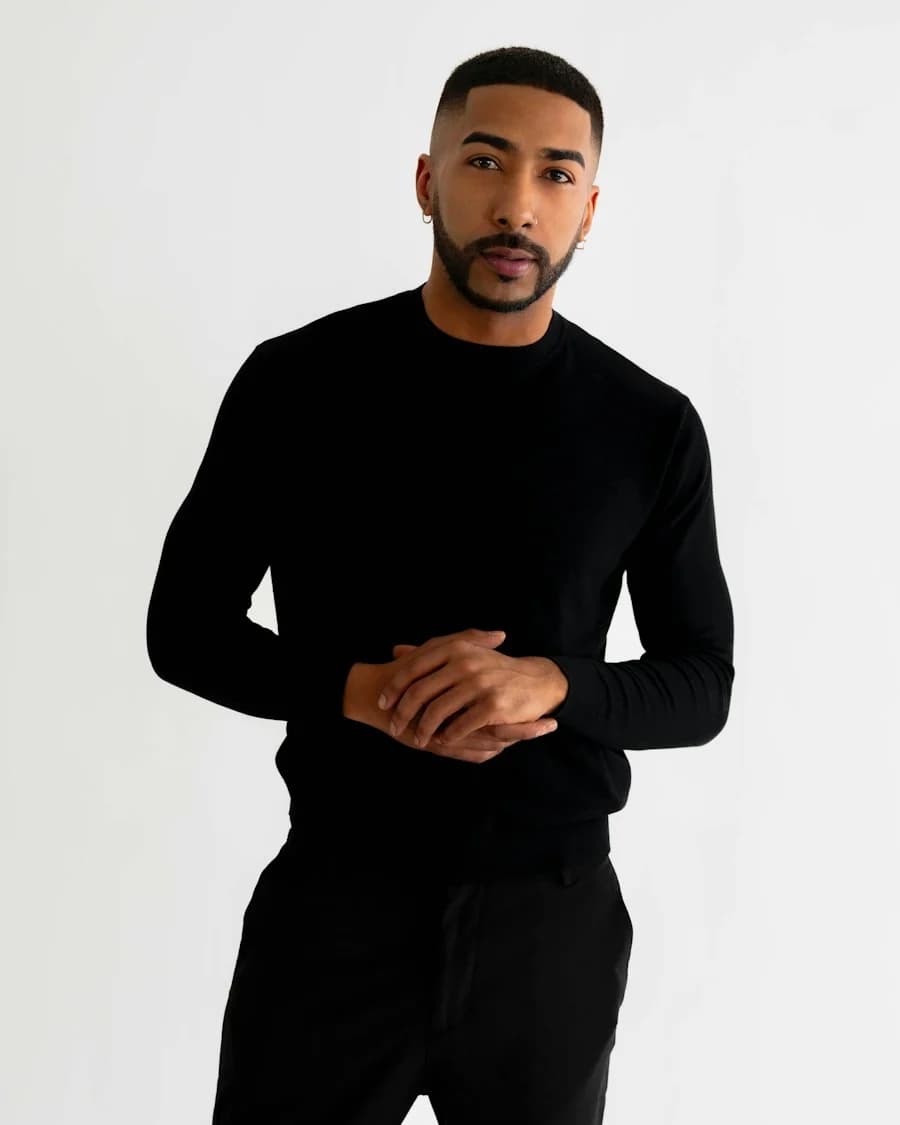
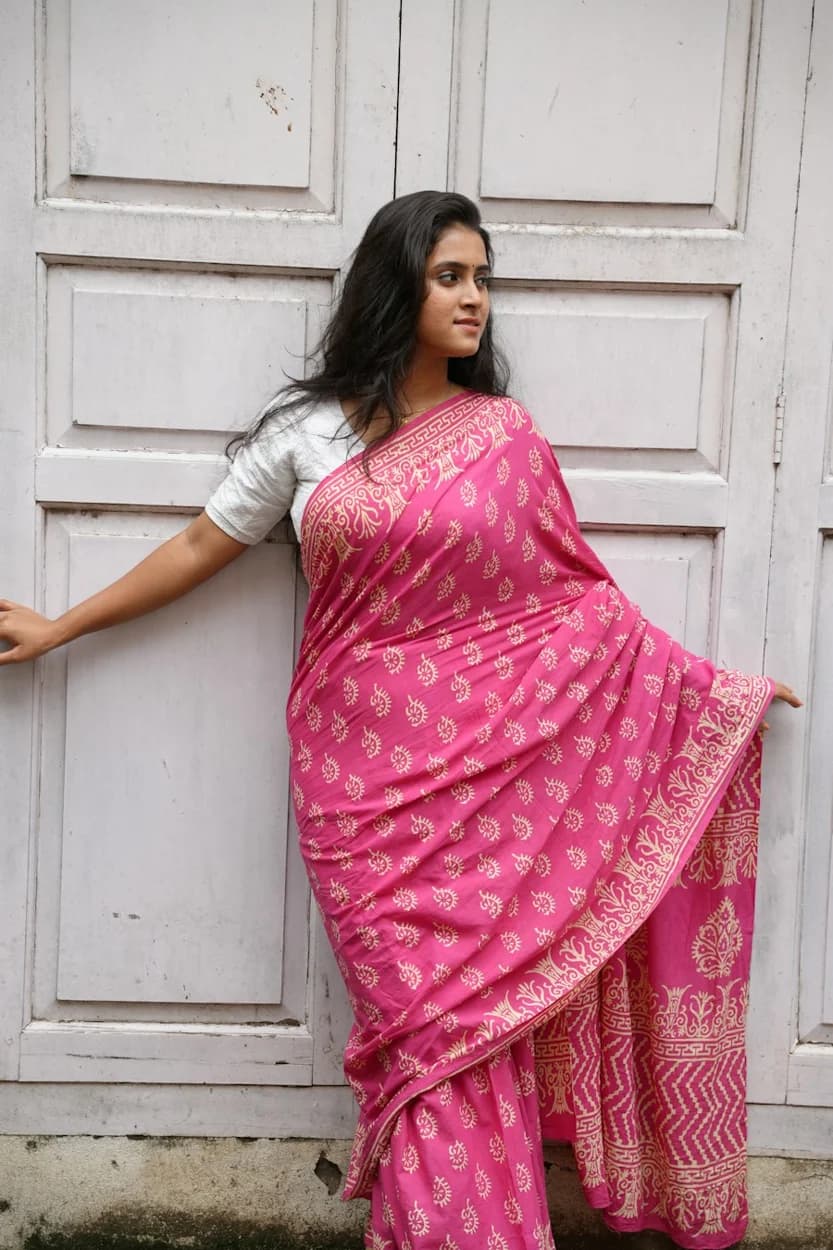
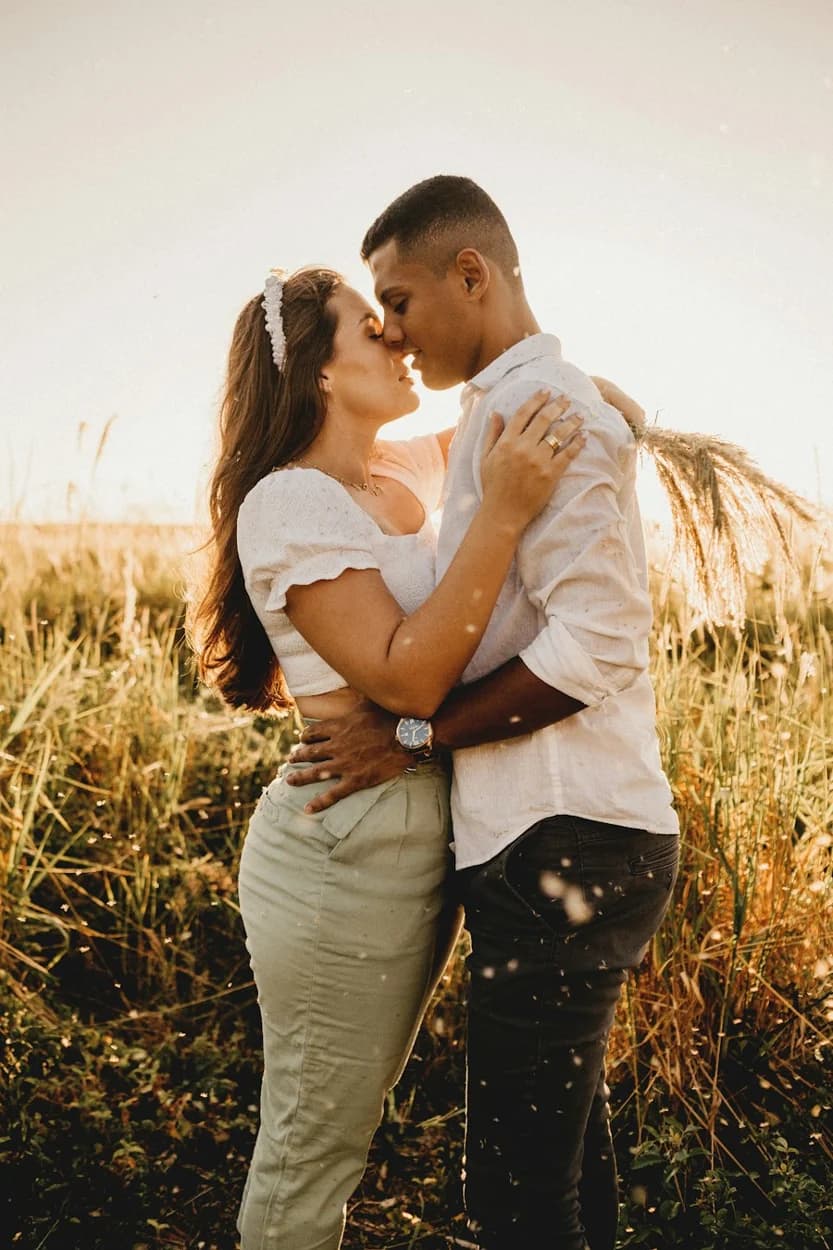
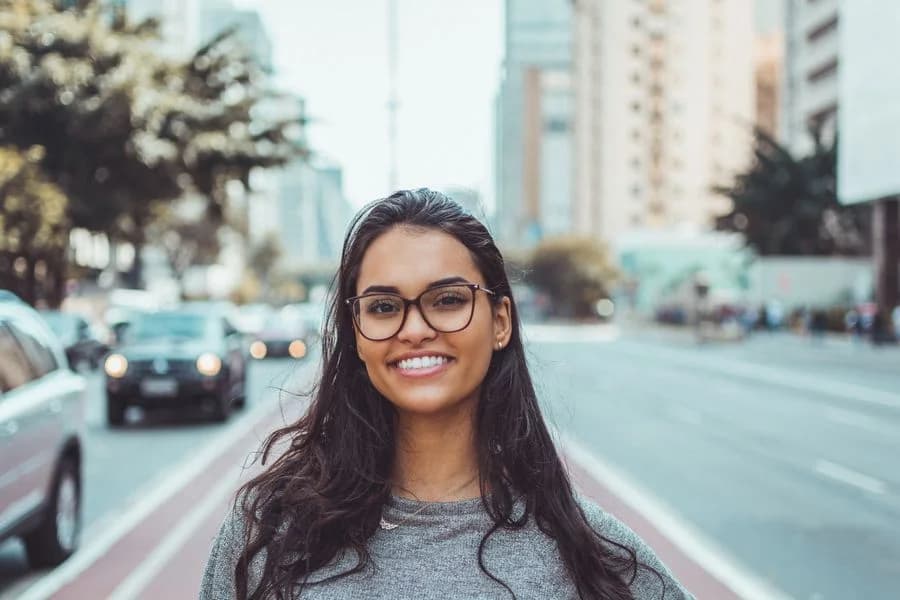
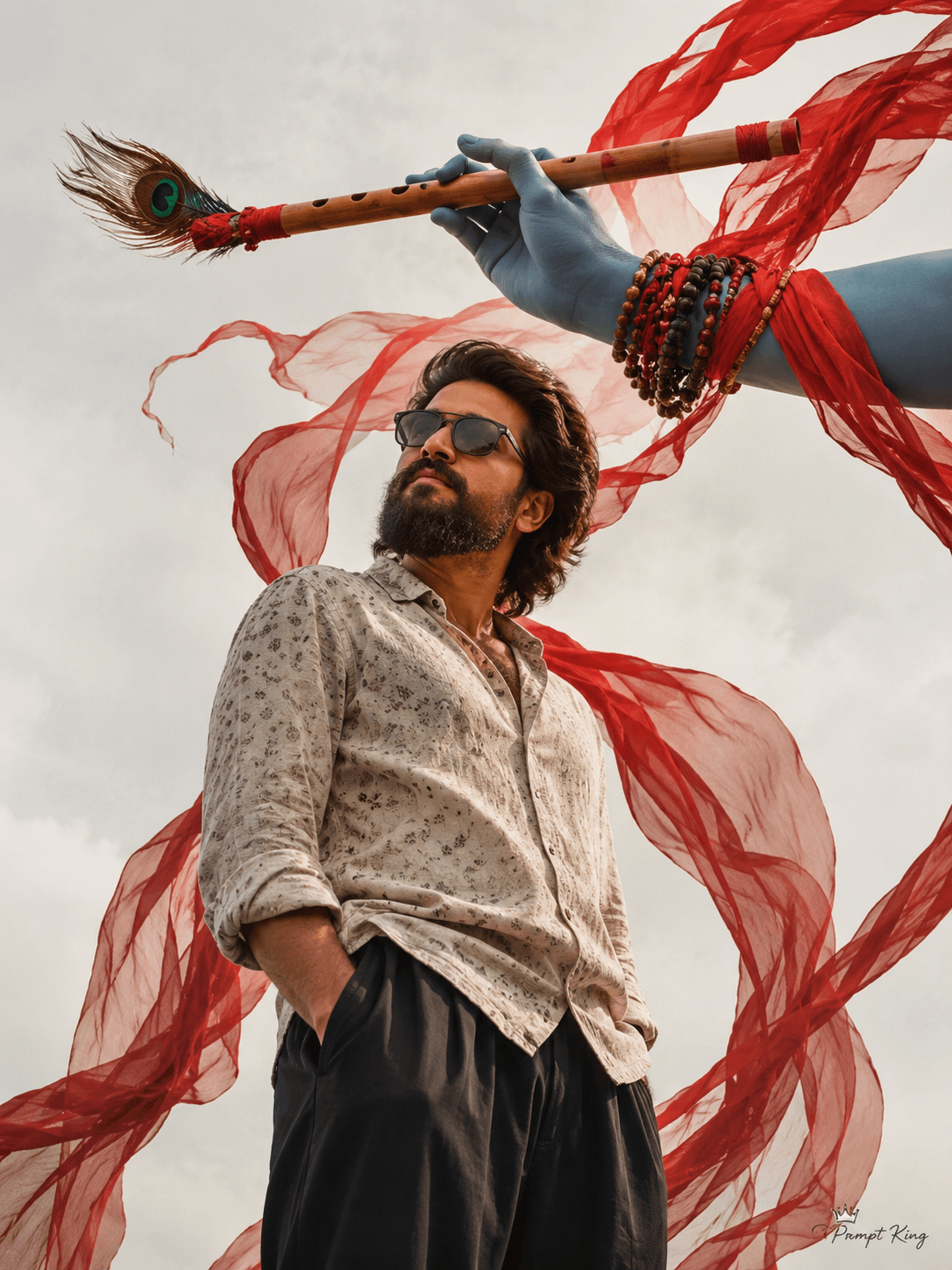
Illustrative style reference. Results will vary by tool, settings and customization.
YOUR IDEA STARTS WITH WORDS
AI Photo Prompt
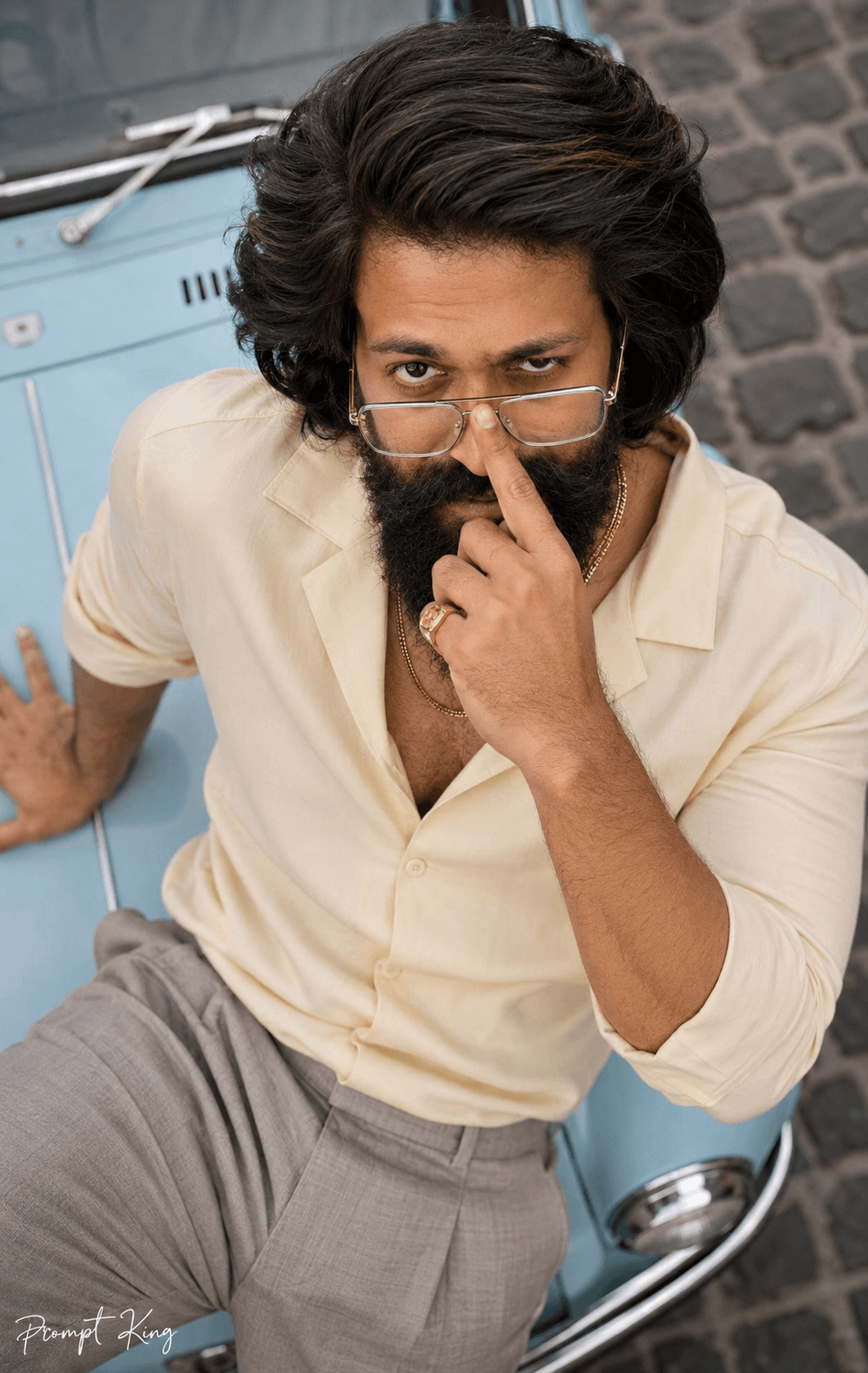
Vertical 9:16, a true photograph, not an illustration or 3D render — a real camera positioned DIRECTLY OVERHEAD, natural foreshortening exactly as that angle truly renders a body. The man from the attached reference leans back on the powder-blue bonnet of a vintage car parked on a cobbled old-town lane, face turned straight up to the lens filling the upper half of the frame, torso and bonnet falling away below. His face carries the exact facial features of the reference — same eye shape, brow line, nose, lips, jawline, beard pattern and hairline — with the expression freed to one caught-red-handed grin up at the camera, one brow arched. The micro-moment: clear-frame spectacles sit lowered halfway down his nose and one index finger rests on the bridge mid-push, eyes looking OVER the frames straight up; his other hand lies palm-flat on the bonnet, fingers relaxed. He wears a butter-cream tencel cuban-collar shirt and stone pleated trousers; layered double gold chains slide slightly toward his collar with gravity, and a gold signet ring sits on the bonnet hand. Discard the reference photo's lighting entirely: the bright overcast noon sky above — behind the camera — is the key, lighting his upturned face evenly and fully with the honest softness of open overcast; a soft shadow tucks beneath the jaw where it meets his collar, and a powder-blue bounce off the bonnet tints the jawline; nothing brighter than that sky could make it. His head sized naturally against his shoulders — head and body in true natural proportion, exactly as a real camera would capture him from above. Ultra-realistic 8K-level detail: pores, stubble, hair flyaways spread against the bonnet's edge, tencel drape and pleat creases rendered by weave, worn cobbles softly defocused far below; one consistent light, subtle film grain, natural imperfections. Color story: powder blue, butter cream, cobblestone grey. A small "Prompt King" signature in left corner
The app button opens its Google Play listing, where available you can open or install it.
About this prompt
Trending
Best for
Trending photo ideas and creative portrait inspiration.
Suggested framing
Use the aspect ratio or framing described in the prompt, then adapt it for your intended platform.
Customization ideas
Adjust the clothing, background, lighting, colors and composition to match your own idea.
How to use
Copy the prompt, adapt it to your idea, and paste it into your preferred compatible AI tool. Follow that tool’s instructions for reference photos.
A few helpful answers.
What type of image does this prompt create?+
In a compatible AI tool, this prompt is intended as a starting point for trending Results depend on the tool, settings and references you use.
Can I customize the clothing or background?+
Yes. Replace the clothing, setting or colors in the prompt with your own choices. Keep descriptions consistent and adjust one detail at a time.
What aspect ratio works best?+
Start with Use the aspect ratio or framing described in the prompt, then adapt it for your intended platform.. A 4:5 ratio works well for a portrait feed post. Adjust the crop for your intended platform and your tool’s available settings.
Does Prompt King generate the image?+
No. Prompt King helps users discover and copy prompts that can be used with compatible AI tools.
Can I use this for social media ideas?+
Yes. Use it as creative inspiration and customize the result for your audience. Use photos you have permission to upload, and check your chosen tool’s terms before publishing.