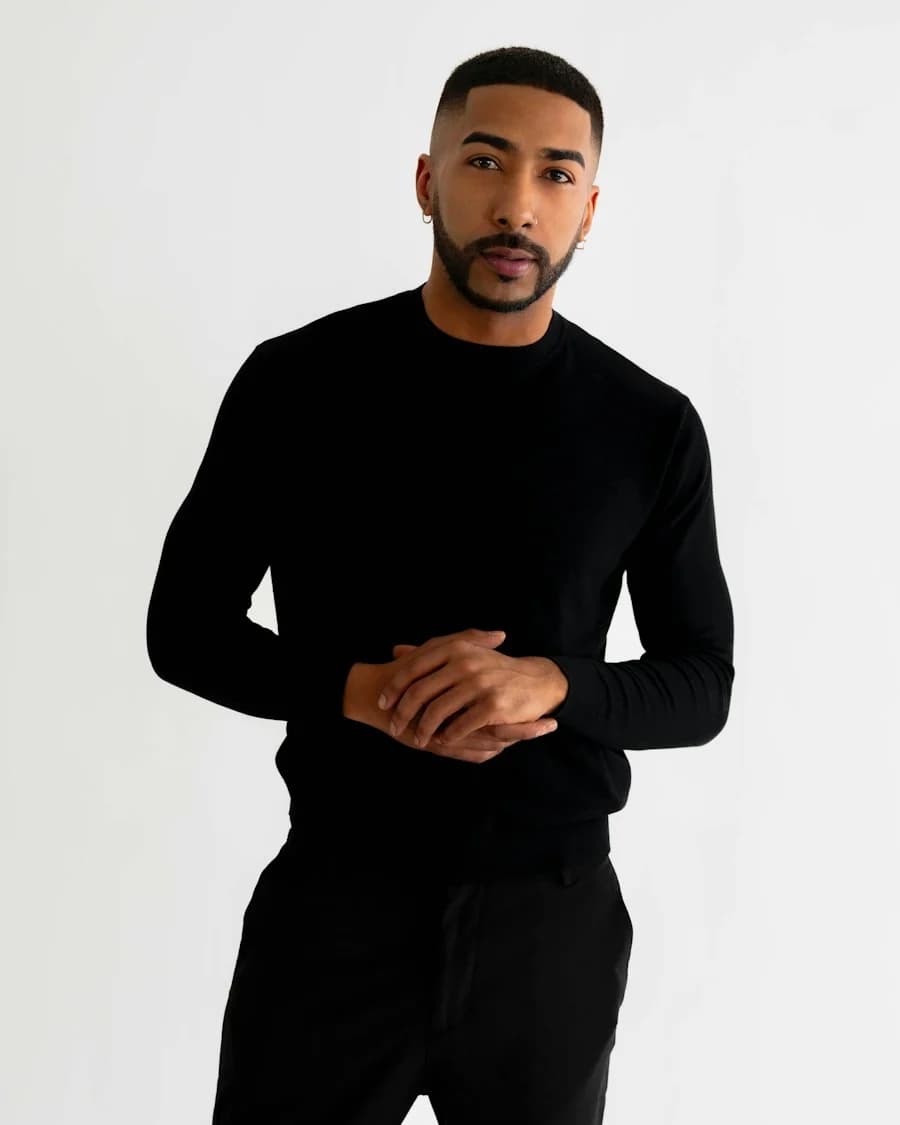
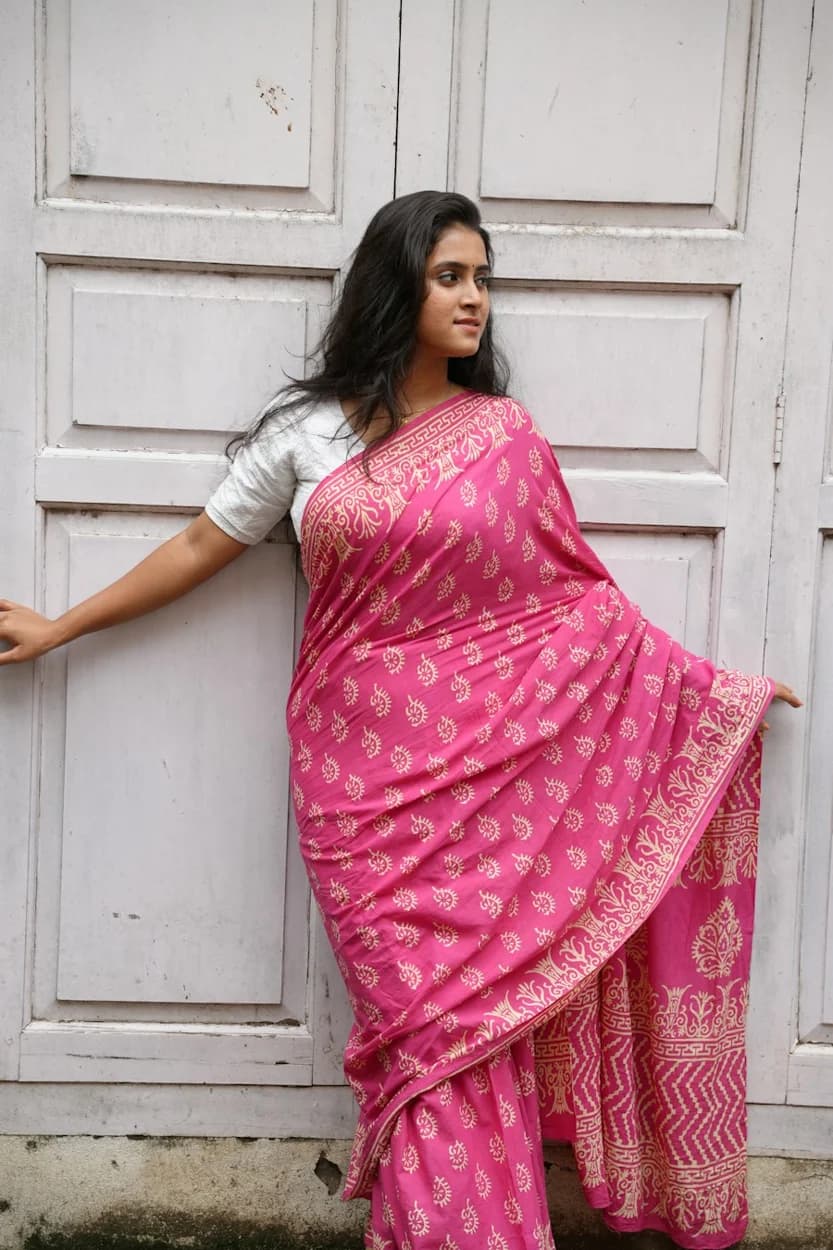
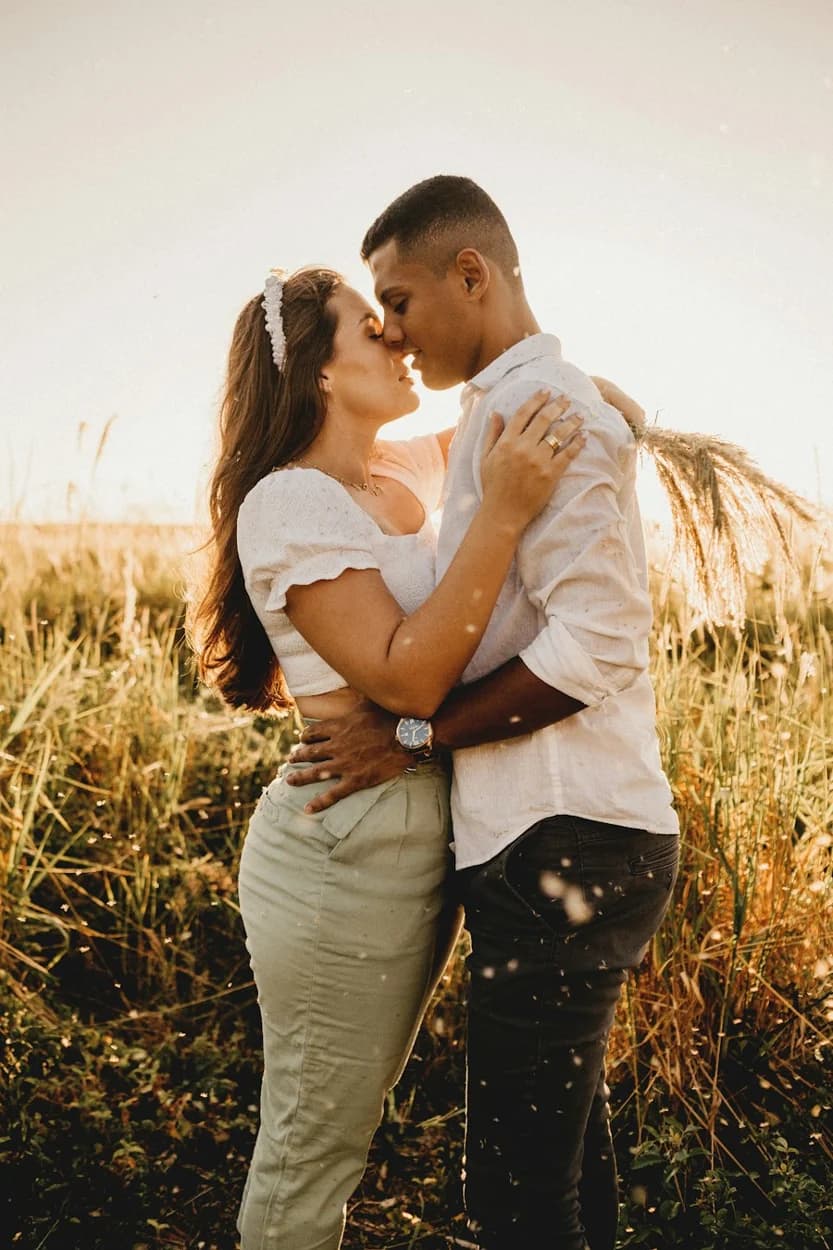
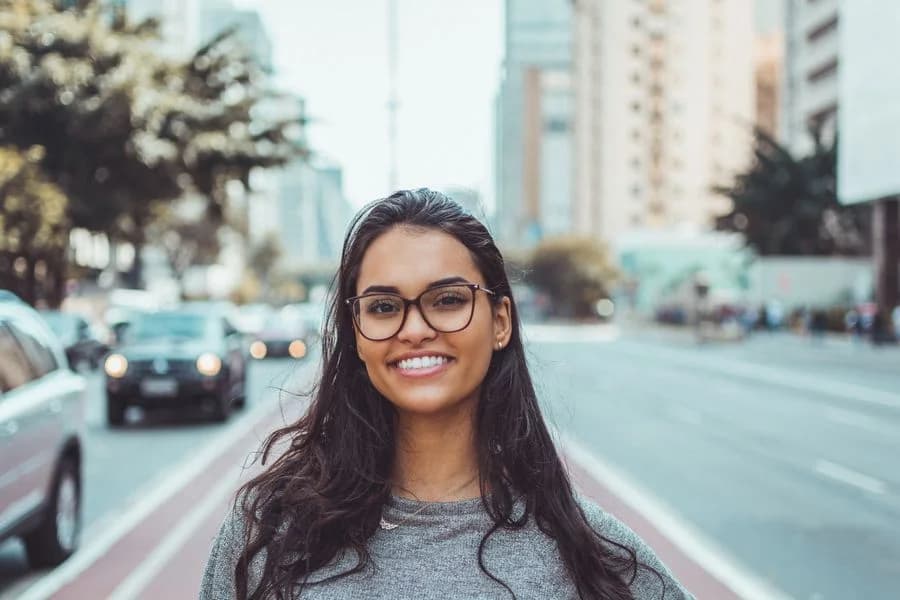
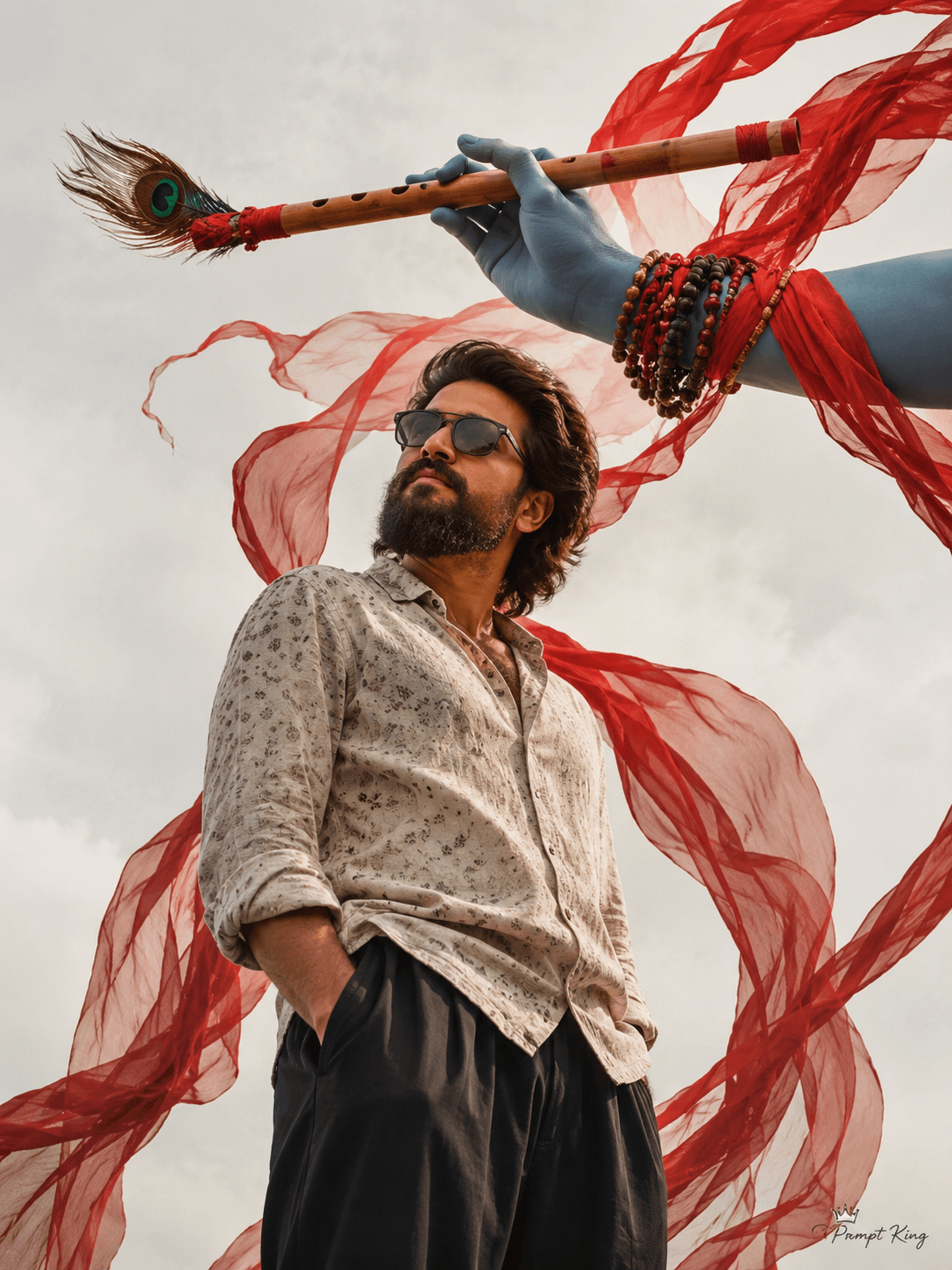
Illustrative style reference. Results will vary by tool, settings and customization.
YOUR IDEA STARTS WITH WORDS
AI Photo Prompt
"title": "Notebook Doodle Portrait - use user photo as face reference",
"source_image": "USER_FACE_PHOTO",
"use_face_reference": true,
"face_reference_instructions": "Keep 100% of user's facial features, skin tone, hair texture and beard. Match head tilt and expression exactly; preserve eyes, nose, mouth proportions.",
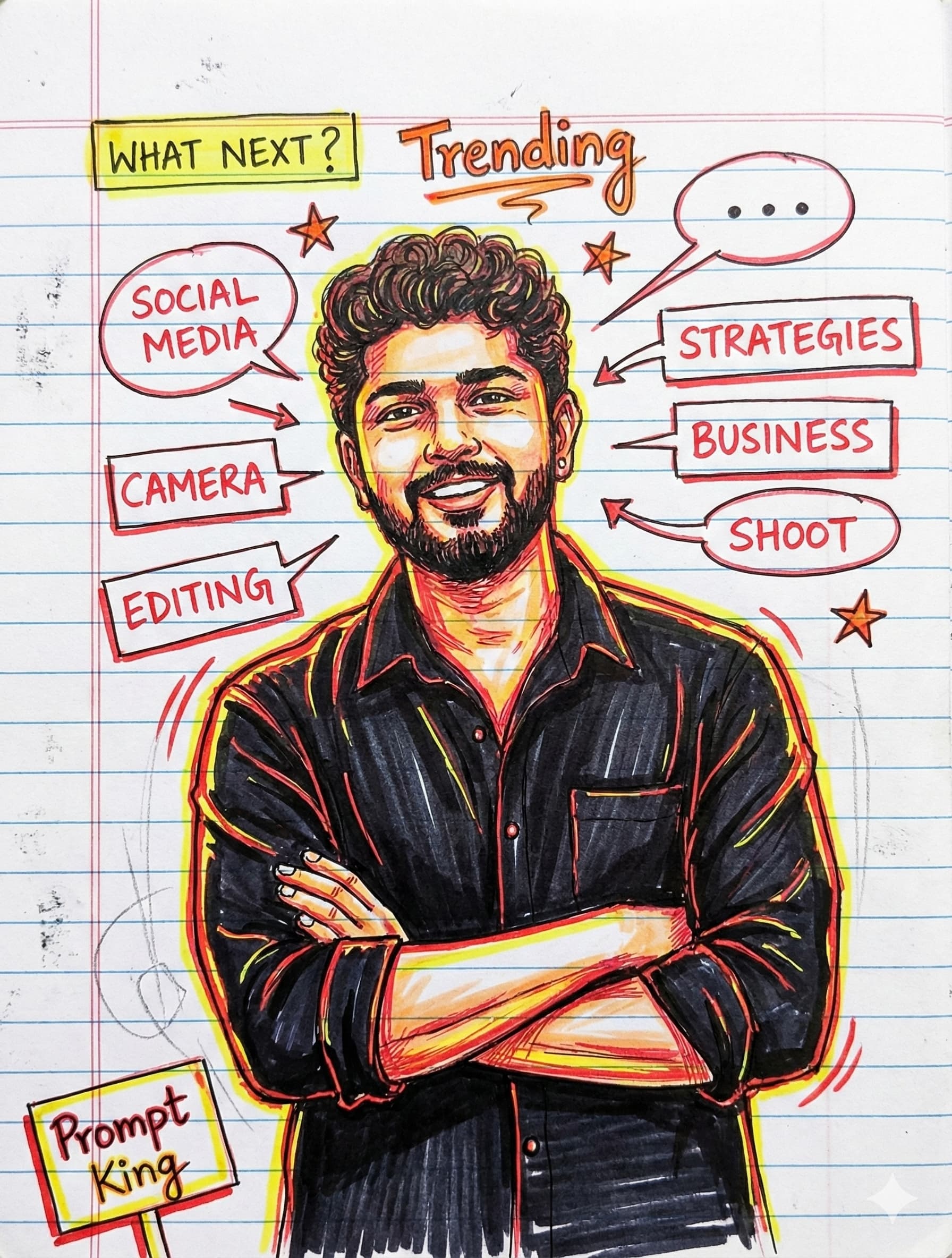
"prompt": "Create a hand-drawn colored sketch portrait of the person from the supplied face photo, centered waist-up with arms crossed
Style: lively marker + pen illustration on lined notebook paper (horizontal pale blue ruled lines, vertical left margin). Keep the subject's curly hair, slight stubble/beard, and warm smiling expression. Clothing: black button-up shirt with visible collar and rolled sleeves; emphasize highlights with yellow and red marker strokes. Lines: confident ink outlines, crosshatching shading, energetic colored accent strokes (red and yellow) creating a neon outline around the figure. Composition: subject occupying middle-right of page, three-quarter body, arms crossed, shoulders relaxed. Surrounding doodles and annotations: multiple speech-bubbles and sketched boxes containing words 'SOCIAL MEDIA', 'CAMERA', 'EDITING', 'STRATEGIES', 'BUSINESS', 'SHOOT' written in casual handwritten red marker; arrows pointing toward figure; small stars, lightning bolts, sketch arrows and chat bubble icons scattered around; a yellow-highlighted box at upper-left reading 'WHAT NEXT?' with red question mark; 'Trending' hand-lettered above head in orange/red. Texture: visible paper grain, slight smudges and marker bleed, 35% opacity pencil construction lines underneath; maintain sketchy, energetic, slightly messy look. Lighting: no realistic 3D lighting — flat illustrative highlights and strokes to suggest form. Color palette: black, red, yellow, warm skin tones, pale blue ruled lines on off-white paper.", small sign: Prompt King yellow red colour.
"negative_prompt": "photorealistic skin texture, studio portrait lighting, full body, background scenery, typography that looks printed or perfect, over-smoothing, unnatural face changes, extra people, watermark",
"size": "2048x2048",
"sampler": "ddim",
"steps": 28,
"cfg_scale": 7.5,
"seed": null
}
A small "Prompt King" signature in left corner
The app button opens its Google Play listing, where available you can open or install it.
About this prompt
Sketch
Best for
Trending photo ideas and creative portrait inspiration.
Suggested framing
Use the aspect ratio or framing described in the prompt, then adapt it for your intended platform.
Customization ideas
Adjust the clothing, background, lighting, colors and composition to match your own idea.
How to use
Copy the prompt, adapt it to your idea, and paste it into your preferred compatible AI tool. Follow that tool’s instructions for reference photos.
A few helpful answers.
What type of image does this prompt create?+
In a compatible AI tool, this prompt is intended as a starting point for sketch Results depend on the tool, settings and references you use.
Can I customize the clothing or background?+
Yes. Replace the clothing, setting or colors in the prompt with your own choices. Keep descriptions consistent and adjust one detail at a time.
What aspect ratio works best?+
Start with Use the aspect ratio or framing described in the prompt, then adapt it for your intended platform.. A 4:5 ratio works well for a portrait feed post. Adjust the crop for your intended platform and your tool’s available settings.
Does Prompt King generate the image?+
No. Prompt King helps users discover and copy prompts that can be used with compatible AI tools.
Can I use this for social media ideas?+
Yes. Use it as creative inspiration and customize the result for your audience. Use photos you have permission to upload, and check your chosen tool’s terms before publishing.