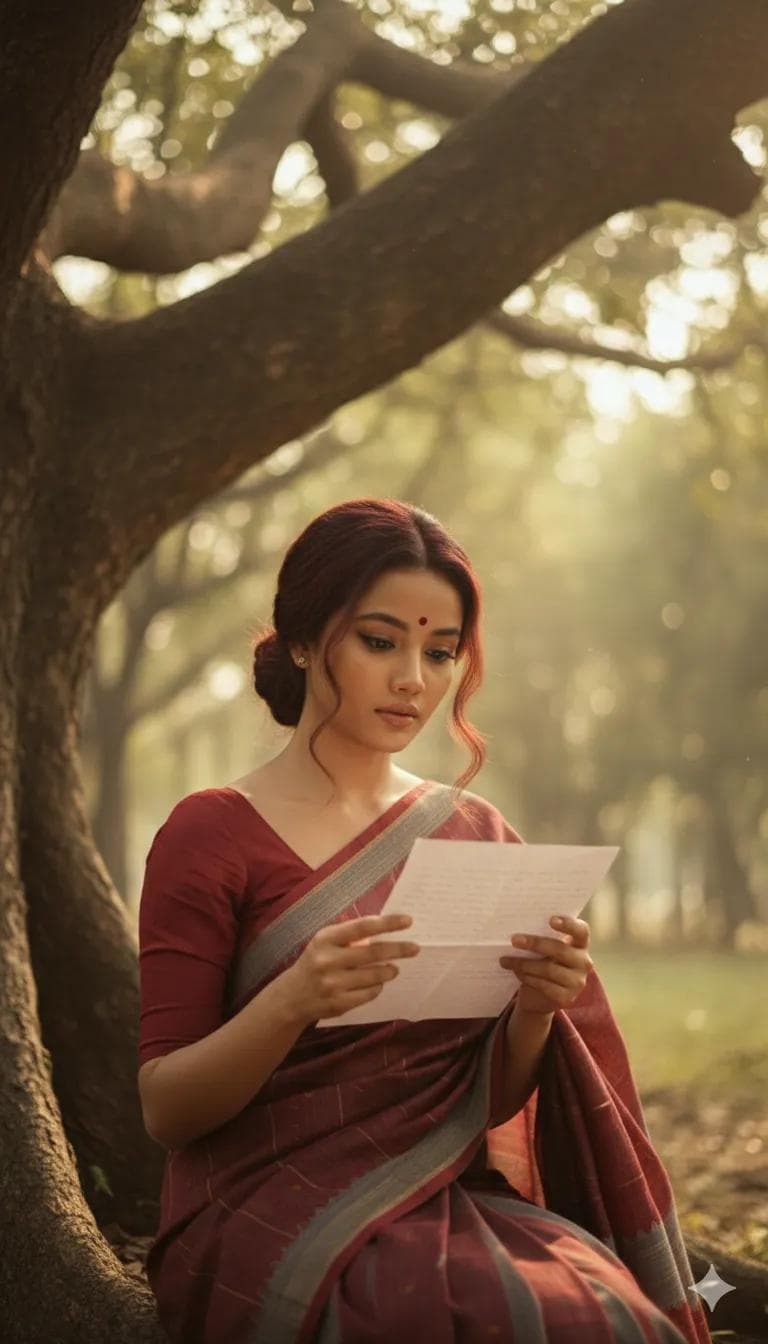
Retro Yellow Saree Portrait on Wooden Swing
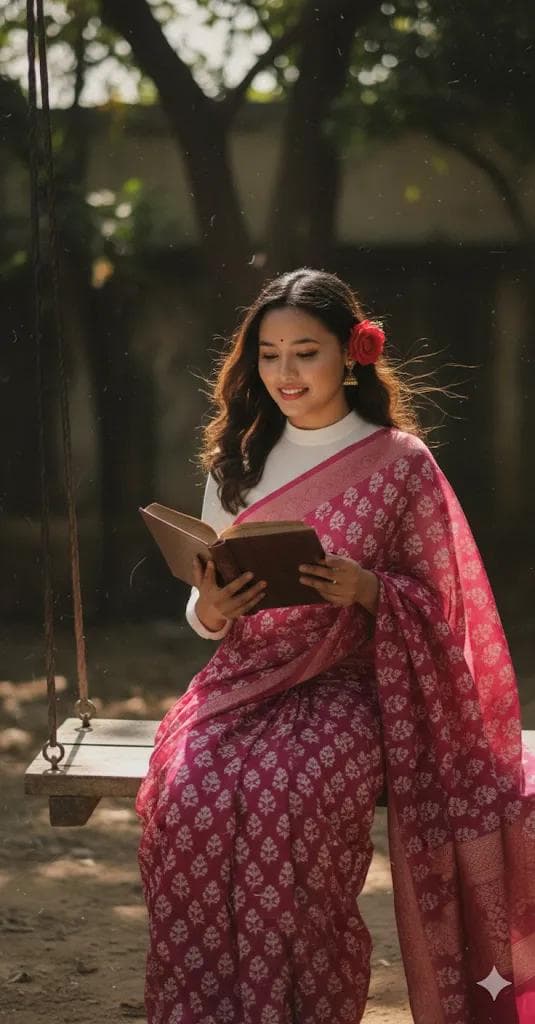
AI Photo Prompt
Want more trending photo prompts? Discover them in the Prompt King Android app on Google Play.
About this prompt
This vintage portrait prompt turns your photo into a grainy yet bright scene that feels lifted from a 1990s Hindi film. The subject wears a yellow saree with fine white chikankari embroidery, paired with a full-sleeve white blouse with a sweetheart neckline. Dark brown hair falls in soft, wavy strands, and a small red rose is tucked into the curls where it stays clearly visible. She sits on a wooden swing reading a book while a gentle breeze moves her hair and the edge of the saree, adding a romantic, unhurried feeling to the frame. Deep shadows and strong contrast give the image a dramatic, cinematic depth, while the visible film grain keeps it from looking too polished or modern. The overall look follows the soft, curated aesthetic popular on mood boards and saree style pages. It suits anyone who wants a nostalgic profile picture, a festive post, or a creative portrait that celebrates handloom textures and classic Indian fashion. For the best likeness, upload a clear, front-facing photo with natural light, and keep the face unobstructed so the features carry over accurately into the retro setting with the swing and warm, windy atmosphere.
Lighting, colour and composition
Bright exposure layered with visible film grain recreates a 1990s cinema look. Butter yellow fabric and crisp white embroidery stand against deep shadows and strong contrast. A breeze lifts the hair and saree edge, while the single red rose adds a small accent of saturated colour within the warm, nostalgic palette.
Ways to make it your own
- Upload a well-lit, front-facing photo so facial features stay accurate under the heavy grain and contrast.
- Mention a seated pose in your reference if possible, since the prompt places the subject on a swing.
- Ask for slightly softer contrast if the shadows hide too much of the chikankari embroidery detail.
Best for
Vintage Retro photo ideas and creative portrait inspiration.
Suggested framing
Use the aspect ratio or framing described in the prompt, then adapt it for your intended platform.
Customization ideas
Adjust the clothing, background, lighting, colors and composition to match your own idea.
How to use
Copy the prompt, adapt it to your idea, and paste it into your preferred compatible AI tool. Follow that tool’s instructions for reference photos.
A few helpful answers.
What type of image does this prompt create?
In a compatible AI tool, this prompt is intended as a starting point for this vintage portrait prompt turns your photo into a grainy yet bright scene that feels lifted from a 1990s Hindi film. The subject wears a yellow saree with fine white chikankari embroidery, paired with a full-sleeve white blouse with a sweetheart neckline. Dark brown hair falls in soft, wavy strands, and a small red rose is tucked into the curls where it stays clearly visible. She sits on a wooden swing reading a book while a gentle breeze moves her hair and the edge of the saree, adding a romantic, unhurried feeling to the frame. Deep shadows and strong contrast give the image a dramatic, cinematic depth, while the visible film grain keeps it from looking too polished or modern. The overall look follows the soft, curated aesthetic popular on mood boards and saree style pages. It suits anyone who wants a nostalgic profile picture, a festive post, or a creative portrait that celebrates handloom textures and classic Indian fashion. For the best likeness, upload a clear, front-facing photo with natural light, and keep the face unobstructed so the features carry over accurately into the retro setting with the swing and warm, windy atmosphere. Results depend on the tool, settings and references you use.
Can I customize the clothing or background?
Yes. Replace the clothing, setting or colors in the prompt with your own choices. Keep descriptions consistent and adjust one detail at a time.
What aspect ratio works best?
Start with Use the aspect ratio or framing described in the prompt, then adapt it for your intended platform.. A 4:5 ratio works well for a portrait feed post. Adjust the crop for your intended platform and your tool’s available settings.
Does Prompt King generate the image?
No. Prompt King helps users discover and copy prompts that can be used with compatible AI tools.
Can I use this for social media ideas?
Yes. Use it as creative inspiration and customize the result for your audience. Use photos you have permission to upload, and check your chosen tool’s terms before publishing.