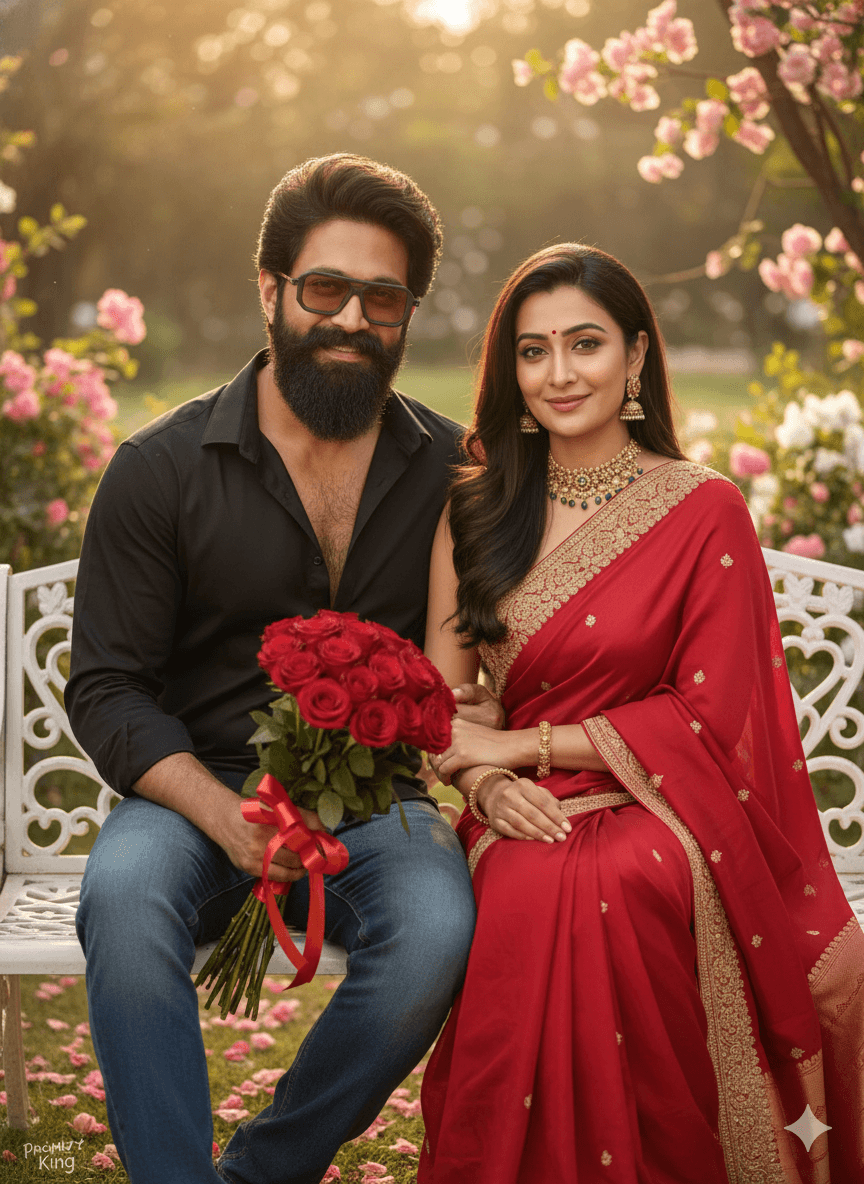
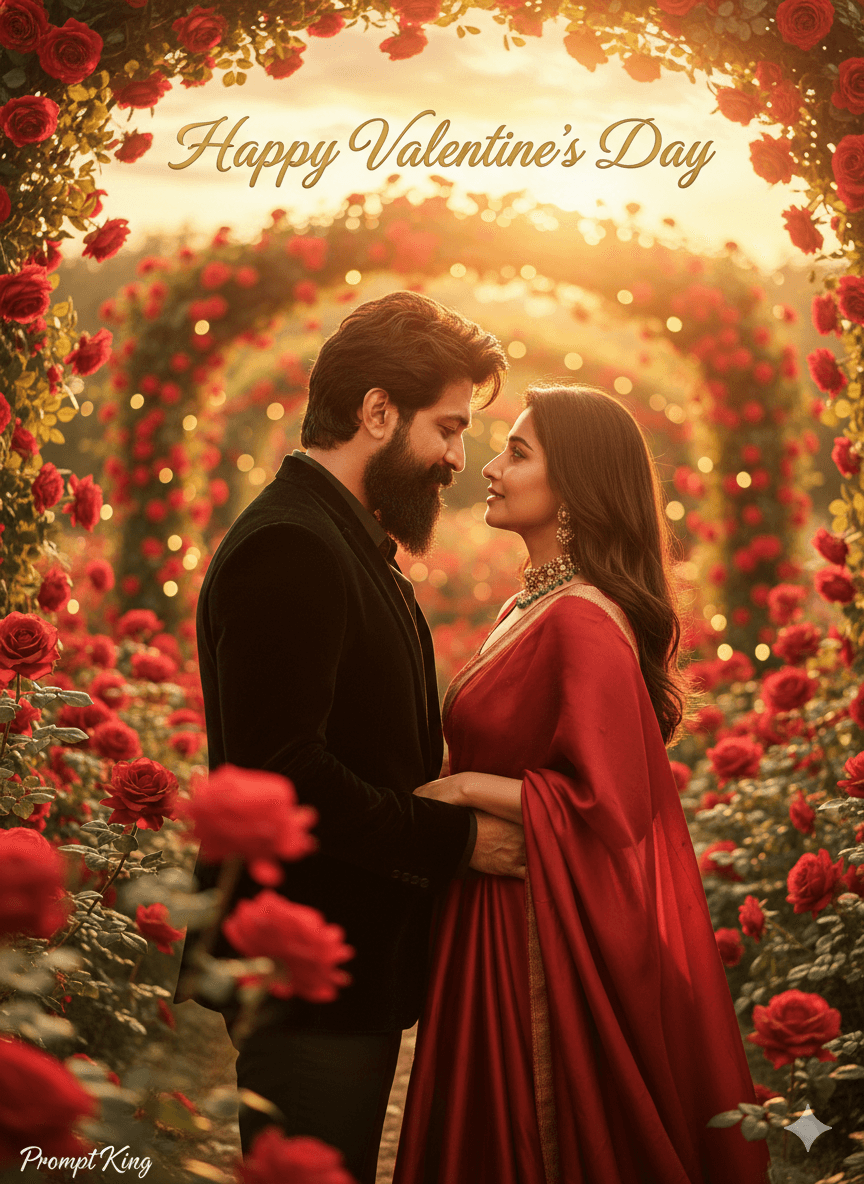
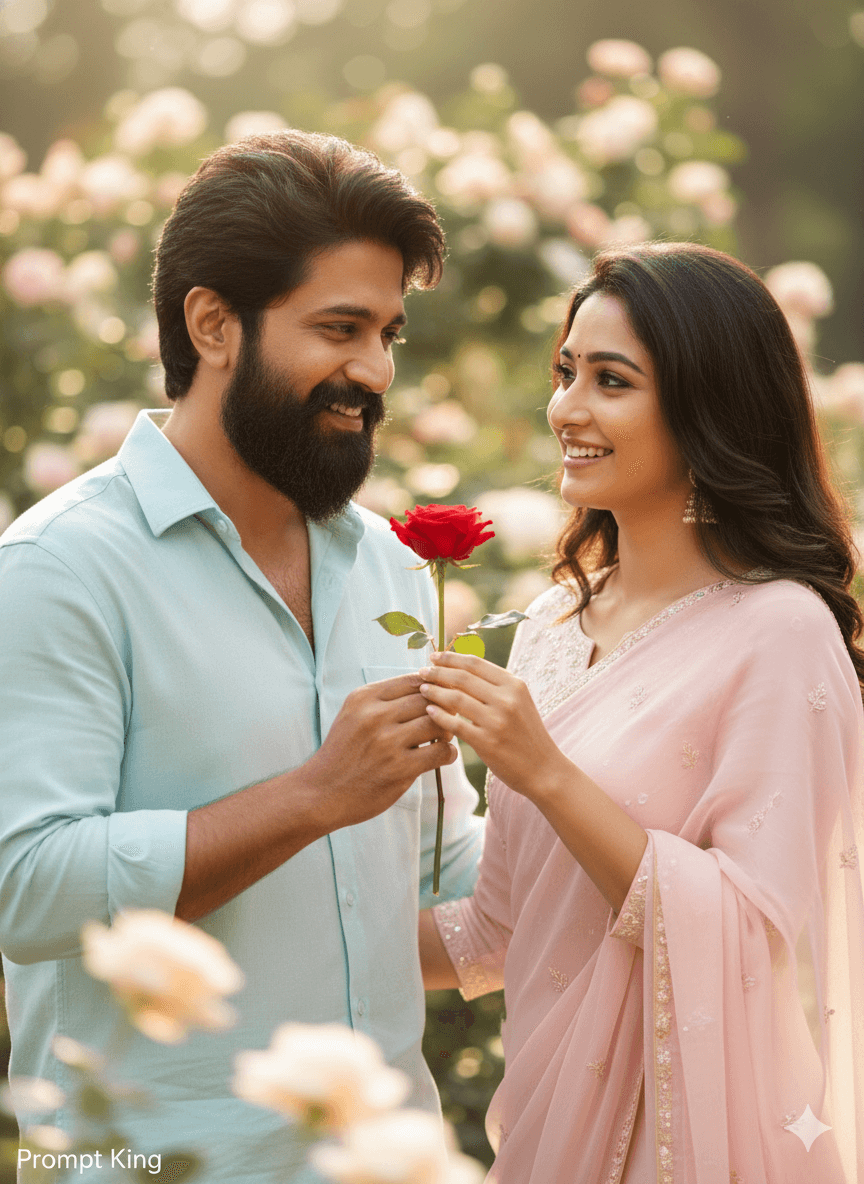
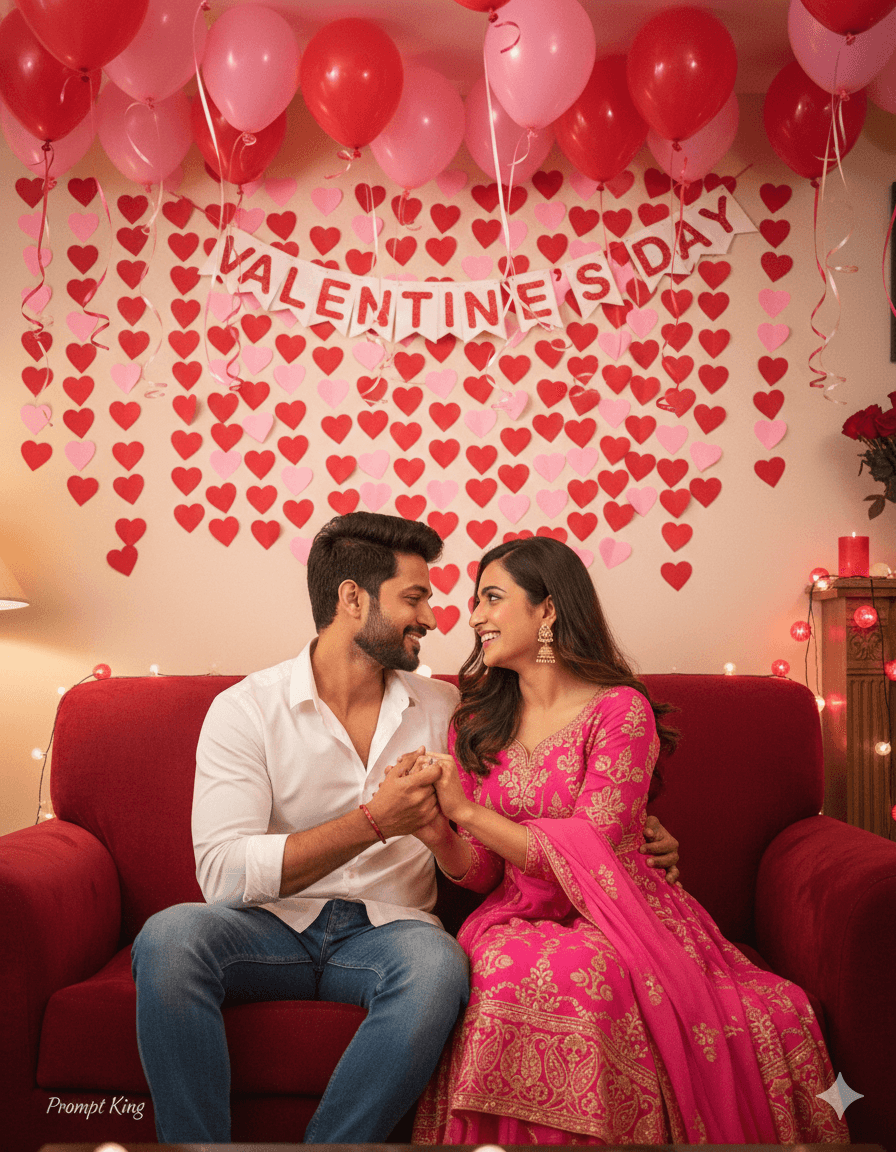
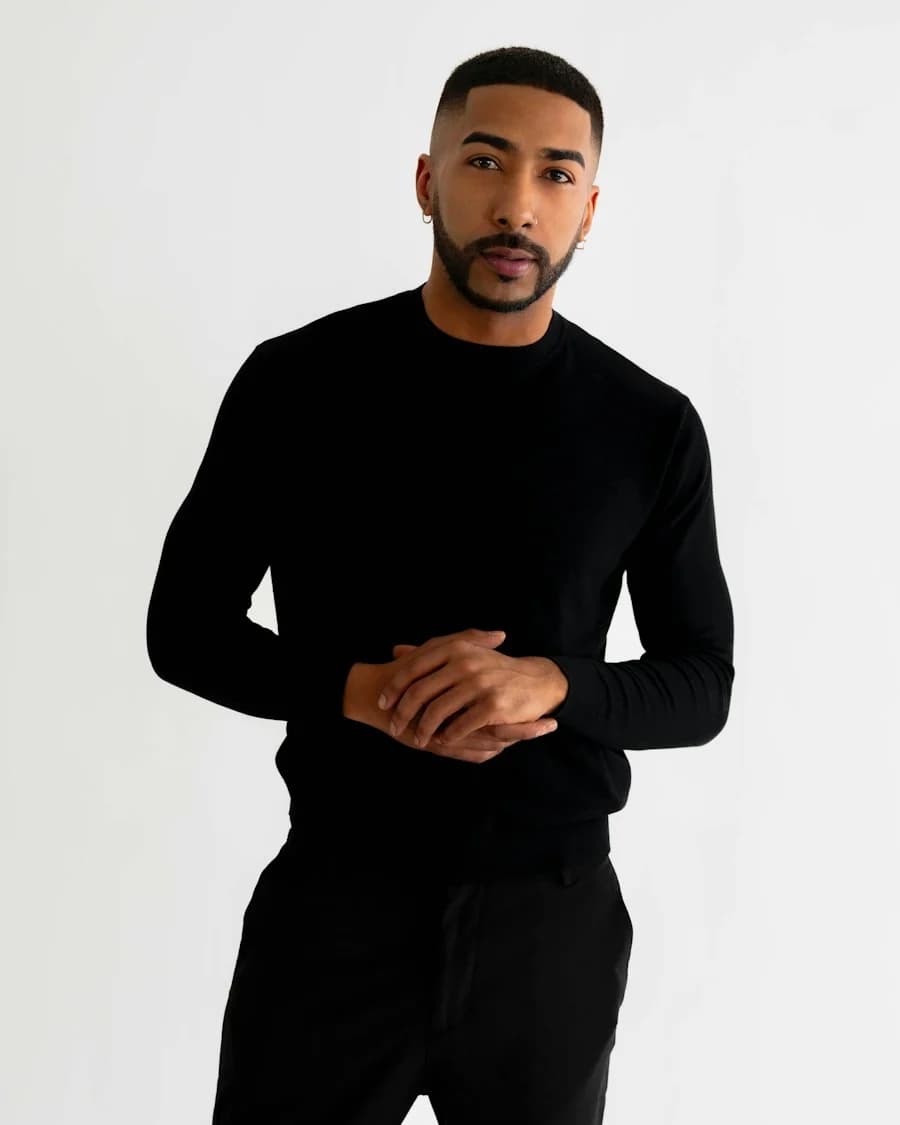
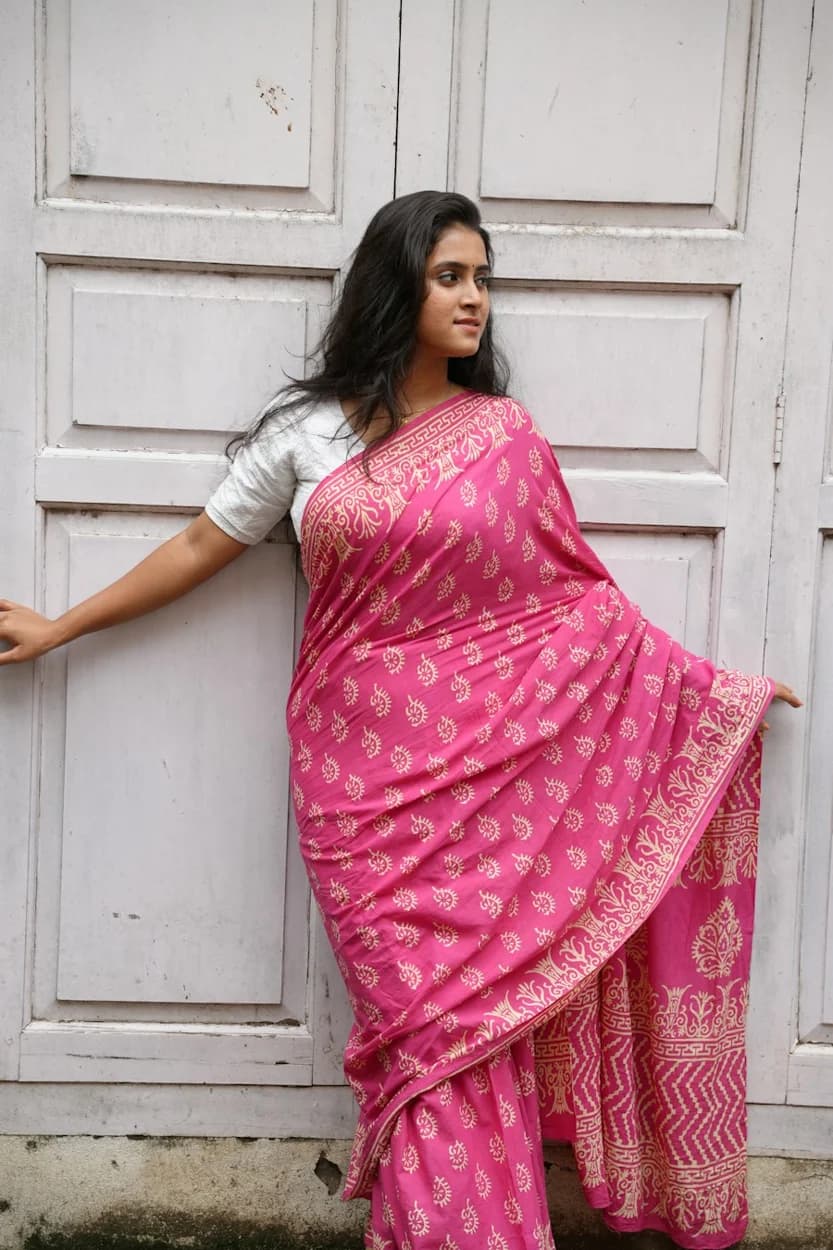
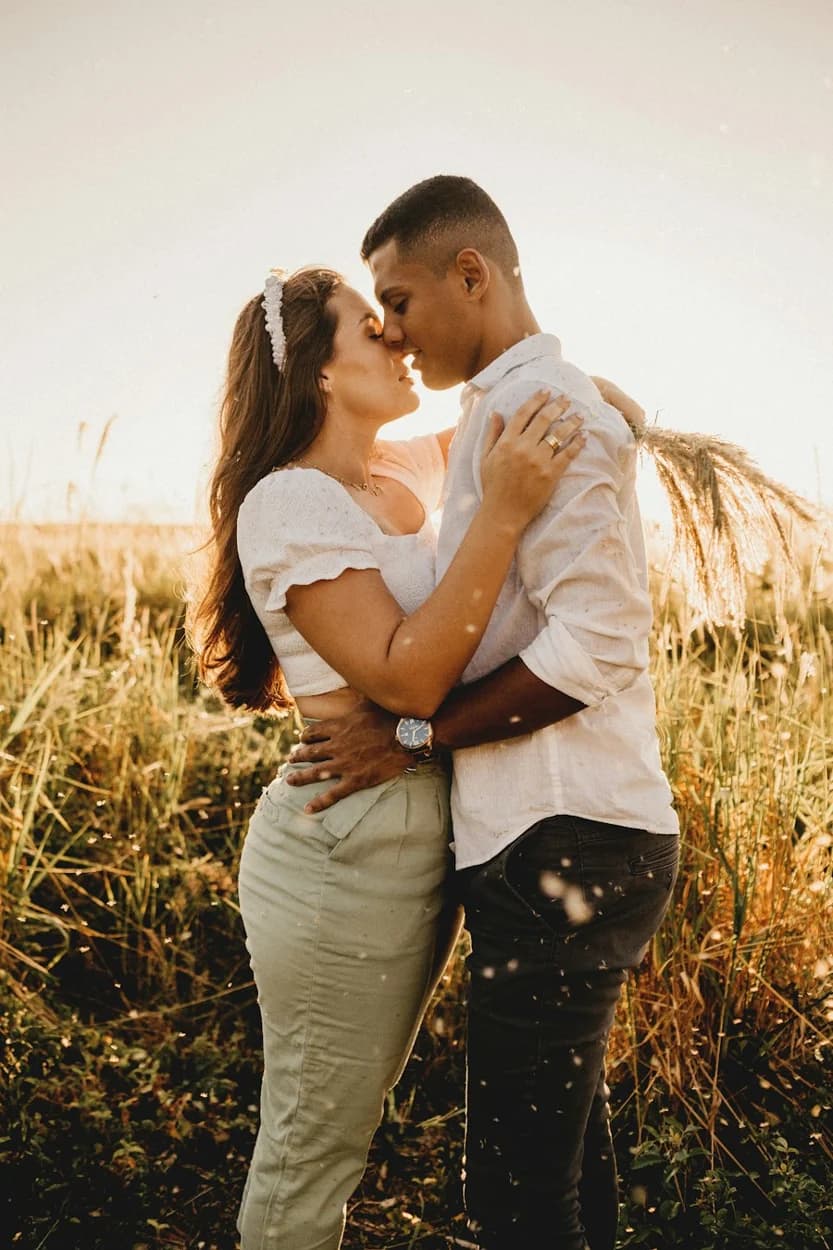
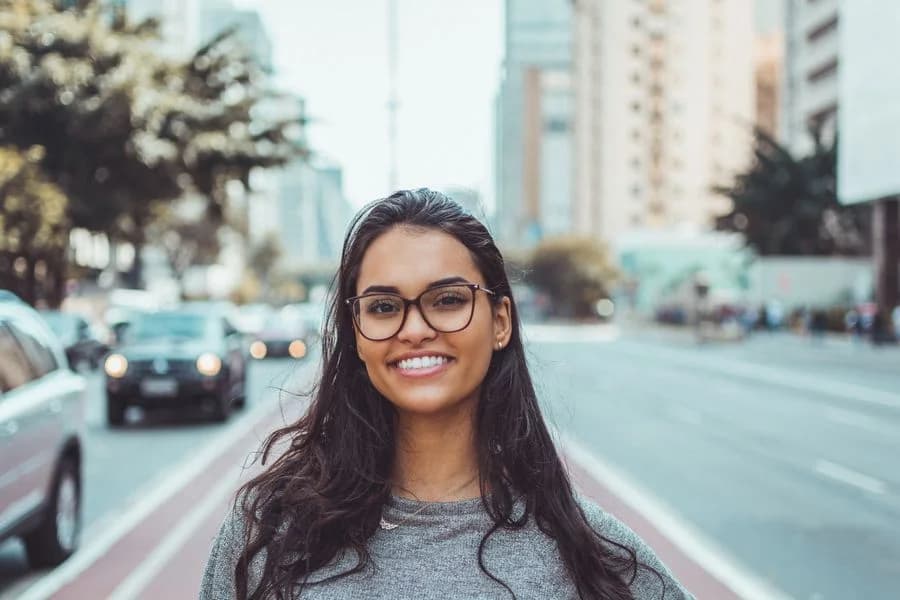
Illustrative style reference. Results will vary by tool, settings and customization.
YOUR IDEA STARTS WITH WORDS
AI Photo Prompt
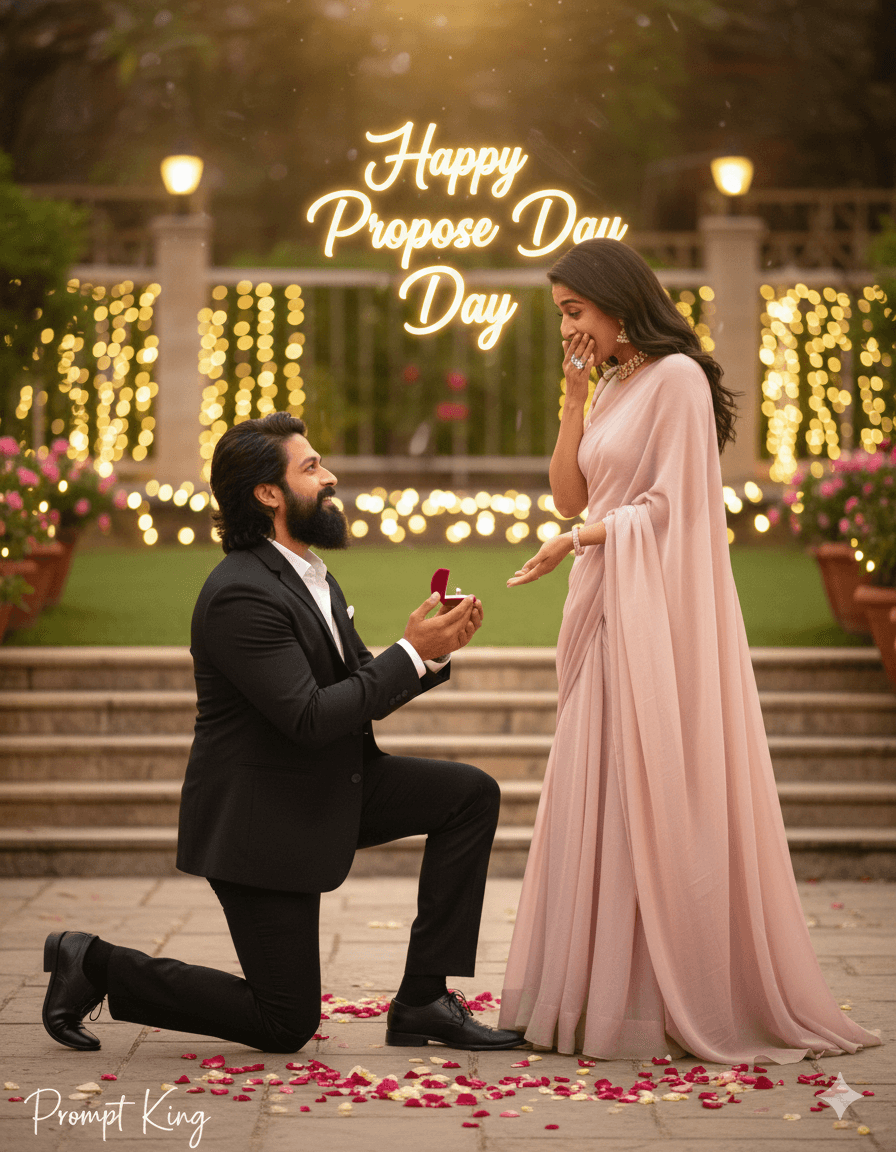
IMPORTANT — FACE LOCK (STRICT) Use the uploaded reference image as the only facial reference. Do NOT change, beautify, regenerate, smooth, or enhance the face. Exact same eyes, nose, lips, jawline, skin tone, beard/hairline, age, pores, asymmetry. 100% identity match required. SCENE DESCRIPTION Create an ultra-realistic cinematic Propose Day moment with a soft romantic evening atmosphere. PROPOSAL POSE (STYLE 1) Man kneeling on one knee Ring box opened, held slightly forward Head slightly tilted up, emotional but confident expression Woman standing close, one hand covering mouth, other hand extended Natural surprise and happiness OUTFIT Man: classic black blazer, white shirt, dark trousers Woman: elegant light-colored flowing dress Real fabric texture, no shine overload BACKGROUND Garden / terrace with fairy lights Roses scattered lightly on ground Background blurred with warm bokeh TEXT ELEMENT “Happy Propose Day” written in elegant cursive Positioned softly in the background lights Romantic glow, not overpowering LIGHTING & CAMERA Golden-hour soft lighting Gentle highlights on face DSLR cinematic photography, shallow depth of field QUALITY Ultra-HD, 8K realism Sharp face clarity Natural skin texture, zero plastic look TEXT / SIGNATURE Add “Prompt King” at the bottom-left corner, handwritten signature-style typography, thin cursive strokes, small size, subtle premium elegance, white or soft off-white color. ASPECT RATIO • 3:4 vertical NEGATIVE PROMPT face change, AI face, cartoon, anime, blur, smooth skin, extra fingers, watermark, logo
The app button opens its Google Play listing, where available you can open or install it.
About this prompt
Propose Day
Best for
Valentine's day photo ideas and creative portrait inspiration.
Suggested framing
Use the aspect ratio or framing described in the prompt, then adapt it for your intended platform.
Customization ideas
Adjust the clothing, background, lighting, colors and composition to match your own idea.
How to use
Copy the prompt, adapt it to your idea, and paste it into your preferred compatible AI tool. Follow that tool’s instructions for reference photos.
A few helpful answers.
What type of image does this prompt create?+
In a compatible AI tool, this prompt is intended as a starting point for propose Day Results depend on the tool, settings and references you use.
Can I customize the clothing or background?+
Yes. Replace the clothing, setting or colors in the prompt with your own choices. Keep descriptions consistent and adjust one detail at a time.
What aspect ratio works best?+
Start with Use the aspect ratio or framing described in the prompt, then adapt it for your intended platform.. A 4:5 ratio works well for a portrait feed post. Adjust the crop for your intended platform and your tool’s available settings.
Does Prompt King generate the image?+
No. Prompt King helps users discover and copy prompts that can be used with compatible AI tools.
Can I use this for social media ideas?+
Yes. Use it as creative inspiration and customize the result for your audience. Use photos you have permission to upload, and check your chosen tool’s terms before publishing.